1. How do I give a benefit-in-kind to a person as a one-off?

 1:48
"How do I give a fringe benefit to a person as a one-time?"
When your company pays for a benefit that a person uses outside of work, it's considered a "Fringe benefit". In some cases, you may want to set it up as only a one-time "Fringe benefit", so it's added to the person's paystub only once.
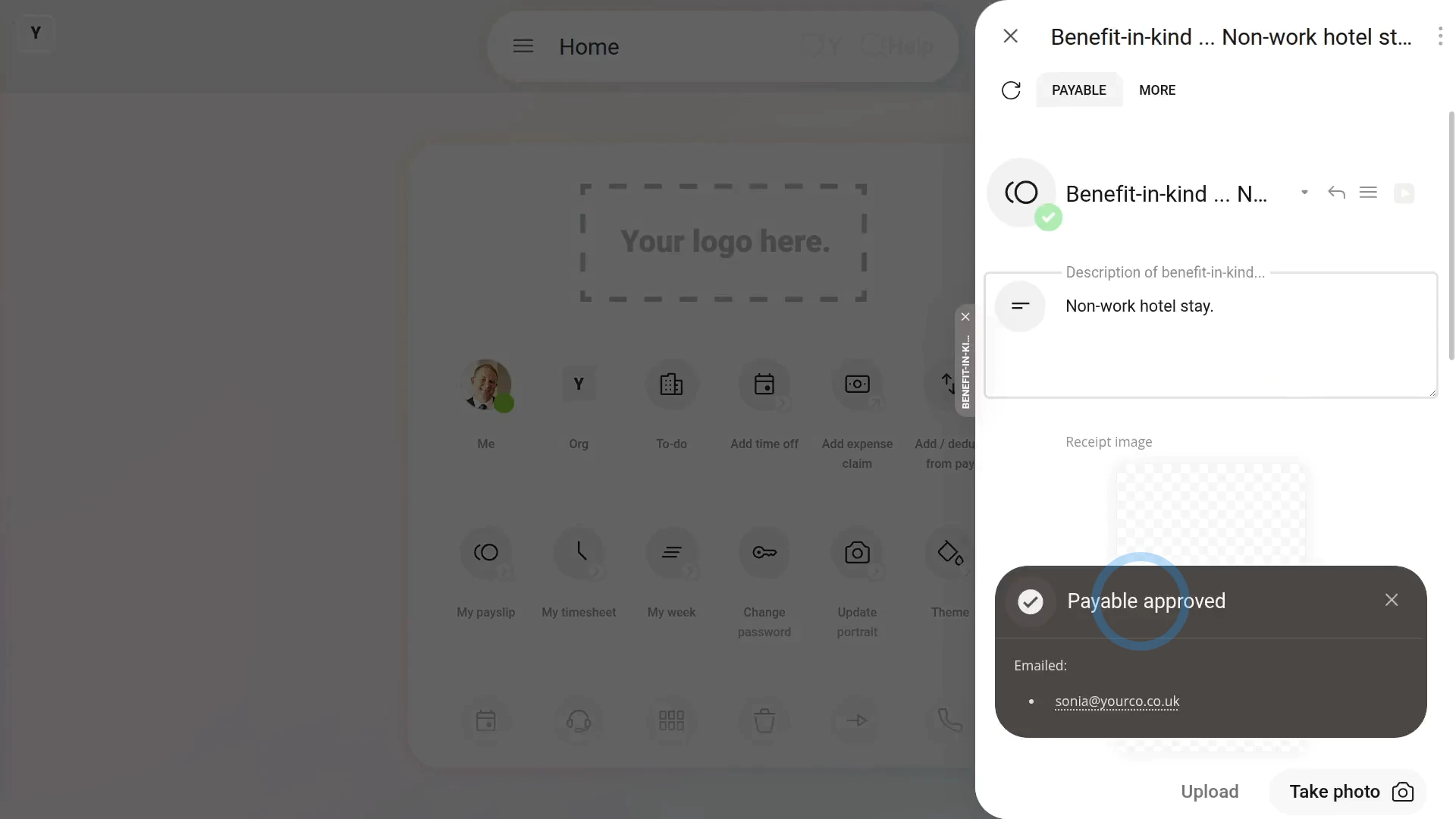
To give a person a one-time "Fringe benefit":
- First, tap: "Menu", then "Add / deduct from pay"
- Select: Fringe benefit
- Then select: One-time
- Select the person who's getting the one-time: "Fringe benefit"
- You can attach an image, like a receipt, or tap: Skip image
- Then decide from the fringe benefit suggestions, or tap "type directly" (at the top) to type in your own short description of the one-time fringe benefit, and tap: Next
- Then type in how much the "Fringe benefit" is worth, and tap: Next
- And when it's a payroll admin who's entering it, the expense is automatically approved.
- And finally, when you hover your mouse over the "Fringe benefit" amount, you'll see the details.

Also remember that:
- A "Fringe benefit" increases the person's tax, and doesn't increase the person's in-the-hand pay.
- However, the person still gains by receiving the non-cash benefit.
To learn more:
- About how to add a "Fringe benefit" that's added to the person's paystub every payday, watch the video on: Repeating fringe benefit
 Repeating fringe benefit
And that's it! That's all you need to do to give a person a one-time fringe benefit!
www.1st.money/help/Expenses/Benefits-in-kind/1._How_do_I_give_a_benefit-in-kind_to_a_person_as_a_one-off