2. If a company buys an asset from an employee, how's it recorded?

 2:05
"If a company buys an asset from an employee, how's it recorded?"
When the company buys an asset from an employee, the buying price of the asset is tax-free.
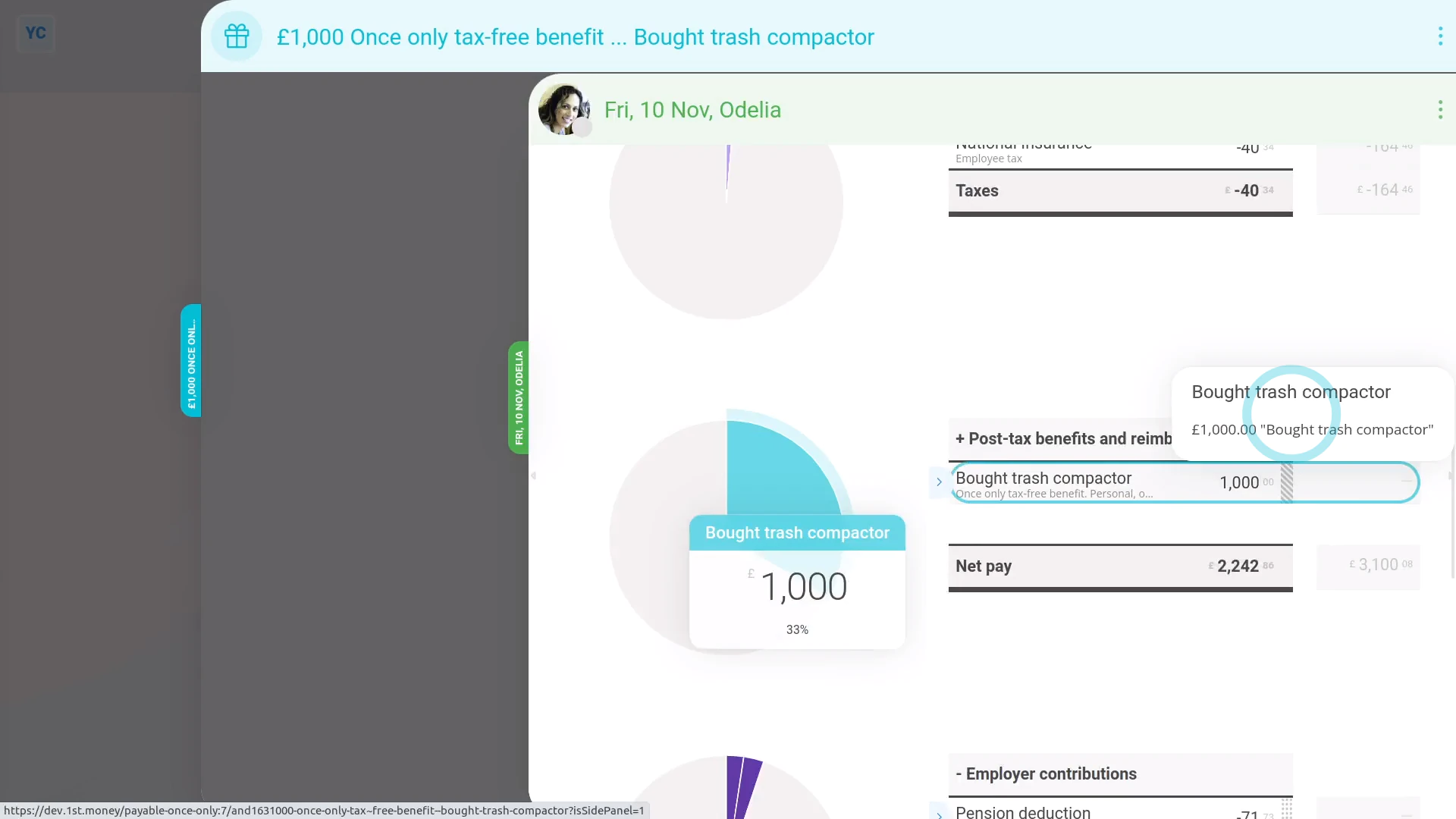
To record buying an asset from an employee:
- First, tap: "Menu", then "Add / deduct from pay"
- Next, tap: Add to pay
- Then select: One-time
- Select the person who the company is buying the asset from.
- Then tap: One-time tax-free benefit
- You can attach an image, like a sale agreement, or tap: Skip image
- Type in how much the asset is worth when you're buying it from the employee, and tap: Next
- Since it's a payroll admin who's entering it, the expense is automatically approved, and you'll be taken to the row in the paystub.
- If you'd like to add a short description of the asset the company's buying, tap its "Edit" button:
- Then type a short description of the asset.
- And tap: Save
- And you'll now see the description appearing on the paystub.
- And when you hover your mouse over the "Once only tax-free benefit" amount, you'll see the details.
- And finally, you'll know that the asset's value is being correctly paid to the employee, free of tax.

Keep in mind that:
- If the company buys an asset from an employee for more than it's market value, the amount over the market value is taxable.
- To record it, still do the steps above, to record the amount up to the market value.
- And then also add a "One-time taxable benefit" expense for the amount over the market value.
And that's it! That's everything you need to know about buying an asset from an employee!
www.1st.money/help/Expenses/Cat._A._Assets_transferred/2._If_a_company_buys_an_asset_from_an_employee,_how's_it_recorded