3. How do I set the start and end dates on a repeat payable?
 2:10
"How do I set the start and end dates on a repeat payable?"
Sometimes, you may want to set the start or end dates for a repeat payable's payments to only be paid between.
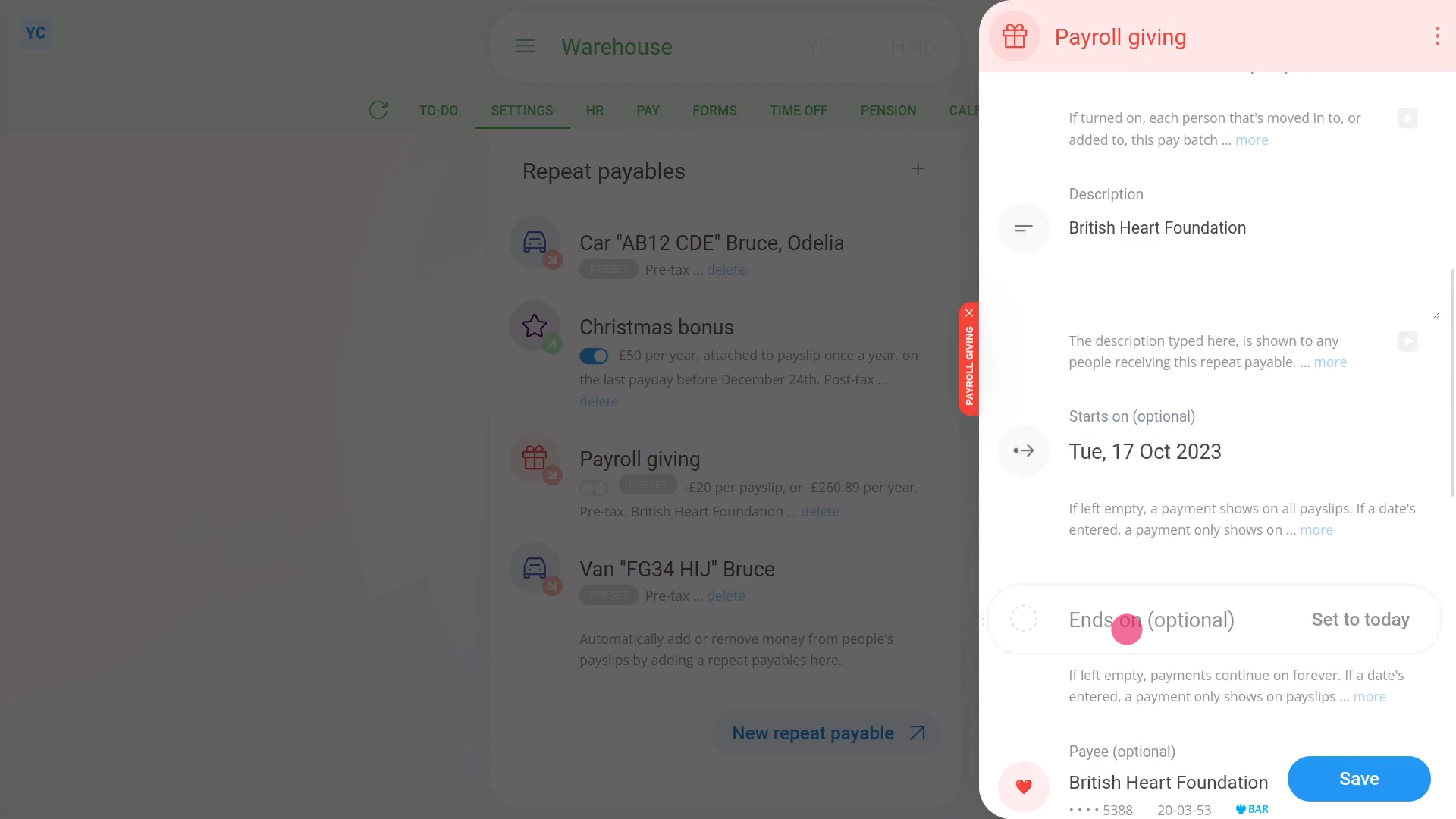
To set start or end dates for a repeat payable:
- First, select the person or payroll group on: "Menu", then "Payroll groups"
- Then tap: "Settings", then "Payroll group settings"
- Then scroll right down to "Repeat payables" and find the one you'd like to set the start or end dates for.
- Once it slides out on the right, look for the "Advanced" heading.
- And pick your date for "Starts on" and then your date for "Ends on".
- Then tap: Save
- To see the change on a person's paystub, open it again, scroll to the bottom, and tap one of the people getting it.
- Then on the repeat payable, tap the "see on paystub" link.
- If the repeat payable isn't showing on the paystub, check the "pay period" dates under the heading.
- In some cases, depending on the start date, you may have to tap through to the next paystub to see it.
- And finally, once it's showing, if you hover your mouse over the amount, you'll see a breakdown of the calculations.

You may notice:
- The start or end can be set to any date that at least covers some part of the pay period's dates.
- However, if it's fully outside the pay period, then that repeat payable won't be included in that paystub.
Keep in mind that:
- You don't have to set both start and end dates.
- If you only set a start date, or only set an end date, it still works fine.
- If you set neither a start nor end date, then the repeat payable appears on all paystubs, from now on, until it's deleted.
And that's it! That's everything you need to know about setting a start or end date for repeat payables!
2. How do I delete or un-delete a repeat payable4. How do I set the amount time frame of a repeat payable
www.1st.money/help/Expenses/Repeat_payables/3._How_do_I_set_the_start_and_end_dates_on_a_repeat_payable