1. How do I give a benefit-in-kind to a person as a one-off?
 1:47
"How do I give a benefit-in-kind to a person as a one-off?"
When your company pays for a benefit that a person uses outside of work, it's considered a "Benefit-in-kind". In some cases, you may want to set it up as only a one-off "Benefit-in-kind", so it's added to the person's payslip only once.
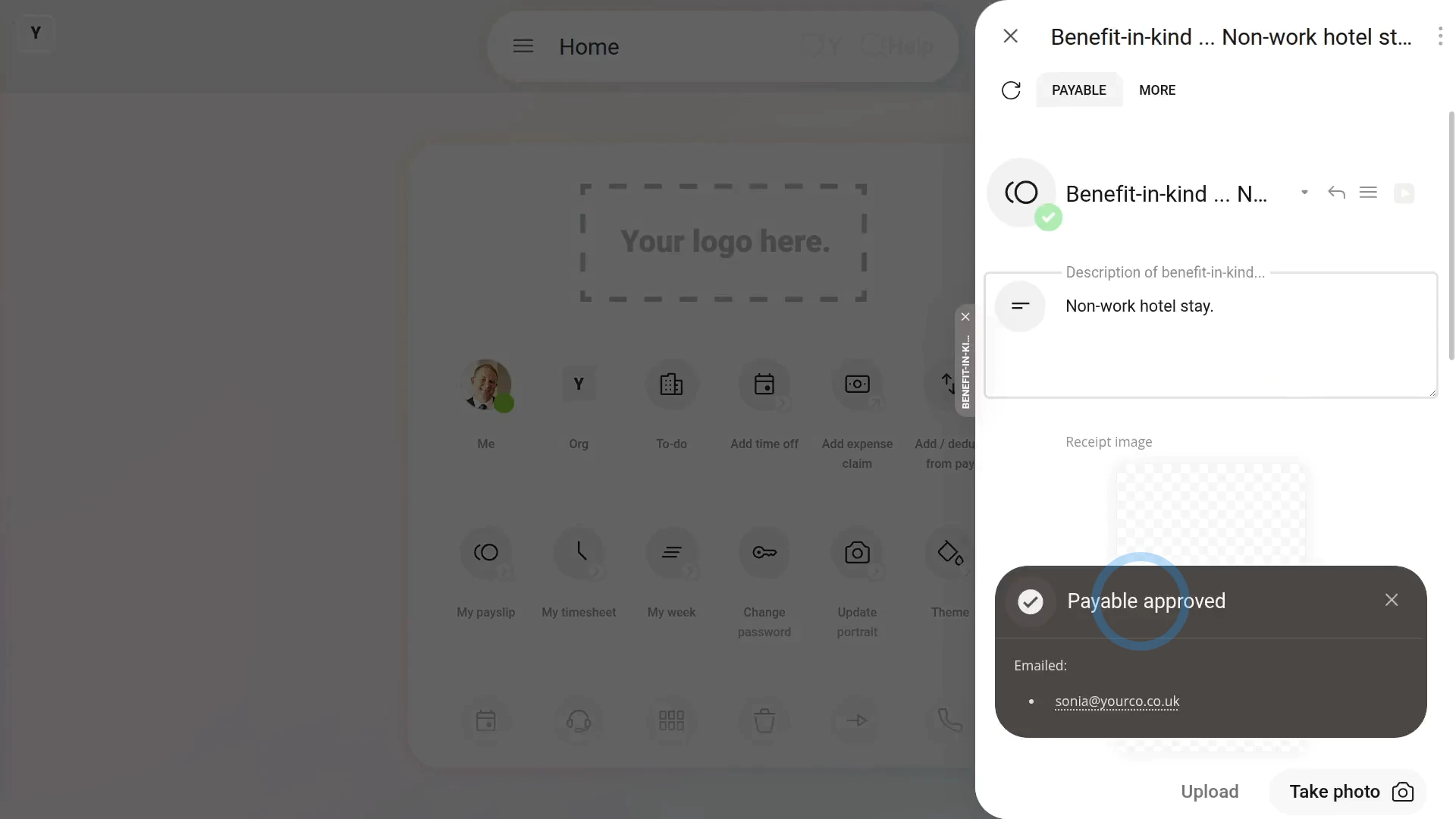
To give a person a one-off "Benefit-in-kind":
- First, tap: "Menu", then "Add / deduct from pay"
- Select: Benefit-in-kind
- Then select: One-off
- Select the person who's getting the one-off: "Benefit-in-kind"
- You can attach an image, like a receipt, or tap: Skip image
- Then decide from the benefit-in-kind suggestions, or tap "type directly" (at the top) to type in your own short description of the one-off benefit-in-kind, and tap: Next
- Then type in how much the "Benefit-in-kind" is worth, and tap: Next
- And when it's a payroll admin who's entering it, the expense is automatically approved.
- And finally, when you hover your mouse over the "Benefit-in-kind" amount, you'll see the details.

Also remember that:
- A "Benefit-in-kind" increases the person's tax, and doesn't increase the person's in-the-hand pay.
- However, the person still gains by receiving the non-cash benefit.
To learn more:
- About how to add a "Benefit-in-kind" that's added to the person's payslip every payday, watch the video on: Repeating benefit-in-kind
 Repeating benefit-in-kind
And that's it! That's all you need to do to give a person a one-off benefit-in-kind!
www.1st.money/uk/help/Expenses/Benefits-in-kind/1._How_do_I_give_a_benefit-in-kind_to_a_person_as_a_one-off