3. How do I format the contents of my letter or doc?
 2:32
"How do I format the contents of my letter or doc?"
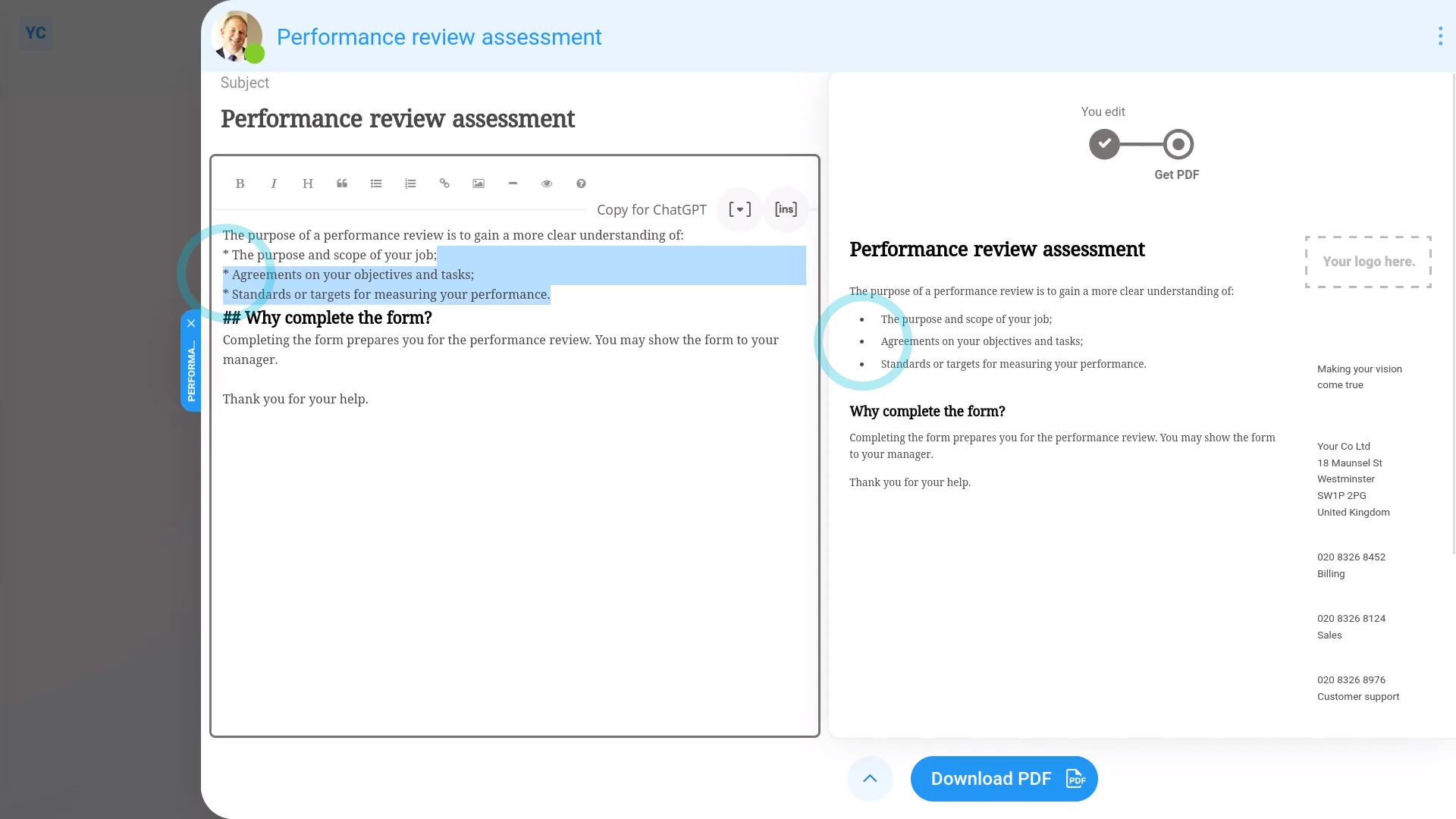
You can format the contents of your doc by using the buttons in the toolbar.
To format your letter or doc's contents:
- First, tap: "Menu", "Docs ... all", then "New doc"
- Then decide between "New letter" and: "New doc"
- Once it slides out on the right, you can set the "Document name" and contents of your doc to whatever you like.
- Then as you make changes, you'll see a preview of your changes show instantly on the right.
- If you're making formatting changes, it might also help to first tap: Show toolbar
- Formatting headings:
To format headings, first tap the line you want to be a heading. - Then tap the heading button: H
- And you'll see that line become a heading. You can tap the heading button more than once to make the heading smaller or bigger. In total, there's six heading sizes.
- Formatting lists:
To format lists, first select the text you want to be a list. - Then tap the bullet button:
- And you'll see the selected text become bullets. You can also tap the "Numbered list" button for numbered bullets.
- Formatting bold text:
To make text go bold, first select the text you want to go bold. - Then tap the bold button: B
- And finally, you'll see the selected text become bold. You can also tap the "Italic" button for italic text.

For advanced usage:
- To learn more about using markdown to style your docs, tap the question mark button:
- Which takes you through a ten-minute markdown tutorial.
- Also, to add inserts into your doc, tap the "Insert" button:
 Using inserts
If a feature's not showing:
- If "Docs" isn't showing in the menu, it means your org hasn't turned on the docs feature yet.
- To turn on the docs feature, watch the video on: Turning on HR Docs
And that's it! That's everything you need to know about formatting your letter or doc's contents!
2b. What's a single use doc, and how do I make one4. How do I download my letter or doc as a PDF, and print it
www.1st.money/uk/help/HR_Docs/3._How_do_I_format_the_contents_of_my_letter_or_doc