How do I set up an HMRC tax connection for a company?
 2:43
"How do I set up an HMRC tax connection for a company?"
Before sending filed payslips to HMRC, you first need an "HMRC Tax Filing" connection. There's two ways to connect. There's the company connection, or the external tax agent connection.
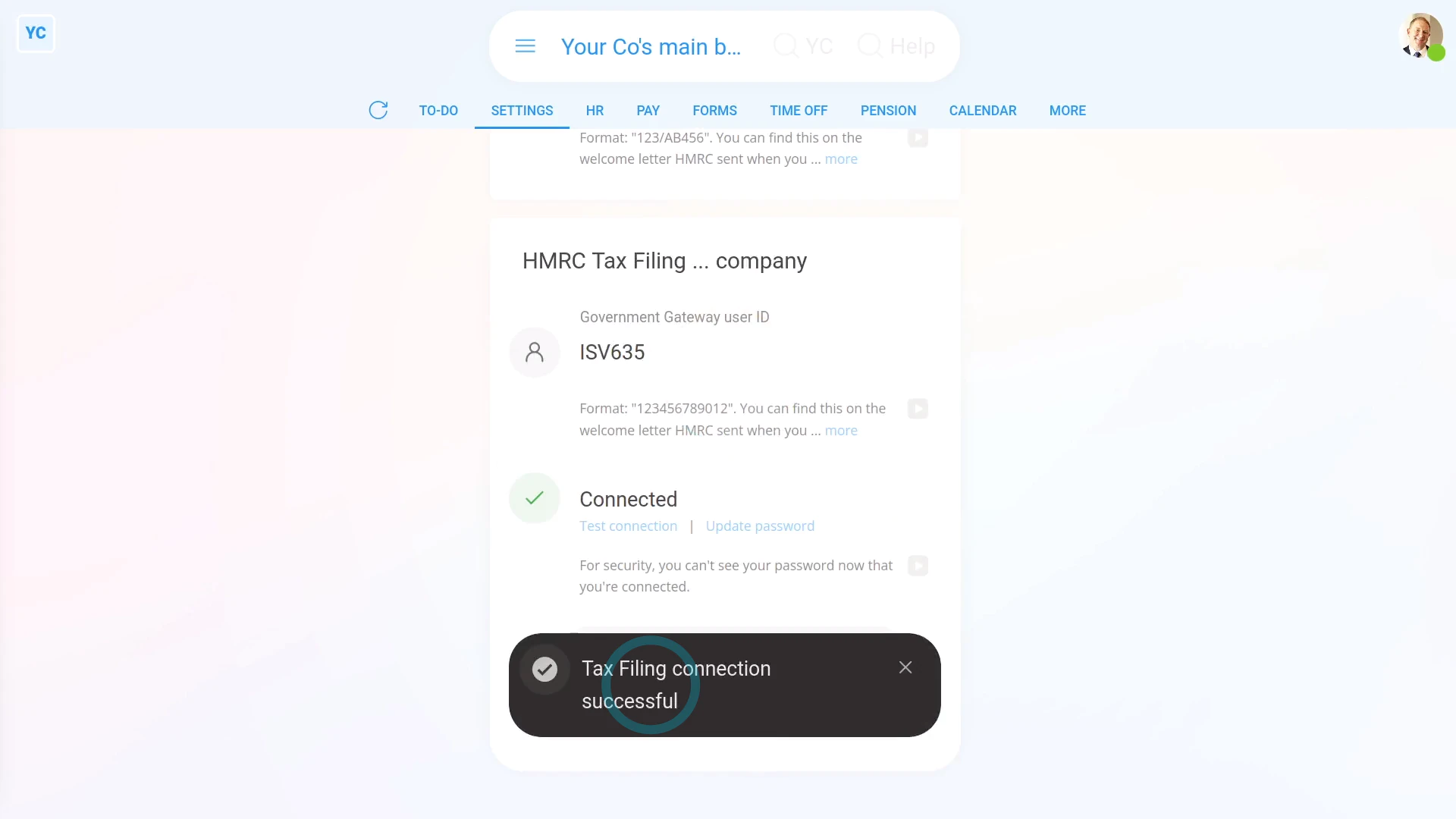
To set up your company connection to HMRC:
- First, select the payroll group on: "Menu", then "Payroll groups"
- Then tap: "Settings", then "HMRC tax connection"
- Now type in your: "Accounts Office reference"
- You can find it on the welcome letter HMRC sent when you first registered as an employer.
- Also type in your: "Employer PAYE reference"
- It's also found on the welcome letter, in your Government Gateway account, or on other letters and emails from HMRC.
- Next, type in your company's: "Government Gateway user ID"
- And then your company's: "Government Gateway password"
- Then tap: Save
- All your details are now being checked by HMRC. In a few seconds you'll see the confirmation message.
- Once you get the confirmation message, your payroll group's all connected to HMRC.
- And finally, you're now ready to submit payroll each payday. You won't have to set your connection details again.

Keep in mind that:
- To pass verification, make sure all four HMRC details are entered correctly.
- Your "HMRC Tax Filing" connection is used for all your payday FPS and monthly EPS submissions. It's also used for verifying National Insurance numbers.
- If you've got more than one payroll group, you'll need to set the connection steps again, for each of your other payroll groups as well.
- If multiple payroll groups all belong to the same company, you can reuse the exact same ID and password for each payroll group.
- Also, if you're choosing between a company connection, or an external tax agent connection, it's recommended to pick the company connection.
- The advantage with a company connection is when your external tax agent, like your accountant, is off sick.
- If your accountant's off sick, other people in your org can always fill in and still do your HMRC submissions.
To learn more:
- About setting up your HMRC tax connection as an external tax agent, watch the video on: HMRC external tax agent connection
 HMRC external tax agent connection
And that's it! That's everything you need to know about setting up an HMRC tax connection as a company!
www.1st.money/uk/help/Payroll/UK_payroll/How_do_I_set_up_an_HMRC_tax_connection_for_a_company