1. How do I create a payroll group and set its tax country or state?

 2:50
"How do I create a payroll group and set its tax country or state?"
If you employ different groups of people, each group may need different tax settings from different countries or states. Such groupings can be done with a different payroll group each.
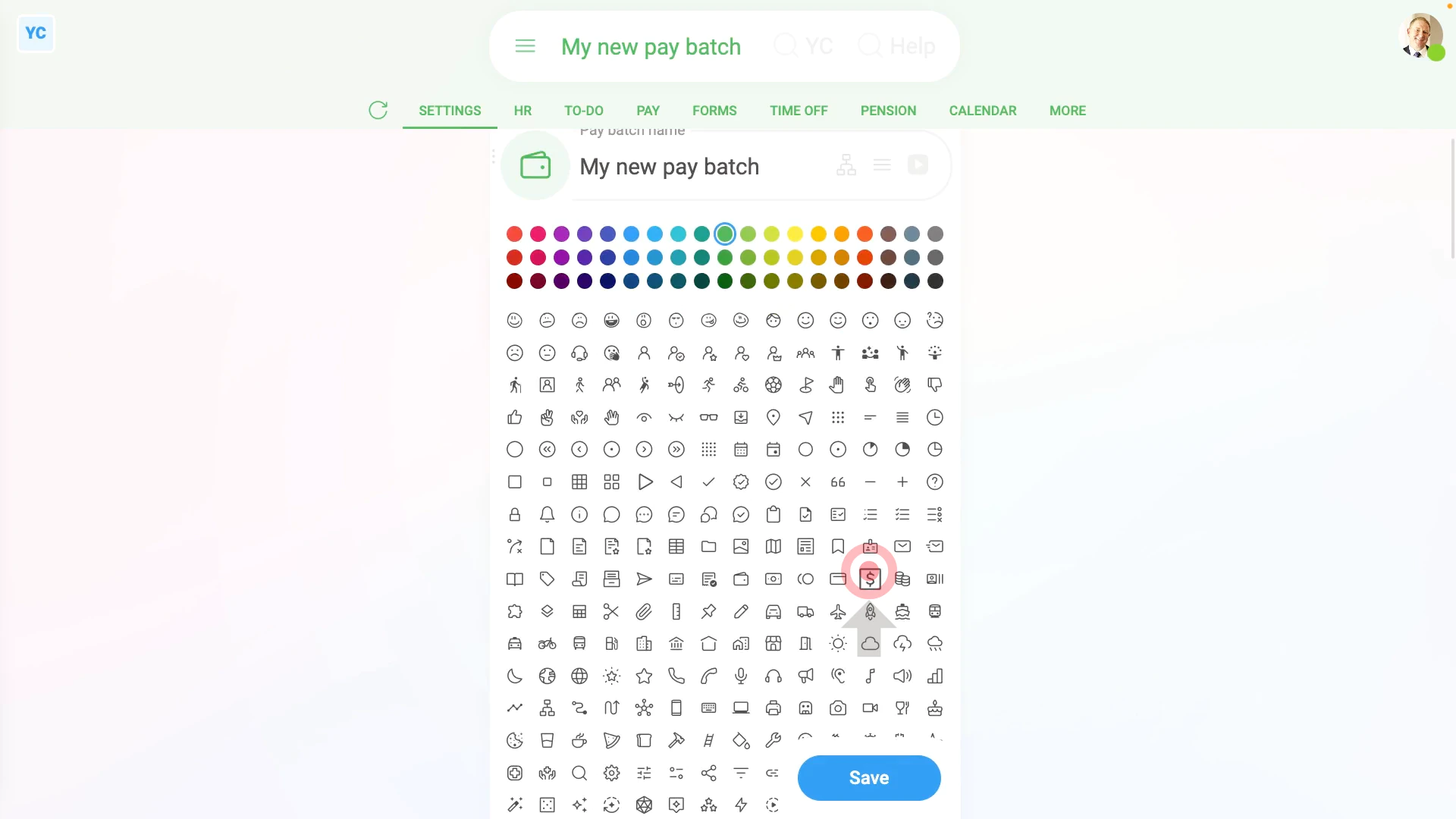
To create a new payroll group and set its tax country or state:
- First, to create a payroll group, tap: "Menu", "Payroll groups", then "New payroll group"
- And type in the payroll group's name.
- Optionally, you can also tap the circle and set the list colour and image.
- By default, it sets the country to its best guess, based on where you're located.
- To change the country, tap it, and select the country you'll be employing people in.
- Depending on the country you select, you may then also be asked to select the state, province, or territory you'll be employing people in.
- Now your new payroll group is all set. To add people, scroll down and tap: Add people
- Tap the people you want to add, then tap: Save
- And finally, if you tap on one of the newly added people, and tap Set rate, you'll see that their pay is in the currency of the country you selected.

You may notice:
- That each time you change from one country or state to another, the page reloads.
- And each time it reloads, some of the defaults, like the default payday settings, may change.
- The automatic changes are intentional, and give you the most common default settings for each country or state.
- If the automatic changes aren't what you want, go ahead and tap them to change them to what you prefer.
Keep in mind that:
- Setting the payroll group's country is the only way to set the payment currency for any group of people.
- Also, in addition to setting the currency, you're also setting all the tax rules for that group of people.
- Also remember that once you pay any people in the payroll group, the country and state options become locked. In which case, you can't change it any more.
- However, even though it may be locked, you can always create new payroll groups. And then set the new payroll groups to any country or state of your choice.
And that's it! That's everything you need to know about creating a new payroll group and setting its tax country and state!
www.1st.money/uk/help/Payroll_groups/1._How_do_I_create_a_payroll_group_and_set_its_tax_country_or_state