How do I set a payroll group's Unique Taxpayer Reference?

 1:47
"How do I set a payroll group's Unique Taxpayer Reference?"
The Unique Taxpayer Reference, or UTR, is a 10-digit code that uniquely identifies you or your business. Your UTR is used by HMRC whenever HMRC is dealing with your tax.
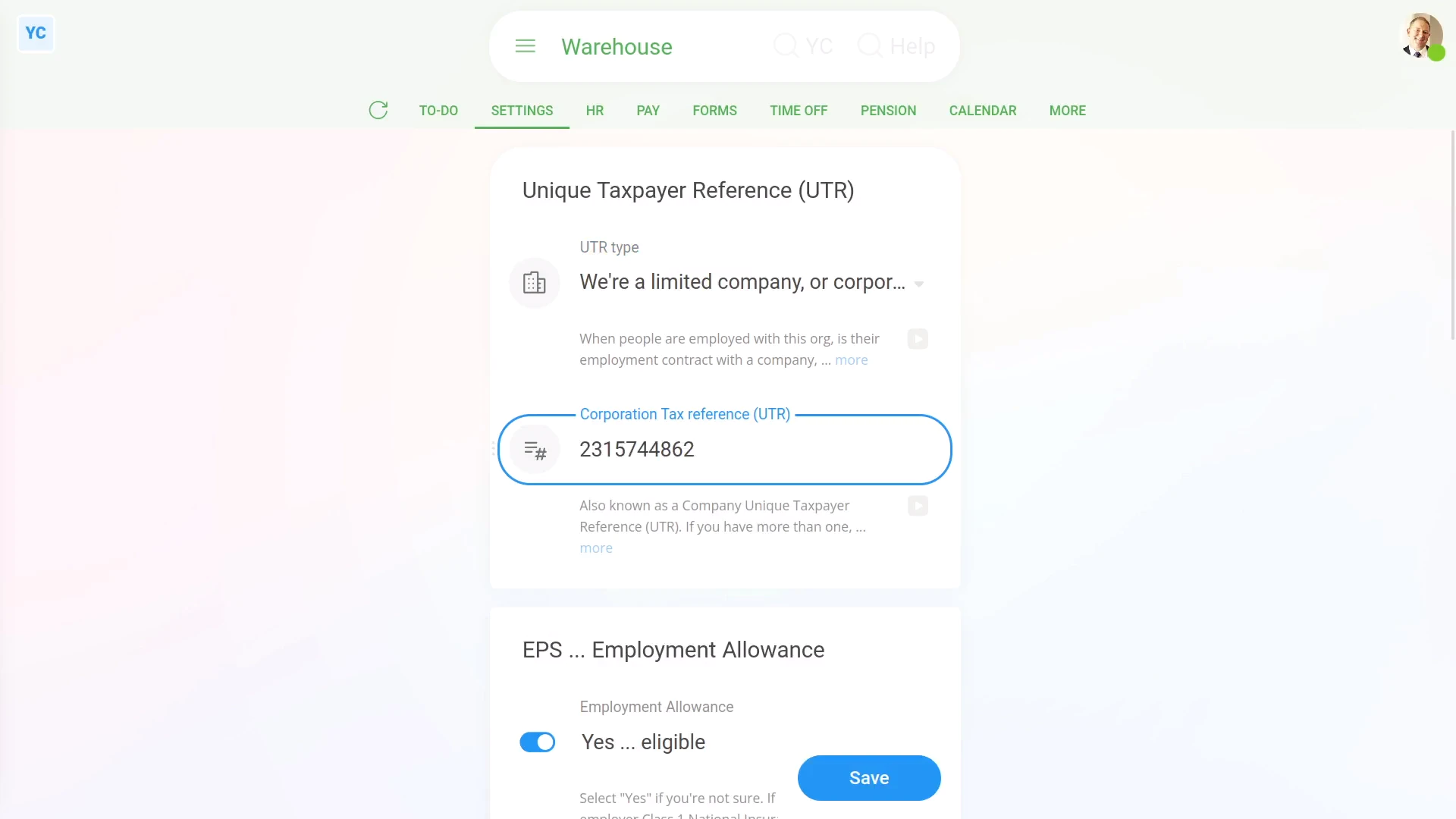
To set a payroll group's UTR:
- First, select the payroll group on: "Menu", then "Payroll groups"
- Then tap: "Settings", then "Tax settings"
- Next, you'll need to decide if you're doing your Tax Filing as a company or a sole trader.
- And then you can type in your 10-digit UTR code.
- If you need help finding your UTR, tap the link to HMRC's website, and read HMRC's advice.
- And finally, tap: Save

Keep in mind that:
- Each payroll group can have a different UTR, or all your payroll group's can all share the same UTR. It's up to you.
- Each time you tap Process payroll, your UTR is automatically included, when your Tax Filing's sent to HMRC.
- Once the UTR is set, there normally isn't any reason to change it.
- If you're still waiting for your UTR to be sent to you, from HMRC, you can still run Process payroll as long as you've set up your HMRC connection.
To learn more:
- About setting up your HMRC company connection, watch the video on: HMRC Tax Filing company connection
 HMRC Tax Filing company connection
And that's it! That's everything you need to know about setting a payroll group's Unique Taxpayer Reference!
How do I enter my Companies House number and gross revenueWhat are a payroll group's 'Opening amounts', and how do I set them
www.1st.money/uk/help/Payroll_groups/UK_payroll_groups/How_do_I_set_a_payroll_group's_Unique_Taxpayer_Reference