How do I access 1st Money if I've been blocked or deleted?

 1:43
"How do I access 1st Money if I've been blocked or deleted?"
Even if you've been blocked or deleted by your employer, you'll still have access to your other 1st Money orgs.
To see how to access 1st Money if you've been blocked or deleted:
- First, while using 1st Money, if you see an "Access denied" page, it could mean your org's blocked or deleted your account.
- If so, tap: Log in again
- And log in with your usual Login email and password.
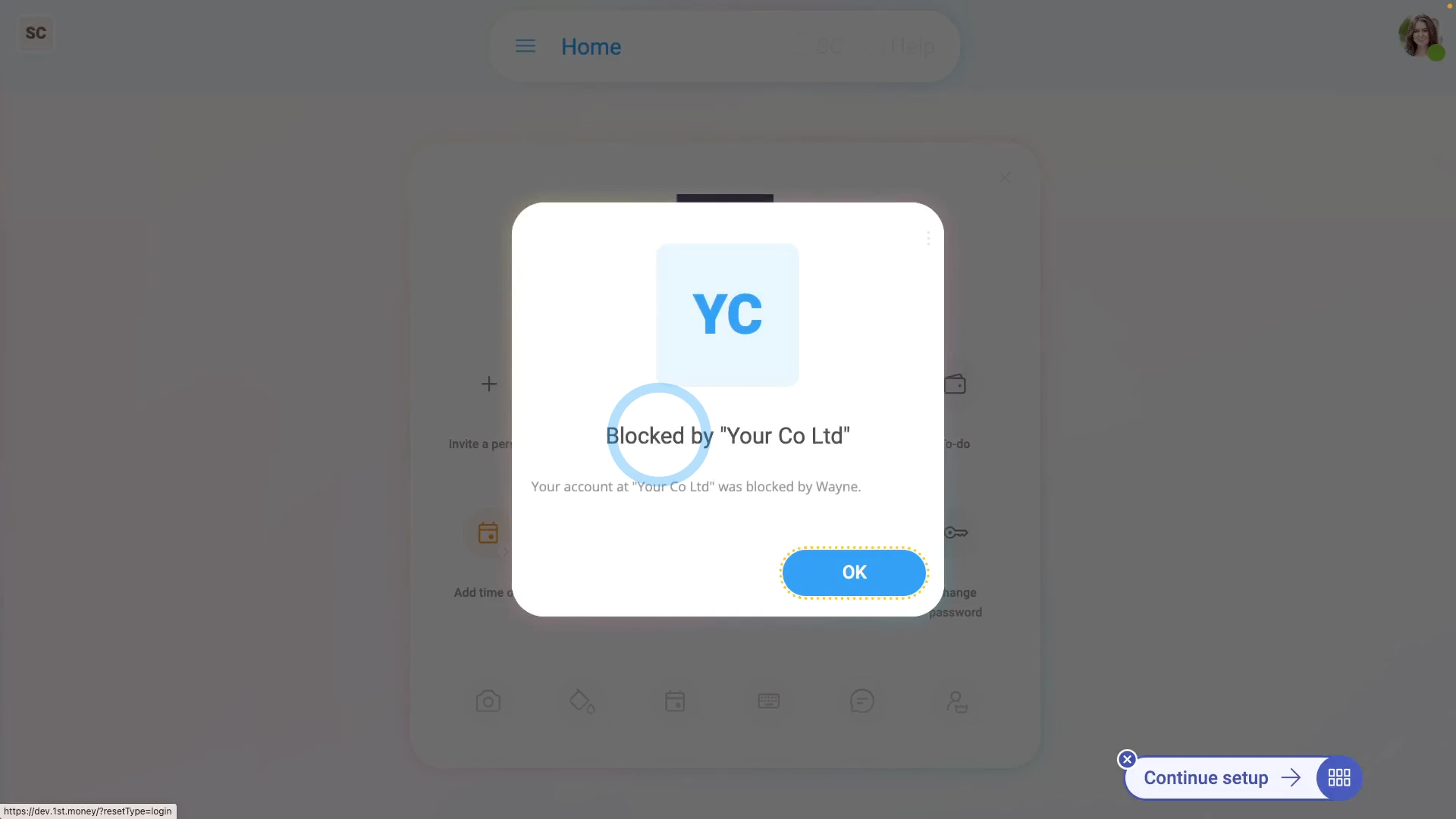
- You may now see a notice telling you what's happened with your org that you were previously using.
- It may say that you've been blocked, deleted, or that your org's been closed.
- It may also show you the name of your org, and the responsible person in your org, in case you want to contact them.
- Alternatively, if you open your orgs menu on: "Menu", then "Orgs"
- You'll see a list of all your orgs.
- And finally, if any of them are greyed out, or unavailable, you'll see a note explaining why.

Keep in mind that:
- Later, if your account's unblocked or un-deleted by your employer, it immediately shows up again.
- Or, in other words, it's no longer greyed out in the orgs list, and you'll again have full access.
 Temporarily blocking access
And that's it! That's everything you need to know about how to access 1st Money if you've been blocked or deleted!
www.1st.money/uk/help/People/How_do_I_access_1st_Money_if_I've_been_blocked_or_deleted