How do I list all changes made by a person?
 2:08
"How do I list all changes made by a person?"
The "Activity" page lists all the changes made by a specific person, over time.
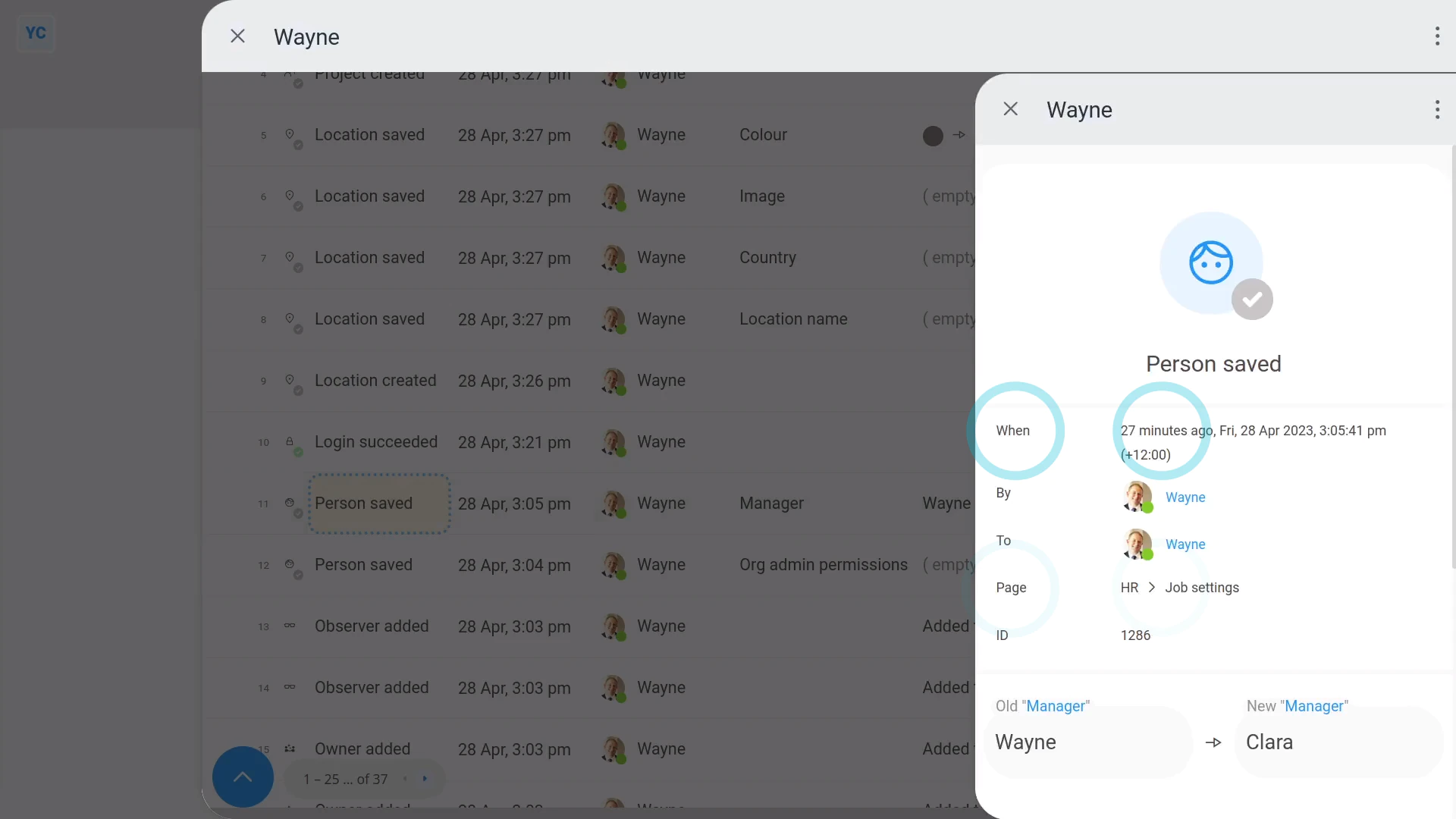
To see a person's "Activity" page:
- First, select the person on: "Menu", then "People"
- Then tap: "More", then "Activity"
- And by default, "Activity" shows you changes made by the person, over the last 30 days.
- To show "Activity" that happened in the last 90 days, tap:
" Show settings", "Dates", then "Previous 90 days" - To see more detail on any single "Activity" event, tap a row.
- A single "Activity" event shows you what was changed.
- And it also shows you where the change was made, and when the change was made.
- To see only the "Activity" of two people together, filtered by a single action, tap:
" Show settings", then "Side settings ... show" - Now you can see some more advanced filters.
- Once you Control + tap another person (on the right), you'll see the activity of both people listed together.
- Next, to filter the "Activity" to only a single action, tap: Created (on the left)
- And finally, you're now listing only the creates done by the selected people.

Keep in mind that:
- Each person can always see their own "Activity" page, but only org admins can see the "Activity" pages of others.
- Also, while "Activity" shows you all the changes done anywhere in 1st Money, by a single selected person.
- In contrast, "History" shows you all the changes done by anyone in your org, to a single selected item.
 Seeing all change history
And that's it! That's everything you need to know about listing all changes by a person ... even going back years!
www.1st.money/uk/help/People/How_do_I_list_all_changes_made_by_a_person