3. How do I resubmit a time off request, if it's declined?

 1:05
"How do I resubmit a time off request, if it's declined?"
If your manager declined one of your time offs, you'll get an email letting you resubmit it.
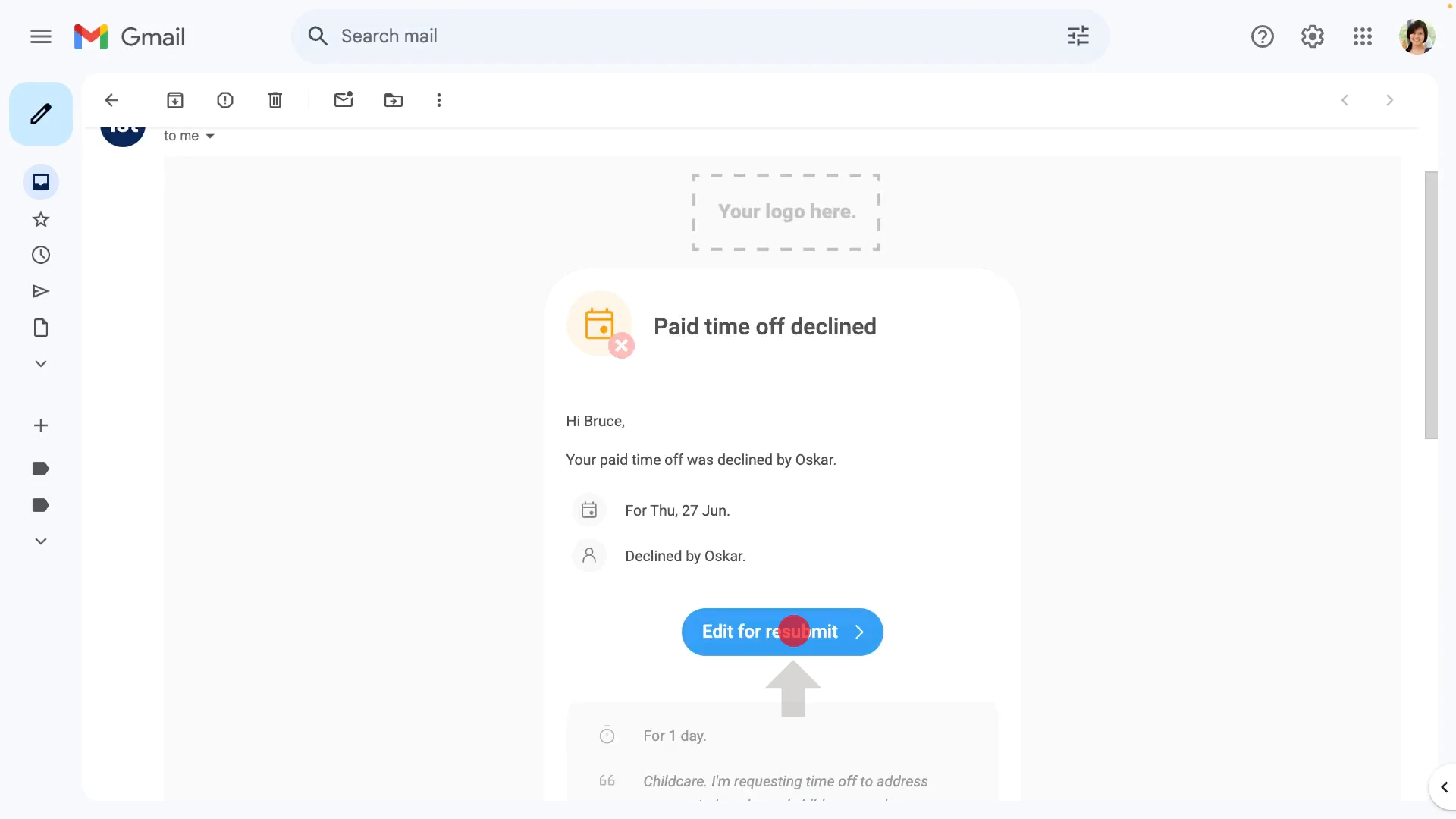
To resubmit a declined time off:
- First, tap Edit for resubmit, and then Edit for resubmit again.
- Then scroll down, and type more notes in the box explaining why your manager might reconsider approving your time off.
- And when you're finished, tap: Send request
- Then in the background, another email's now sent to your manager, again asking them to approve your time off.
- Once your manager's approved your resubmitted time off, you'll get an email.
- From the email, tap: See time off
- And finally, you'll see the green tick showing that it's now been approved.
And that's it! That's everything you need to know about resubmitting a time off!
2. How do I approve or decline time off4. Where can I see all the time off for a person, all in one place
www.1st.money/uk/help/Time_Off/3._How_do_I_resubmit_a_time_off_request,_if_it's_declined