2. How do I start my clocked-in timesheet time, or pause for a break?
 2:48
"How do I start my clocked-in timesheet time, or pause for a break?"
If you're paid using "Per hour ... clocked-in timesheets", you'll need to start your clocked-in timesheet time each day, when you start your work.
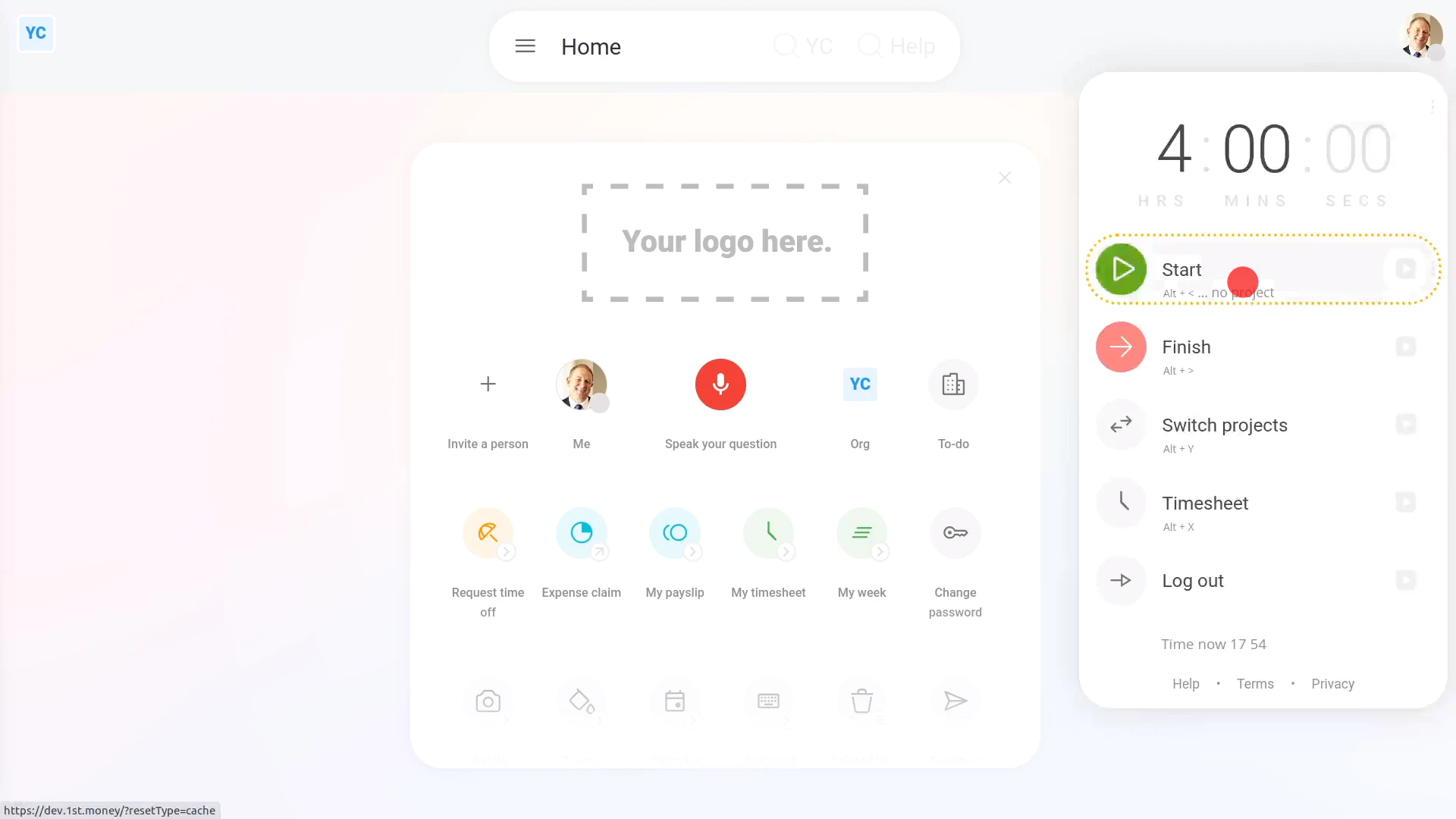
To start your clocked-in timesheet time:
- First, tap: "Work-time menu", then "Start"
- And finally, you've now started your clocked-in timesheet time, and your work-time status goes green.
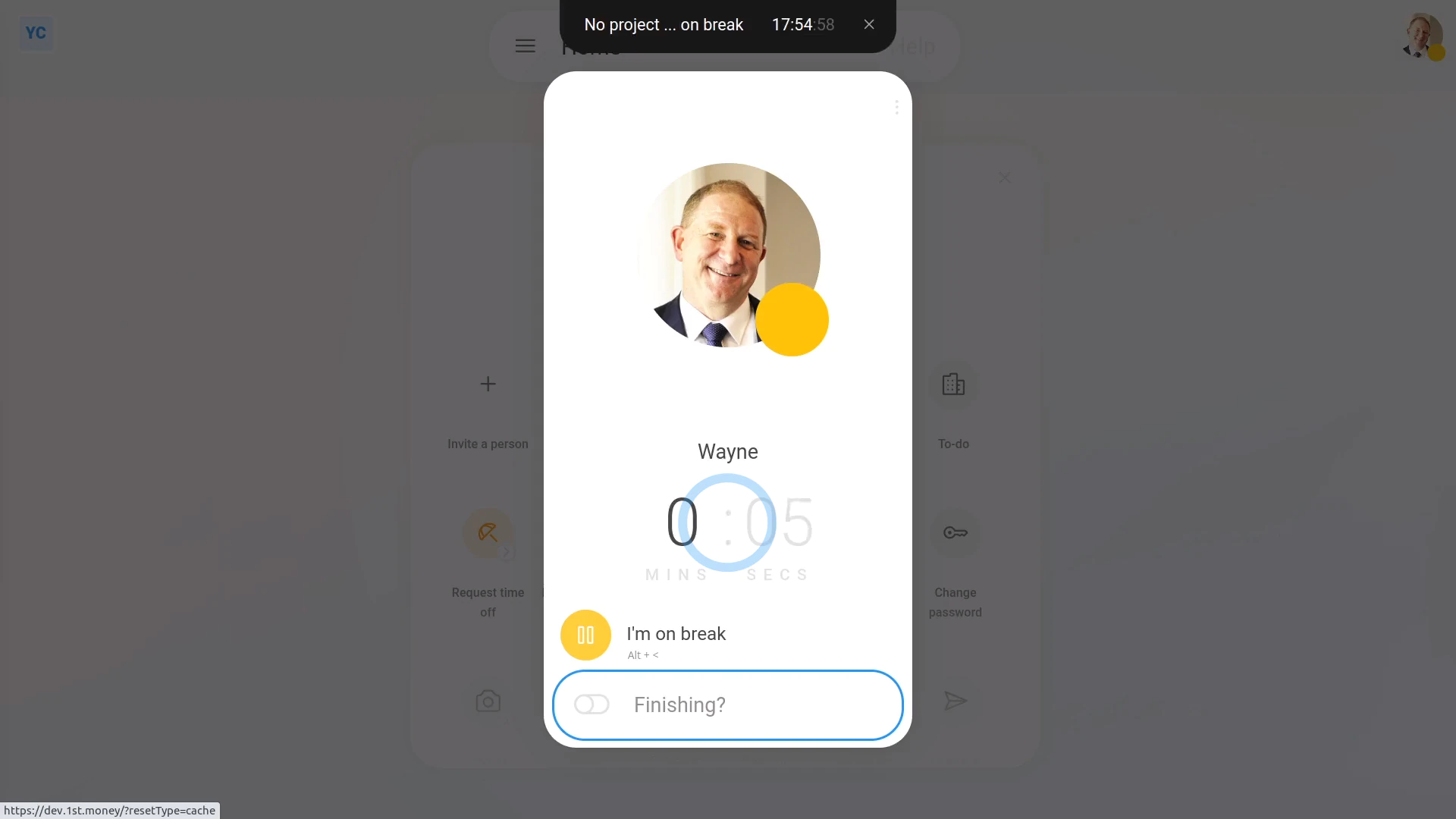
To pause your clocked-in timesheet time, once you're ready to go on break:
- First, tap: "Work-time menu", then "Go on break"
- You'll now see the "On break" screen, counting how long you've been on break.
- It's a good idea to keep it open, as a reminder to go "off break" once you return.
- Then once you're ready to continue working.
- Hover your mouse over: I'm on break
- And tap: I'm back
- And finally, (at the top) you'll see a confirmation that you've re-started your clocked-in timesheet time.
Sometimes, after being on break, you may want to finish up your working day.
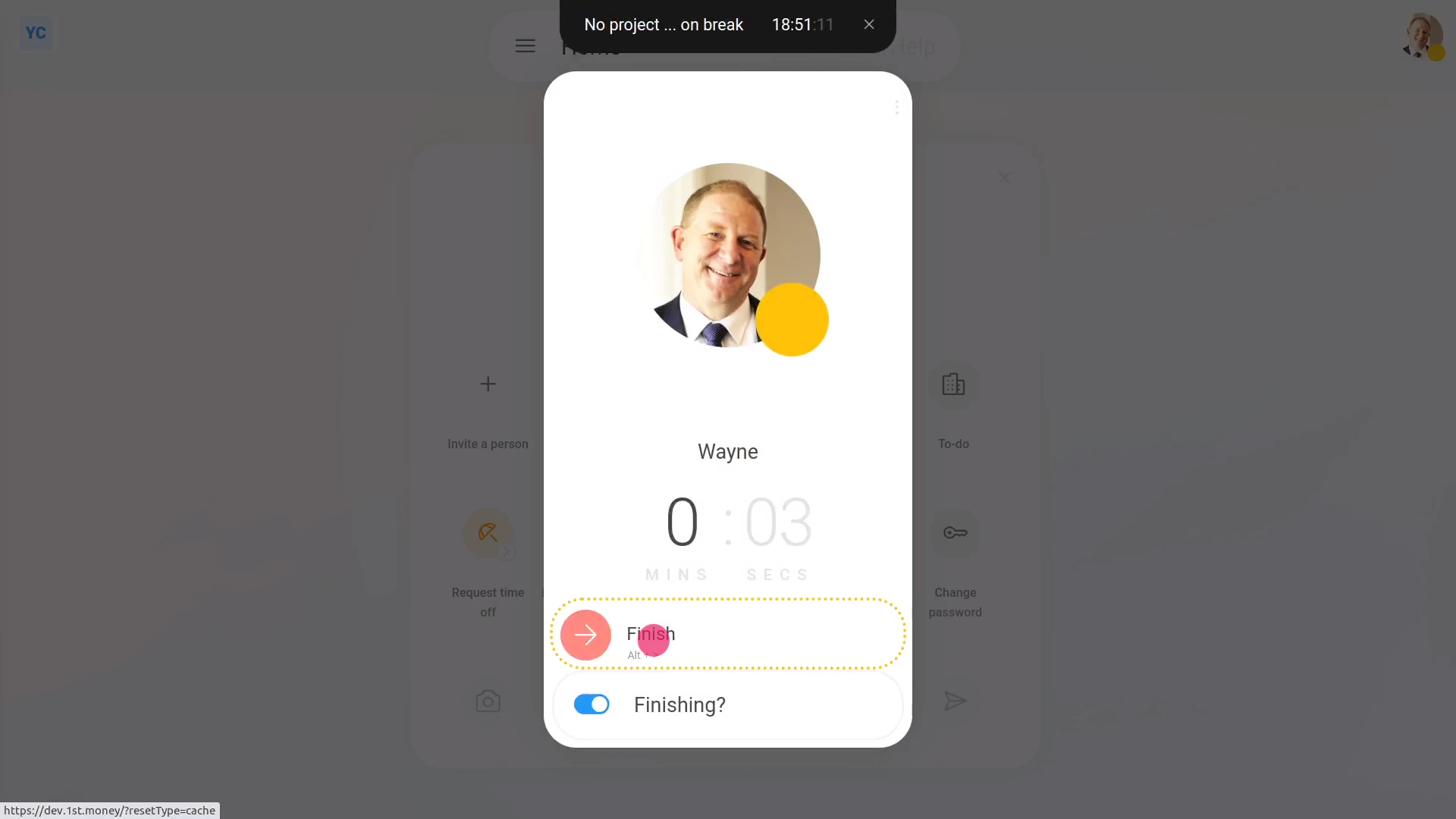
To finish up, while still on break:
- First, check that you're still on break.
- Then turn on: Finishing?
- Then tap: Finish
- And finally, you'll now be shown the "Finish" options, and you can finish-up your working day.
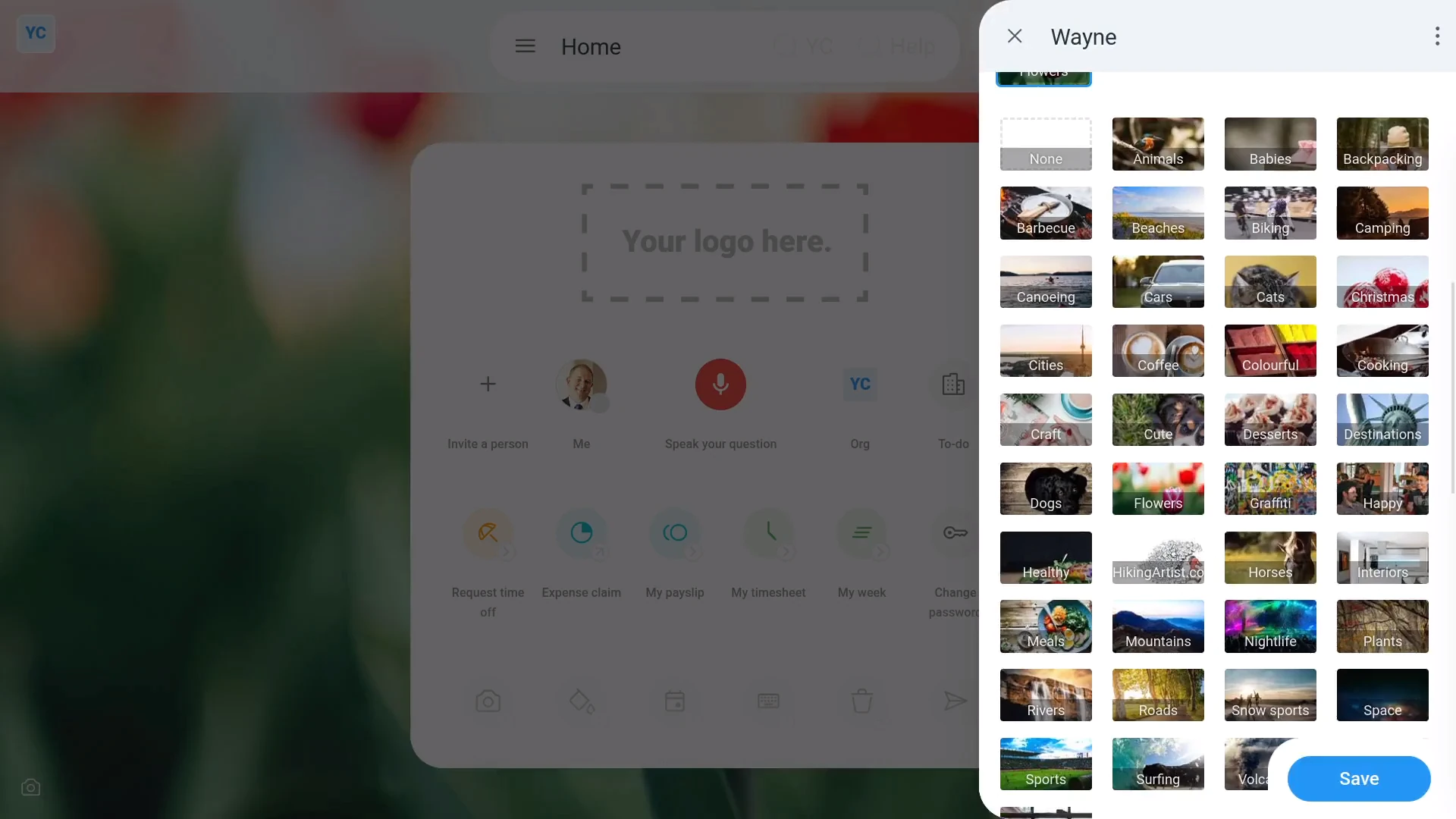
If you've set your wallpaper, your "On break" screen loops through your wallpapers, while it's open.
To set your wallpaper and see how it looks while on break:
- First, tap: Me, then tap: Theme
- Then scroll down, and tap a wallpaper.
- Then tap: Save
- Now go back on break.
- And finally, while you're on break, you'll now see beautiful images from your wallpaper that change every 30 seconds.
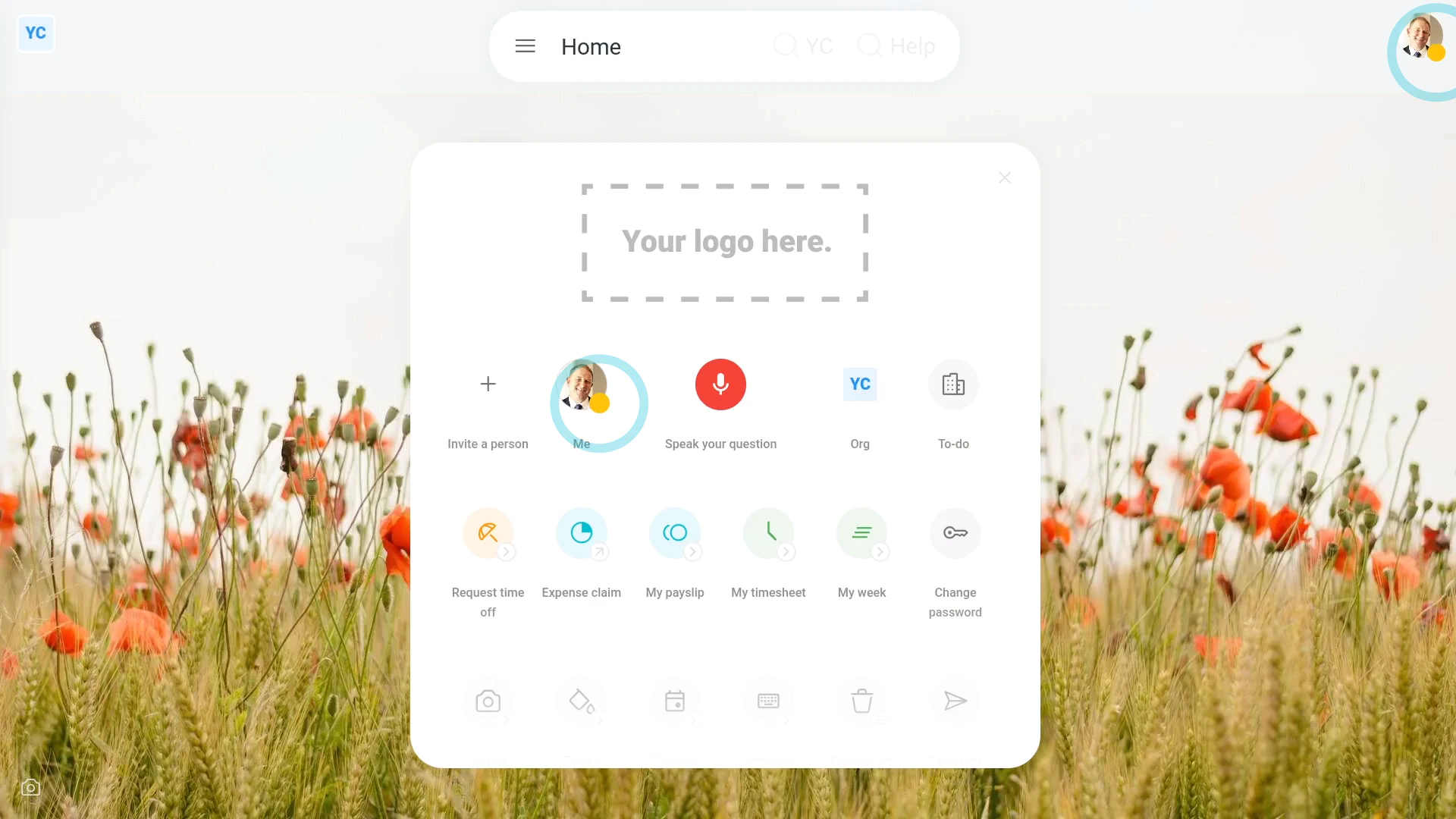
To bypass your break screen, while staying on break, and get back into 1st Money:
- First, tap the three dots: (in the top-right corner)
- Then tap: Close
- And finally, you can now tap around 1st Money, while your work-time status stays set to: "On break"

If a feature's not showing:
- If the "Start" or "Go on break" options aren't showing in the menu, it means your org hasn't turned on the timesheets feature yet.
- To turn on the timesheets feature, watch the video on: Turning on timesheets
 Turning on timesheets
And that's it! That's everything you need to know about pausing your clocked-in timesheet time when you go on break!
www.1st.money/uk/help/Timesheets/2._How_do_I_start_my_clocked-in_timesheet_time,_or_pause_for_a_break