2. How do I change my password?

 1:12
1:12
"How do I change my password?"
It's a good idea to change your password once-in-a-while. Changing your password helps to protect your payroll and salary settings, and improves your account's safety.
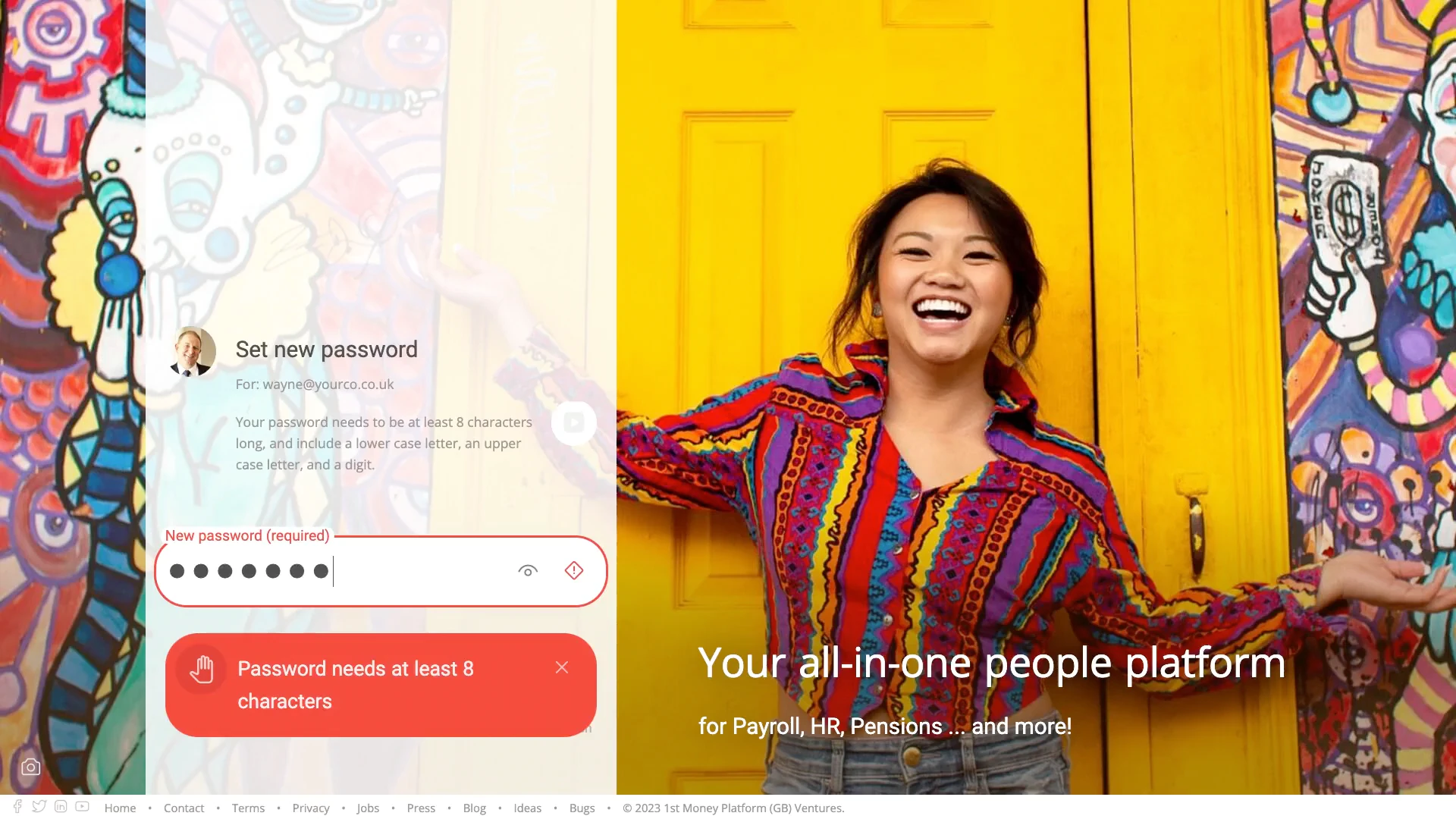
To change your existing password:
- First, tap: "Menu", then "Change password"
- Now, type your new password.
- Then tap: Save new password
- If the password you entered is too short, you'll see a warning.
- You'll need to enter a password that's at least 8 characters long.
- Then tap: Save new password
- And finally, once your password change has been successful, you'll see a confirmation message.

Keep in mind that:
- Your new password must always be at least 8 characters, or longer.
- And your password must have at least one uppercase letter, one lowercase letter, and one number.
And that's it! That's everything you need to know about changing your password!
1. How do I log in and log out with 1st Money3. How do I reset my own login password, if I've forgotten it
www.1st.money/uk/help/General/Login/2._How_do_I_change_my_password