1. How do I submit an expense claim?

 1:51
"How do I submit a reimbursement request?"
When you spend your personal money to buy something for your employer, you can claim the cost back by submitting a reimbursement request.
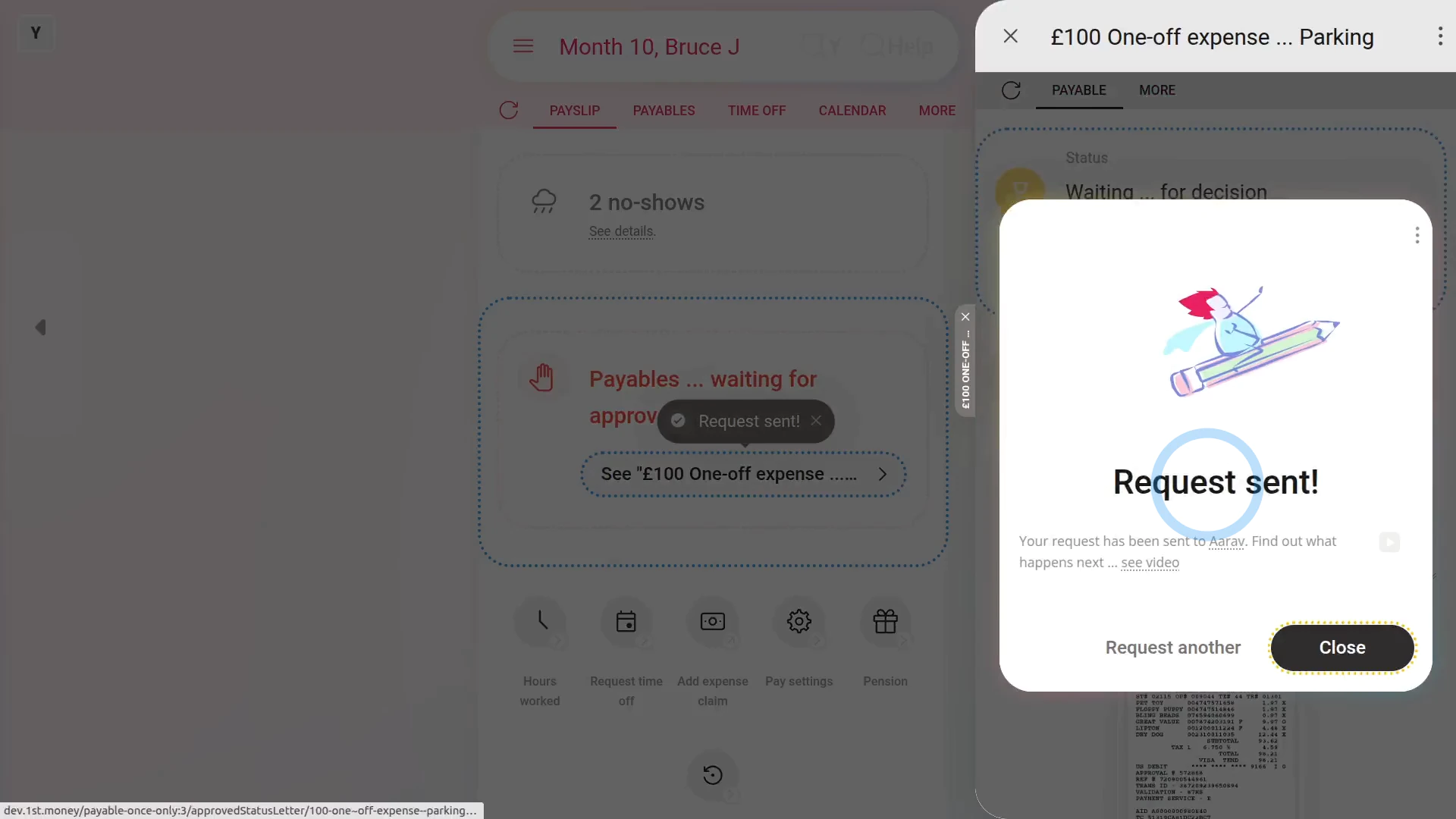
To submit a reimbursement request:
- First, tap: "Menu", then "Add expense claim"
- If you've got an image, like a receipt, that you'd like to include, you can upload, or take a photo of it.
- Then tap: Next
- Then add a note to help your payday person know why you're requesting the expense.
- You can either type your own note directly, or you can select one from the list.
- Then tap: Next
- Type in the amount you're requesting.
- And tap: Next
- And now you're all done submitting your expense.
- If you want to submit another one, tap: Request another
- Otherwise, tap: Close
- And then tap your recently created reimbursement request to review it.
- And in the background, an email's been sent to your payday person to approve your reimbursement request.
- Once your payday person's approved your expense, you'll get an email.
- From the email, tap: See expense
- And you'll see the green check showing that it's been approved.
- And finally, when you scroll down you'll see (at the bottom) the date of the paystub that it's to be paid with.

Keep in mind that:
- Any reimbursement request payment that's paid back to you is paid free of any tax deductions.
- Once approved, your reimbursement request is paid back to you along with your normal paystub.
And that's it! That's everything you need to know about submitting a reimbursement request!
www.1st.money/help/Expenses/Expense_claims/1._How_do_I_submit_an_expense_claim