5. How do I delete an expense claim?

 2:26
"How do I delete a reimbursement request?"
If you've got an approved, but unpaid, reimbursement request, and you no longer want it paid out, you're welcome to delete it whenever you like.
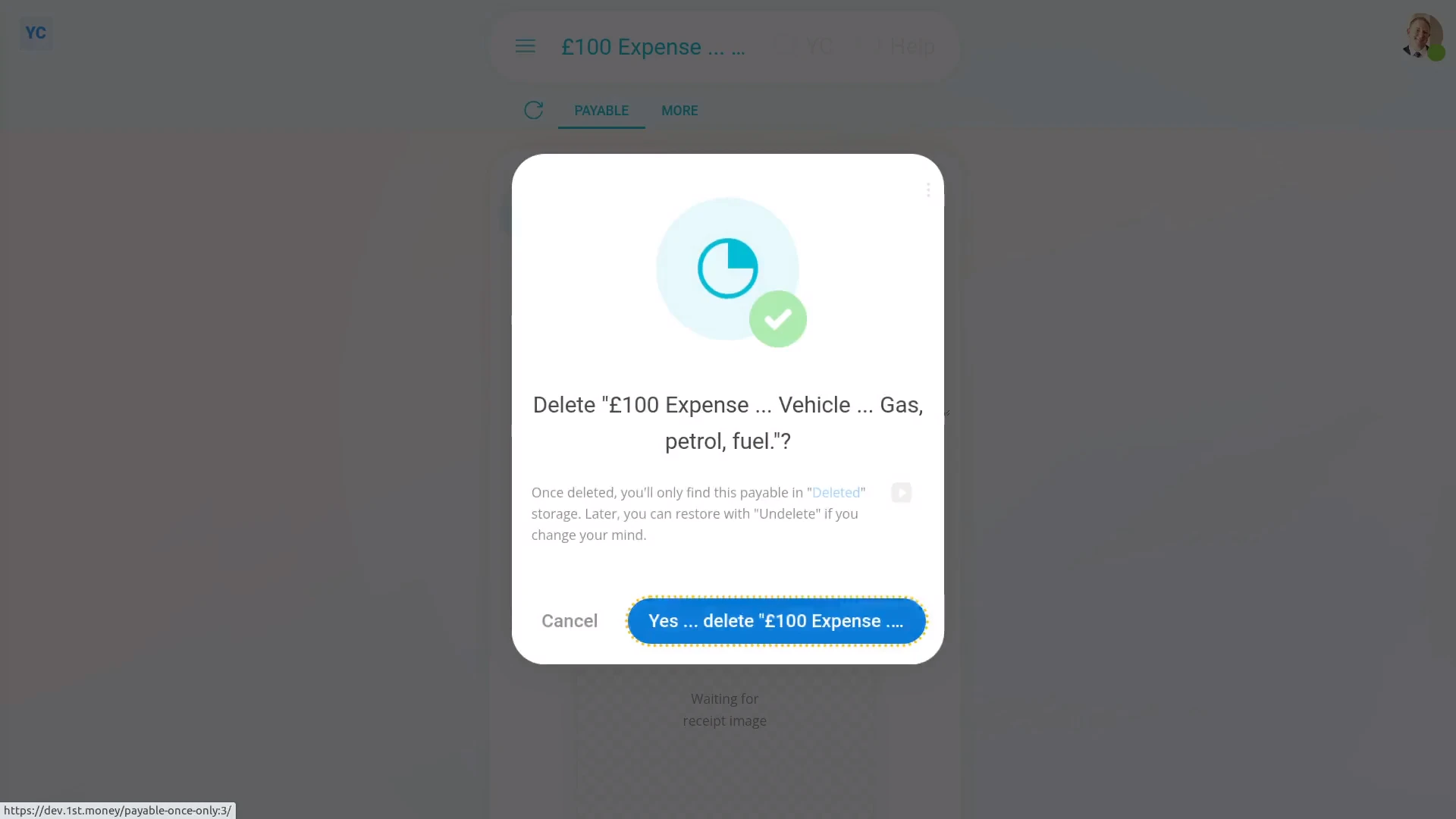
To delete a person's reimbursement request:
- First, open the person who's got the reimbursement request you'd like to delete, on: "Menu", then "People"
- Then tap: "Pay", then "Paystub"
- Then scroll down and tap the reimbursement request you'd like to delete.
- Then tap More, then: Delete
- Then tap: Yes ... delete
- Now that the reimbursement request's deleted, it no longer shows on the paystub.
- And finally, it won't be included in the paystub payment, even if it'd been approved.
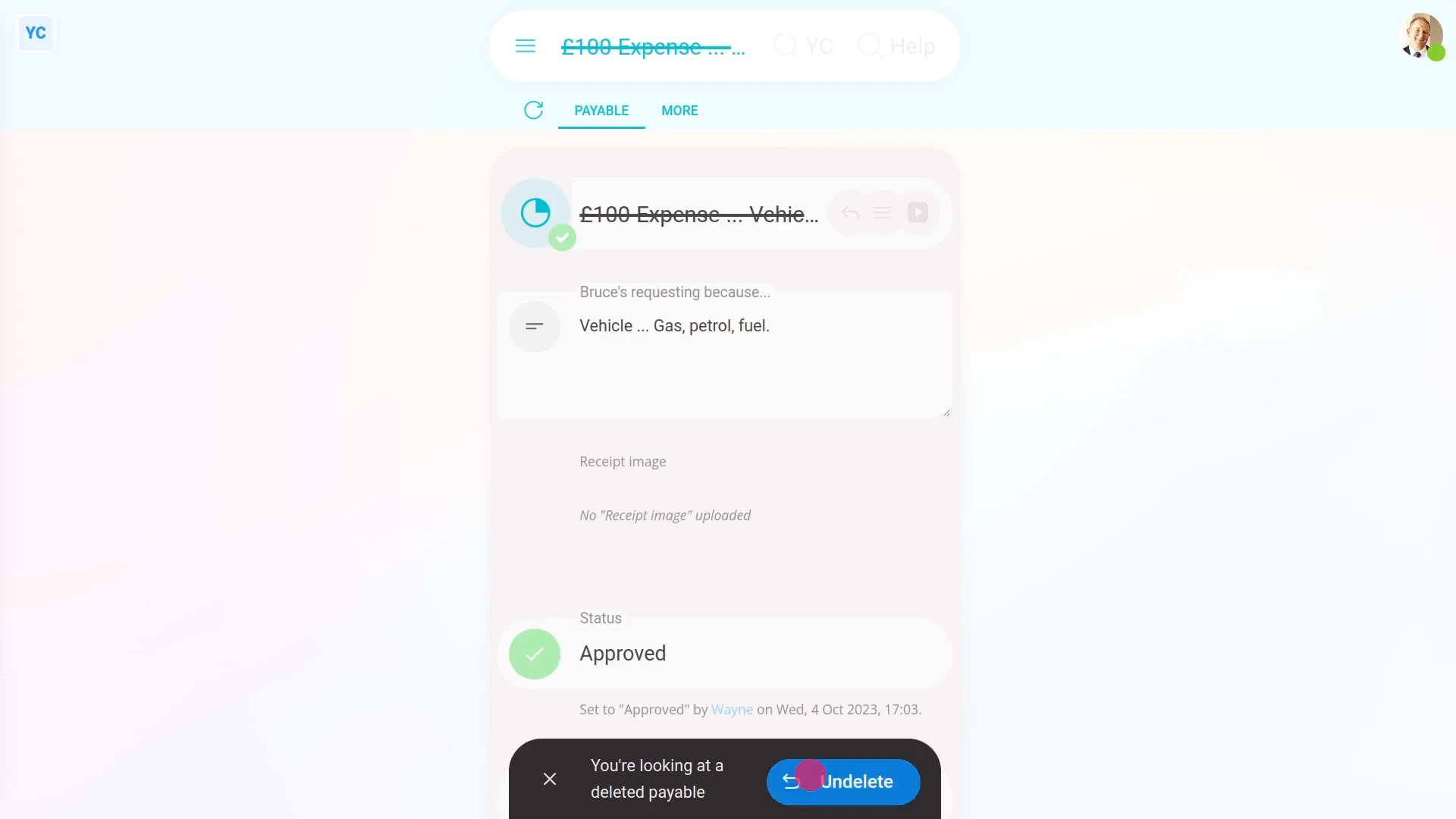
To un-delete a reimbursement request:
- First, open the person who's got the reimbursement request you'd like to un-delete, on: "Menu", then "People"
- Then go to the person's: Calendar
- Tap back through the months and look for the blue circle that matches the payday date. Which is the paystub that you'd like to un-delete.
- Once you find the paystub you're looking for, tap the blue circle, and then tap: Payday
- Then tap More, then: Deleted payables
- And then tap the reimbursement request you'd like to un-delete.
- Next, tap: Un-delete (at the bottom)
- And the deleted reimbursement request is immediately un-deleted.
- And finally, to see the un-deleted reimbursement request on the person's paystub, tap the "See on paystub" link.

Keep in mind that:
- Deleting a reimbursement request has the same effect as denying approval.
- Also, only people who've got "Full payroll admin" permissions can delete or un-delete expense claims.
- And remember that all deletes and un-deletes are always permanently recorded in: "History"
- That means any payroll admin can always look back in time, and see who did any delete, and when the delete was done.
And that's it! That's everything you need to know about deleting or un-deleting a reimbursement request!
www.1st.money/help/Expenses/Expense_claims/5._How_do_I_delete_an_expense_claim