How do I delete or un-delete a payday bank account?
 2:50
"How do I delete or un-delete a payday bank account?"
If you no longer need a bank account, you're welcome to delete it whenever you like.
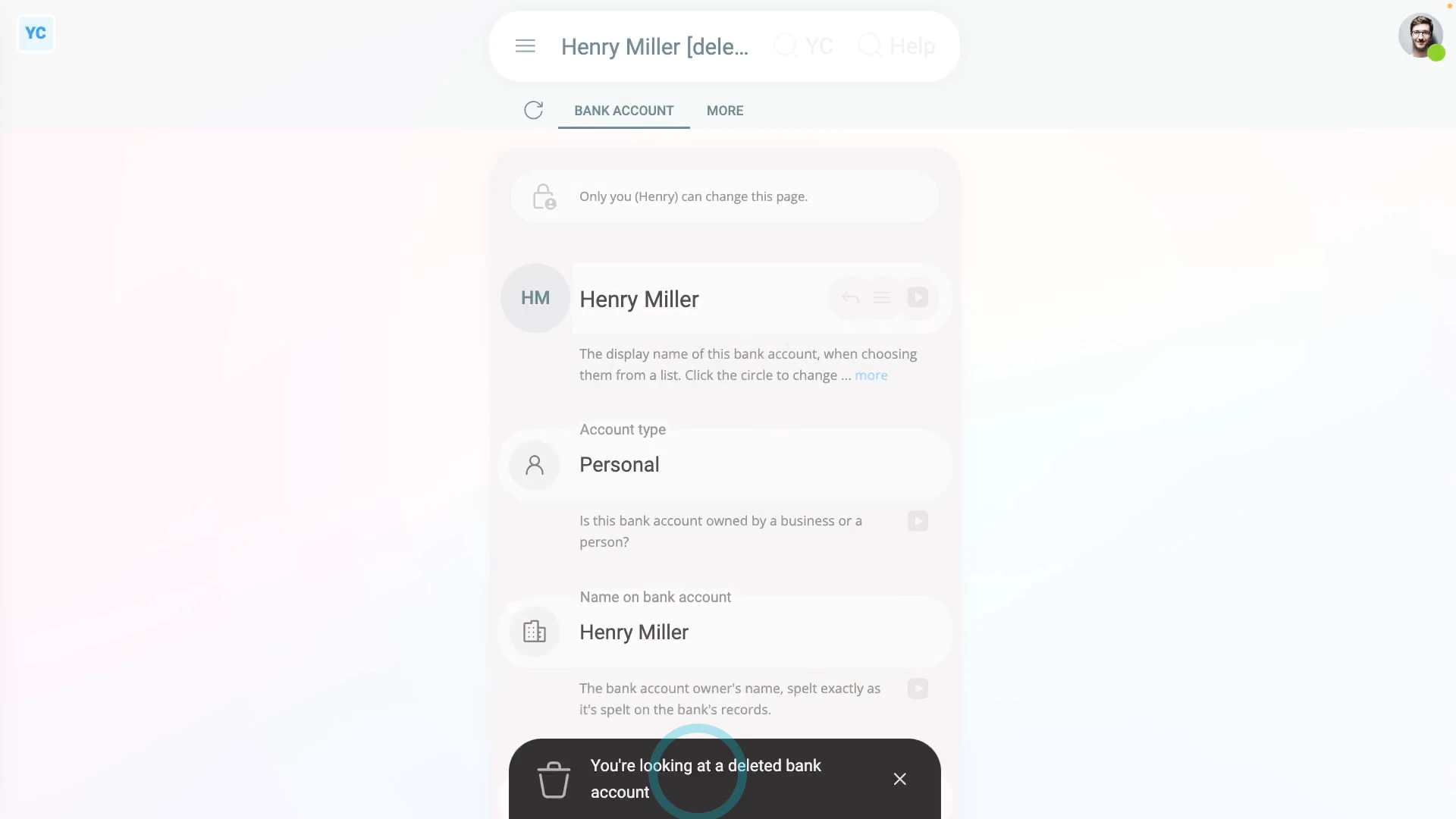
To delete a bank account:
- First, open yourself on: "Menu", then "Me"
- Then tap: "Pay", then "Payday bank account"
- Next, tap: "Payday bank account"
- Then tap the "Edit" link on the bank account you'd like to delete.
- Once it slides out on the right, to open it in a new tab, tap the three dots: (in the top-right corner)
- Then tap: Open in new tab
- Next, tap: More
- Then: Delete
- Then: Yes ... delete
- Sometimes, the bank account that you're deleting is currently used to receive Payroll Payments.
- If so, you'll get a warning asking you to move your Payroll Payments to a different bank account.
- The warning is to make sure that you always have at least one bank account set to receive Payroll Payments into.
- Next, tap Move, and select your replacement bank account.
- If there's no other bank accounts to select from, tap New, to make a new bank account.
- Type in the details of your new bank account, then tap: Save
- Your original bank account is now deleted, and you can close the tab.
- Then to reload the page, tap the "Reload tab" button: (at the top)
- And finally, you'll see that your Payroll Payments are now set to be paid to your replacement bank account.
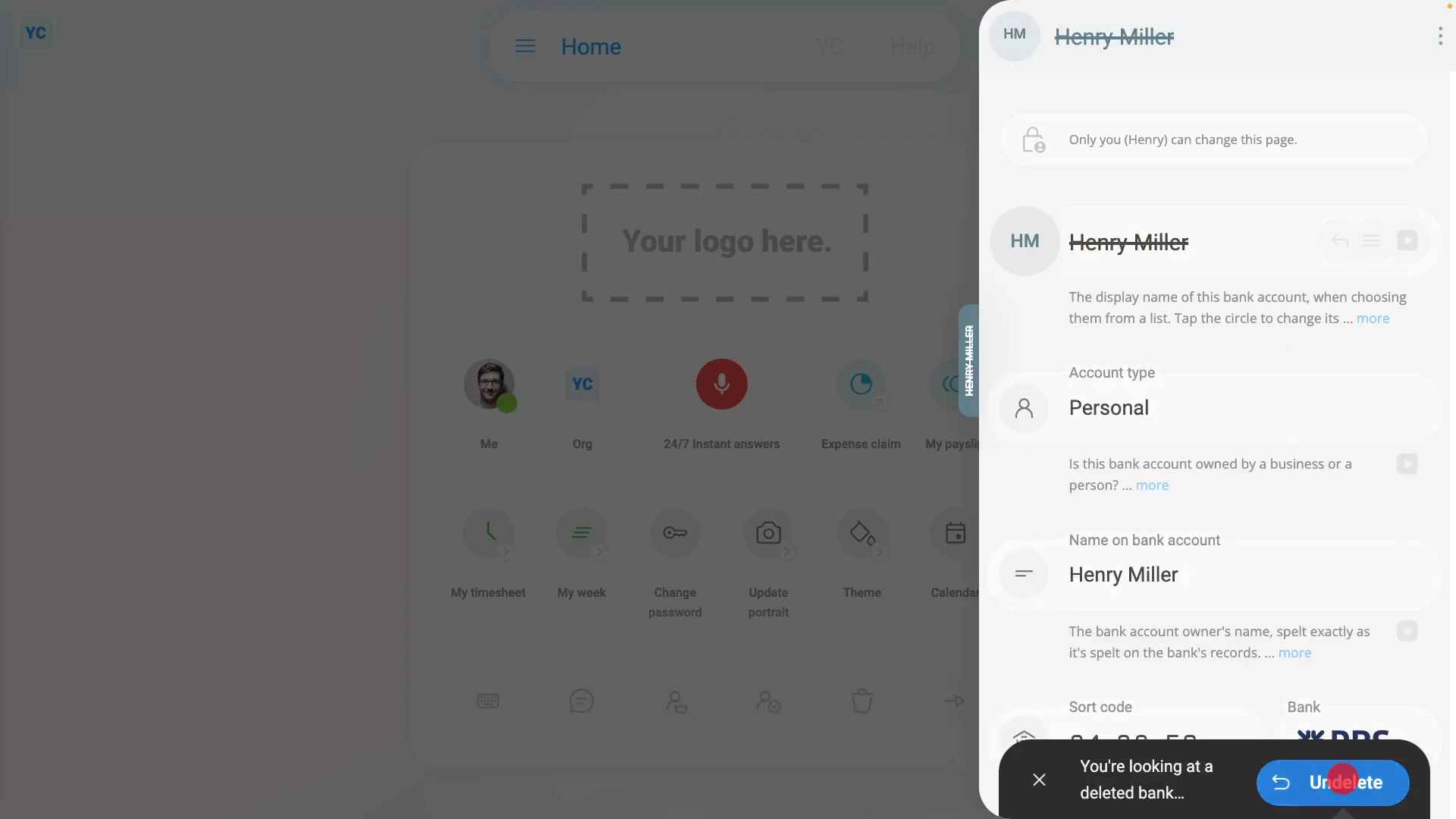
To un-delete a bank account from your "deleted bin":
- First, tap: "Menu", then "Deleted bin"
- Next, you'll see a category for most of the kinds of items that can be deleted. Tap: Payees
- And then tap the bank account you'd like to un-delete.
- Next, tap: Un-delete (at the bottom)
- The previously deleted bank account is immediately un-deleted.
- Now tap: Back to...
- And you're now back at your: "Payday bank account"
- Now you can now re-select the newly un-deleted bank account back to being your selected on: "Payday bank account"
- And finally, tap: Save

Keep in mind that:
- Any changes that you make, apply immediately to your: "Payday bank account"
- That means that as long as your payday person hasn't processed your pay yet, you'll receive your next pay into the currently selected bank account.
And that's it! That's all you need to do to delete a payday bank account!
2. How do I add my company's bank account to pay payroll fromHow do I split my Payroll Payments between two bank accounts
www.1st.money/help/Payroll/Payees/How_do_I_delete_or_un-delete_a_payday_bank_account