How do I delete a payslip?
 3:17
3:17
"How do I delete a payslip?"
Occasionally, you may have filed a payslip, and later realize there's been a mistake. Some mistakes can be fixed by first, deleting the payslip, and then paying it again in: "Process payroll"
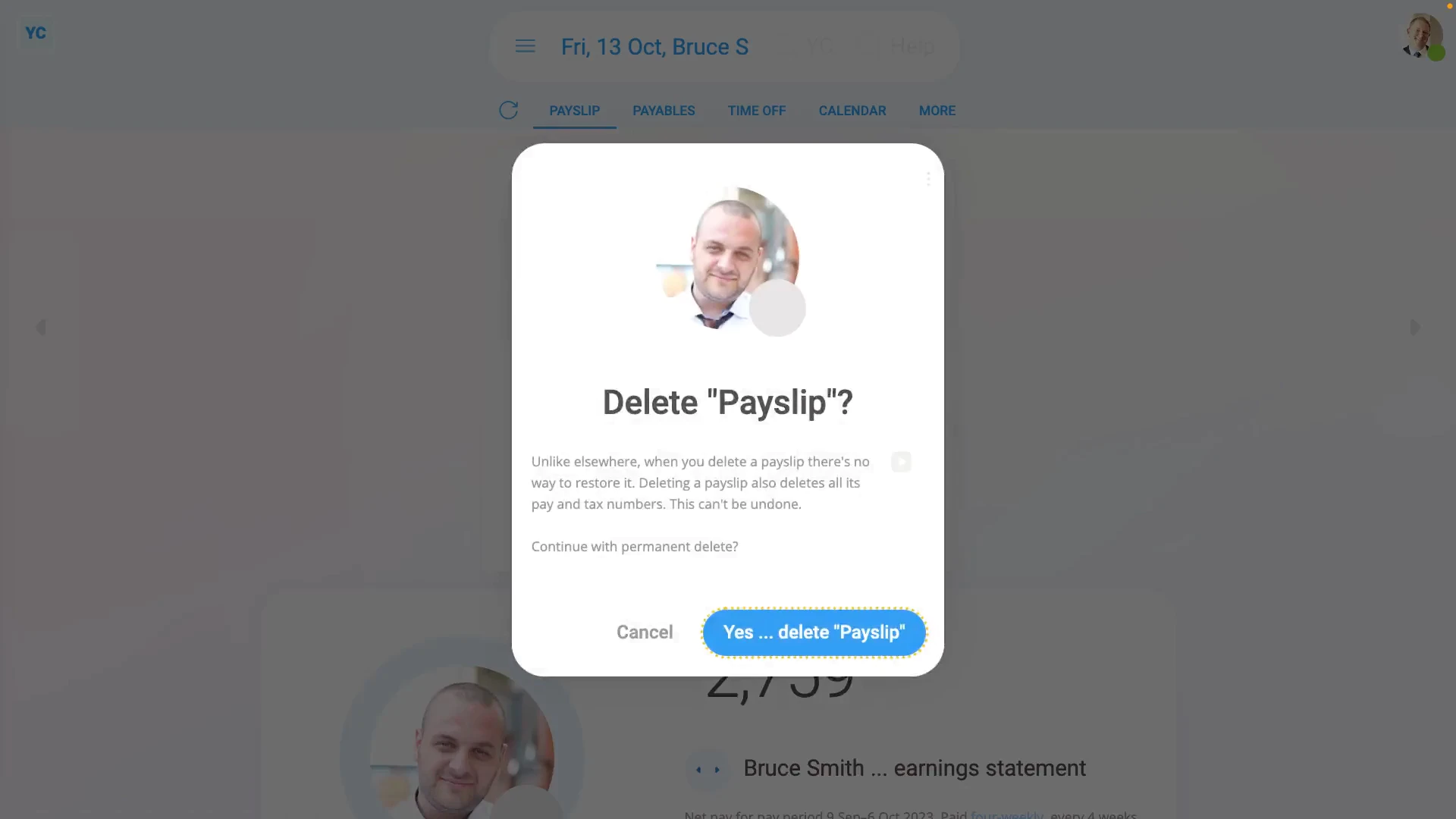
To delete a payslip:
- First, select the payroll group on: "Menu", then "Payroll groups"
- Then tap: "Pay", then "Process payroll"
- Once "Process payroll" opens, hover your mouse over the row of the payslip you want to delete.
- Then tap the "See payslip" button: (at the start of any row)
- Once the payslip slides out on the right, to open it in a new tab, tap the three dots: (in the top-right corner)
- And then tap: Open in new tab
- Now that the payslip's open in its own tab, tap: "More", then "Delete payslip"
- And then tap: Yes ... delete
- You'll now see that because the payslip's been deleted, it's back to being: "Not filed & not paid yet"
- Next, close that tab and go back to: "Process payroll"
- To update "Process payroll", tap the "Reload tab" button: (at the top)
- You'll now see that the row for the person's payslip no longer has the green "Filed" tick.
- And finally, the person's now un-filed payslip is automatically ticked and ready to be filed again.

Keep in mind that:
- Unlike elsewhere, once a payslip's been deleted, there's no way to restore it back to what was saved before.
- Whenever you pay a payslip, everything that's connected to all it's calculations gets locked.
- Including locking connected timesheets, expense claims, repeat payables, and time off.
- The locking is intended to freeze everything in place, as of the time of payslip payment, so your records remain reliable.
- However, the most common reason for wanting to delete a payslip, is in fact, to make a change to a locked timesheet, or expense claim.
For advanced usage:
- Deleting a payslip is never recommended. Making an adjustment instead, is usually the best solution.
- For example, you could make a money adjustment to the person's next payslip to cover the money difference of a previous error.
- To make an adjustment, go to the person's next payslip, and tap: Payables (at the top)
- Alternatively, if you still decide to delete a payslip, it's important that you pay that payslip again as soon as possible.
- Deleting a payslip only deletes it in your copy of the payroll.
- HMRC's copy remains as is, and becomes out-of-date, until you pay it again in: "Process payroll"
- However, once you pay the payslip you deleted again in "Process payroll", HMRC gets all your new payslip numbers, and everything's all synced up again.
To learn more:
- About making a money adjustment to a person's next payslip for a payslip correction, watch the video on: Adding & subtracting vs post & pre-tax
 Adding & subtracting vs post & pre-tax
And that's it! That's everything you need to know about deleting a payslip!
www.1st.money/uk/help/Payroll/Payslips/How_do_I_delete_a_payslip