How do I delete a payday schedule?
 2:29
2:29
"How do I delete a payday schedule?"
If you no longer need a payday schedule, under limited circumstances, you can delete it.
To delete a payday schedule:
- First, select the payroll group on: "Menu", then "Payroll groups"
- Then tap: "Settings", then "Payroll group settings"
- Then beside "Payday schedule", tap the "List payday schedules" button:
- And select the payday schedule you'd like to delete.
- And tap More, then: Delete
- And then tap: Yes ... delete
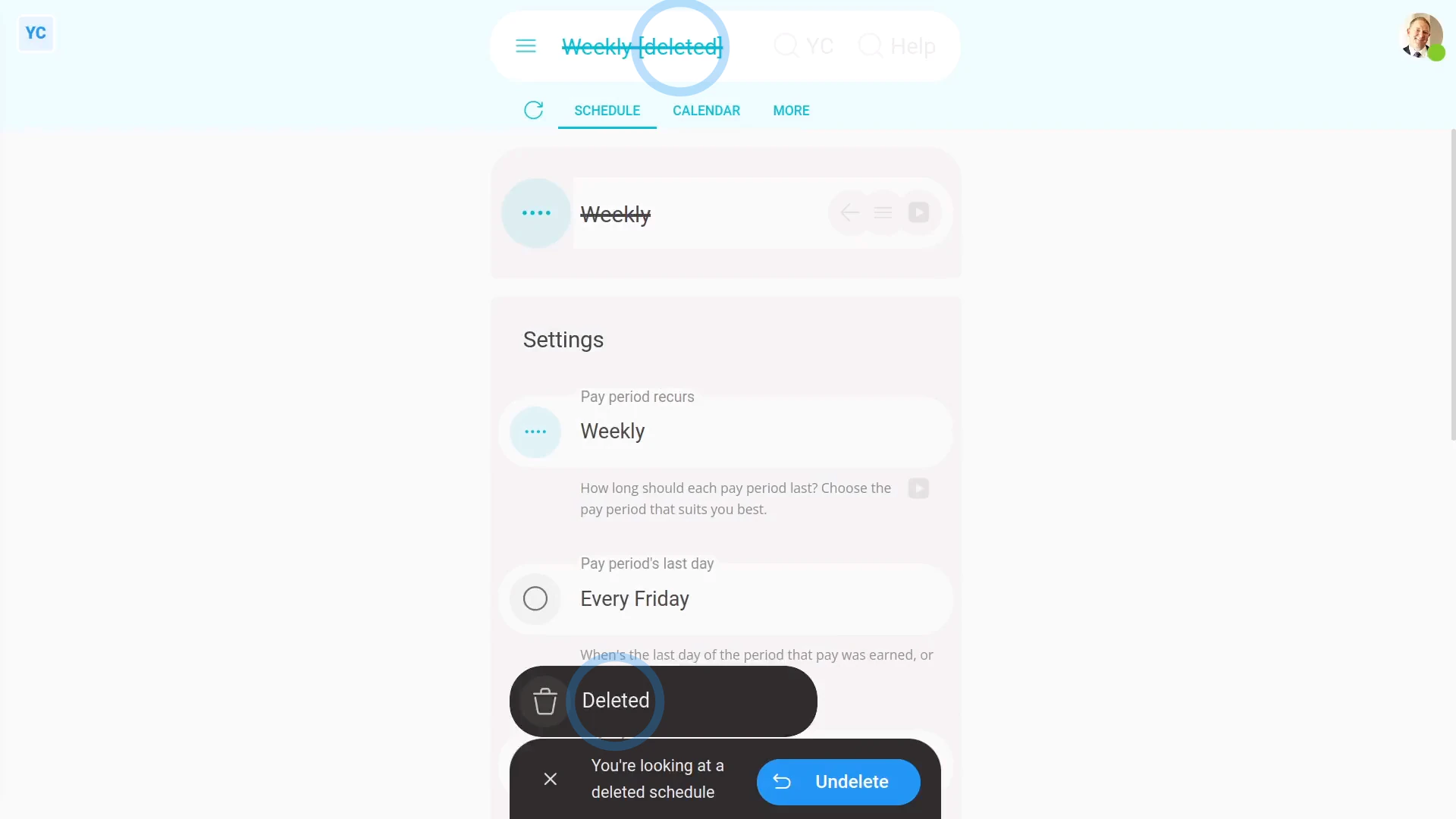
- Now, the payday schedule's deleted.
- The deleted payday schedule's also locked, so it can't be changed anymore.
- And finally, if you change your mind and want the payday schedule back again, tap Un-delete, and it's immediately un-deleted.
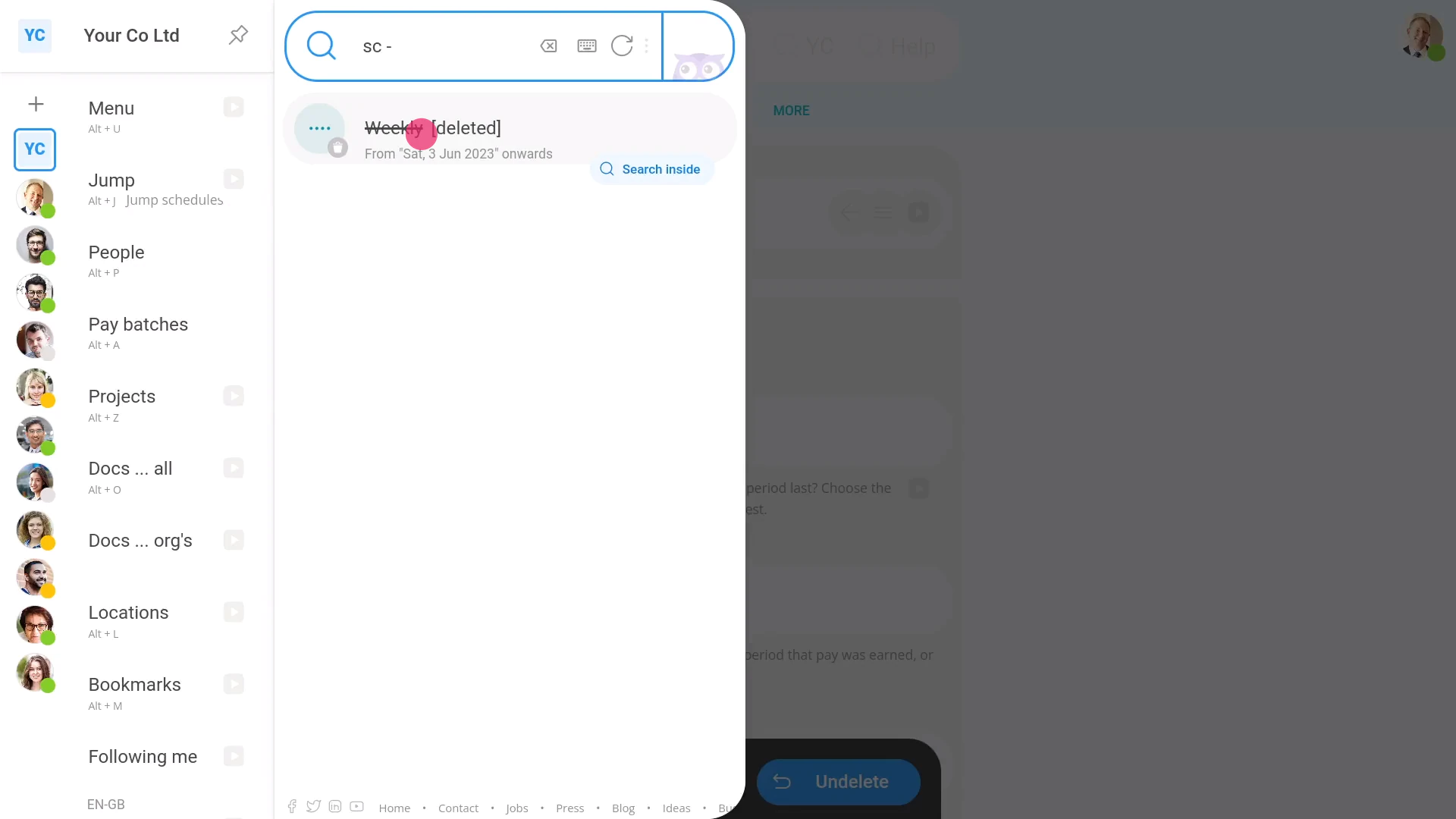
If it's been a while since you deleted a payday schedule, and you want to un-delete it, you'll first need to find it in the: "deleted bin"
To un-delete a payday schedule from your "deleted bin":
- First, tap: "Menu", then "Deleted bin"
- Next, you'll see a category for most of the kinds of items that can be deleted. Tap: Payday schedules
- And then tap the payday schedule you'd like to un-delete.
- Next, tap: Un-delete (at the bottom)
- And finally, the previously deleted payday schedule is immediately un-deleted.

You may notice:
- Once the payday schedule's got filed payslips, a "Payday schedule locked" message shows, and it can't be deleted anymore.
- Also, you can't delete the payday schedule that's currently "active" for today's date.
- And you can't delete a payday schedule if it's the last remaining payday schedule in the payroll group.
- In reality, it's rare that you'd ever need to delete a payday schedule.
Keep in mind that:
- Only people who've got "Full payroll admin" permissions can delete or un-delete payday schedules.
- And remember that all deletes and un-deletes are always permanently recorded in: "History"
- That means any admin can always look back in time, and see who did any delete, and when the delete was done.
And that's it! That's everything you need to know about deleting or un-deleting a payday schedule!
www.1st.money/uk/help/Payroll/Payday_schedules/How_do_I_delete_a_payday_schedule