1. How do I make a new repeat payable?

 1:48
1:48
"How do I make a new repeat payable?"
Repeat payables allow you to add or deduct money from a person's pay on a repeating basis. Like every month, or every payday.
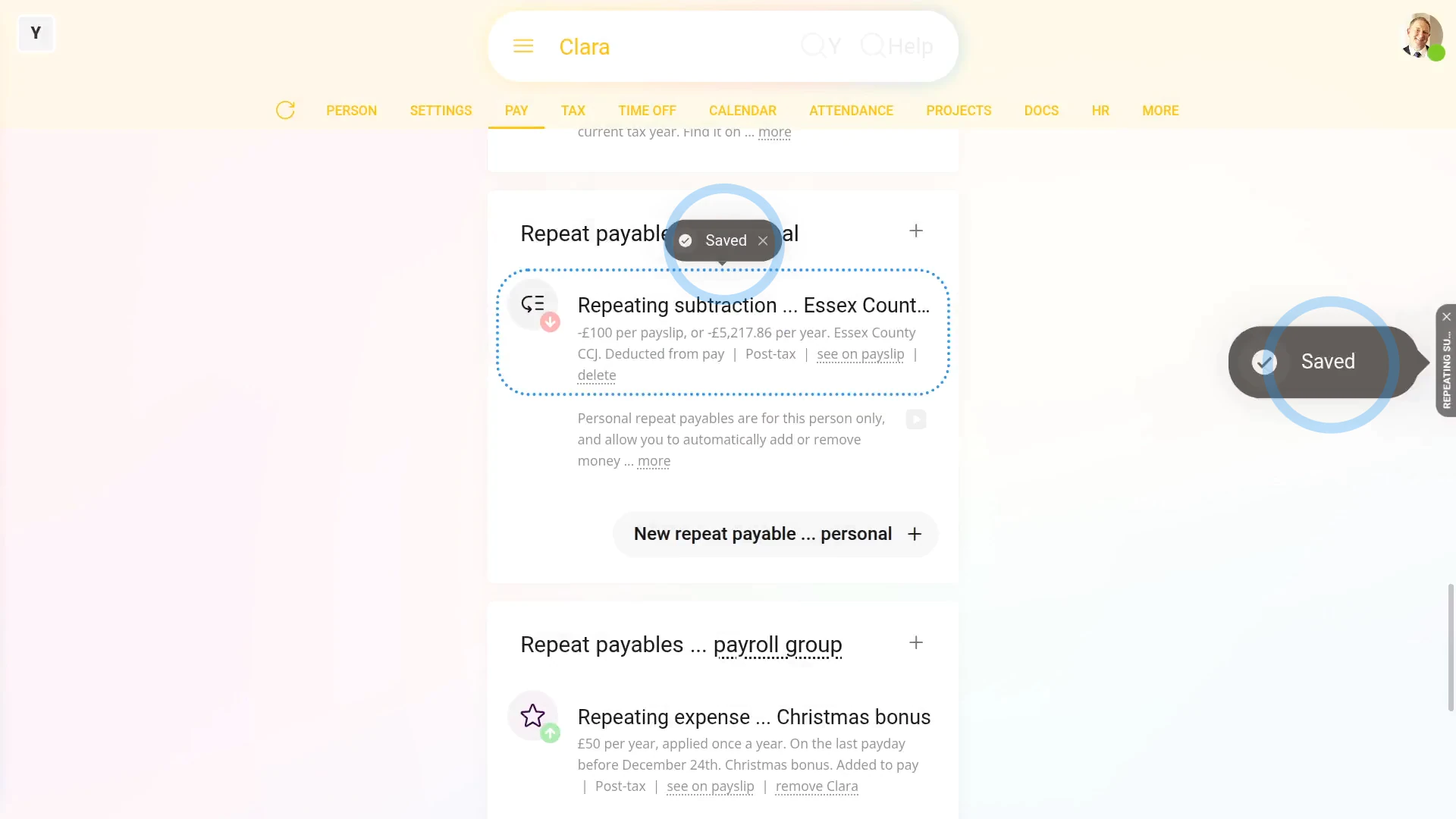
To add or deduct money from a person's pay every payday:
- First, select the person on: "Menu", then "People"
- And then go to: "Pay", then "Pay settings"
- And scroll down to the "Repeat payables ... personal" heading.
- Then tap: New repeat payable
- Next, select if you're adding or deducting from the person's pay.
- Then select the type.
- Next, select the sub-type, or tap "Other", and type in your own description.
- And enter the amount payable.
- By default, when repeating the amount, it's set to: "Per payslip"
- But you can select any repeating option you like.
- And finally, tap Save, and your new repeat payable is now saved for a single person.

To learn more:
- To learn about deleting or un-deleting a repeat payable, watch the video on: Deleting a repeat payable
- To see more about the different repeating time frames, watch the video on: Repeat payable amount time frame
- And to see different types of "post-tax" and "pre-tax" examples, watch the video on: Adding & subtracting vs post & pre-tax
 Deleting a repeat payable
And that's it! That's all you need to do to add or deduct from a person's salary on a repeating basis!
www.1st.money/uk/help/Expenses/Repeat_payables/1._How_do_I_make_a_new_repeat_payable