How do I resend my accounting to a different accounting package?

 2:37
2:37
"How do I resend my accounting to a different accounting package?"
Sometimes you may decide to switch your accounting package part way into the year.
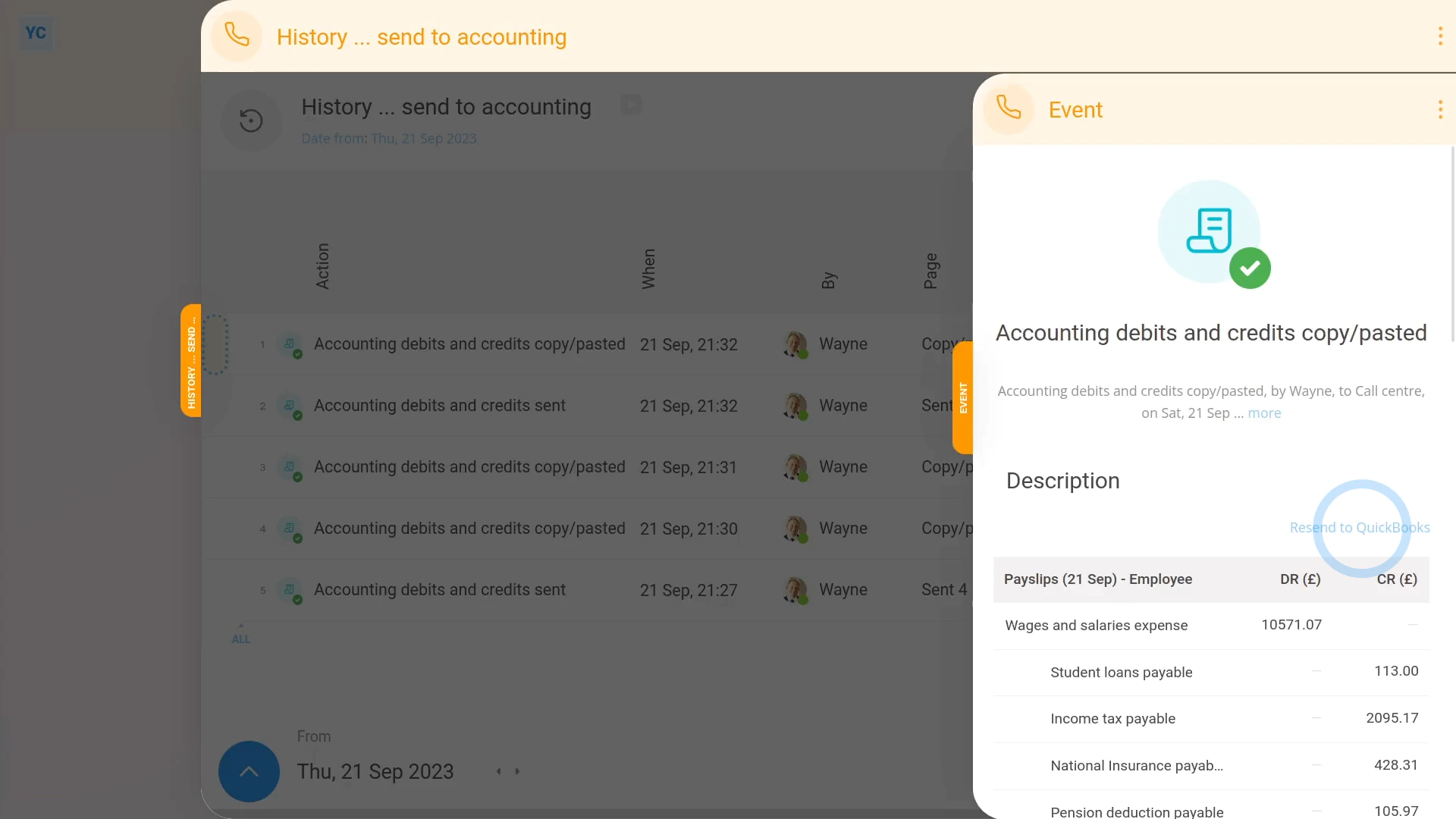
To resend a few months of payday debits and credits to a different accounting package:
- First, select the payroll group on: "Menu", then "Payroll groups"
- Then tap: "Settings", then "Payroll group settings"
- Then on the "Settings" tab, scroll down to the "Accounting" heading.
- And you'll see which "Accounting package" you've previously set, or it may still be set to: "Copy/paste debits and credits"
- Next, to see the previously sent debits and credits, tap: "Pay", then "Send to accounting"
- And you'll now see the payroll group's previously sent debits and credits slide out from the right.
- Near the beginning of each row, you'll notice that all the rows have a green status circle.
- The green status circle means that the payday debits and credits of that row have already been sent to an accounting package.
- When you tap into a row, you'll notice that there's no blue "Resend" link, for now.
- Now tap back to the "Accounting package" setting: "Settings", then "Payroll group settings"
- And connect your accounting package, to see how it changes.
- In the example, QuickBooks has been connected, but the steps work the same for any accounting package.
- Now return back to your sent debits and credits at: "Pay", then "Send to accounting"
- And when you tap into a row, you'll see that there's now a blue "Resend" link. The link allows you to resend the same debits and credits to your newly connected accounting package.
- Tap blue "Resend" link, then tap: Yes ... send now
- And finally, the debits and credits are sent to your newly connected accounting package.

Keep in mind that:
- You can change your accounting package as many times as you like.
- The blue "Resend" link still does what you'd expect.
To learn more:
- About connecting an accounting package such as QuickBooks, watch the video on: Connect to QuickBooks
- To learn about how to send a few months all at once, if the debits and credits have never been sent before, watch the video on: Sending accounting all at once, months later
 Connect to QuickBooks
And that's it! That's everything you need to know about resending debits and credits to a different accounting package!
5. How do I copy paste a payday into my accounting packageIf I'm late at connecting accounting, can I send it all at once
www.1st.money/uk/help/Accounting/How_do_I_resend_my_accounting_to_a_different_accounting_package