How do I make a one-off manual adjustment to a person's hours?
 1:16
"How do I make a one-off manual adjustment to a person's hours?"
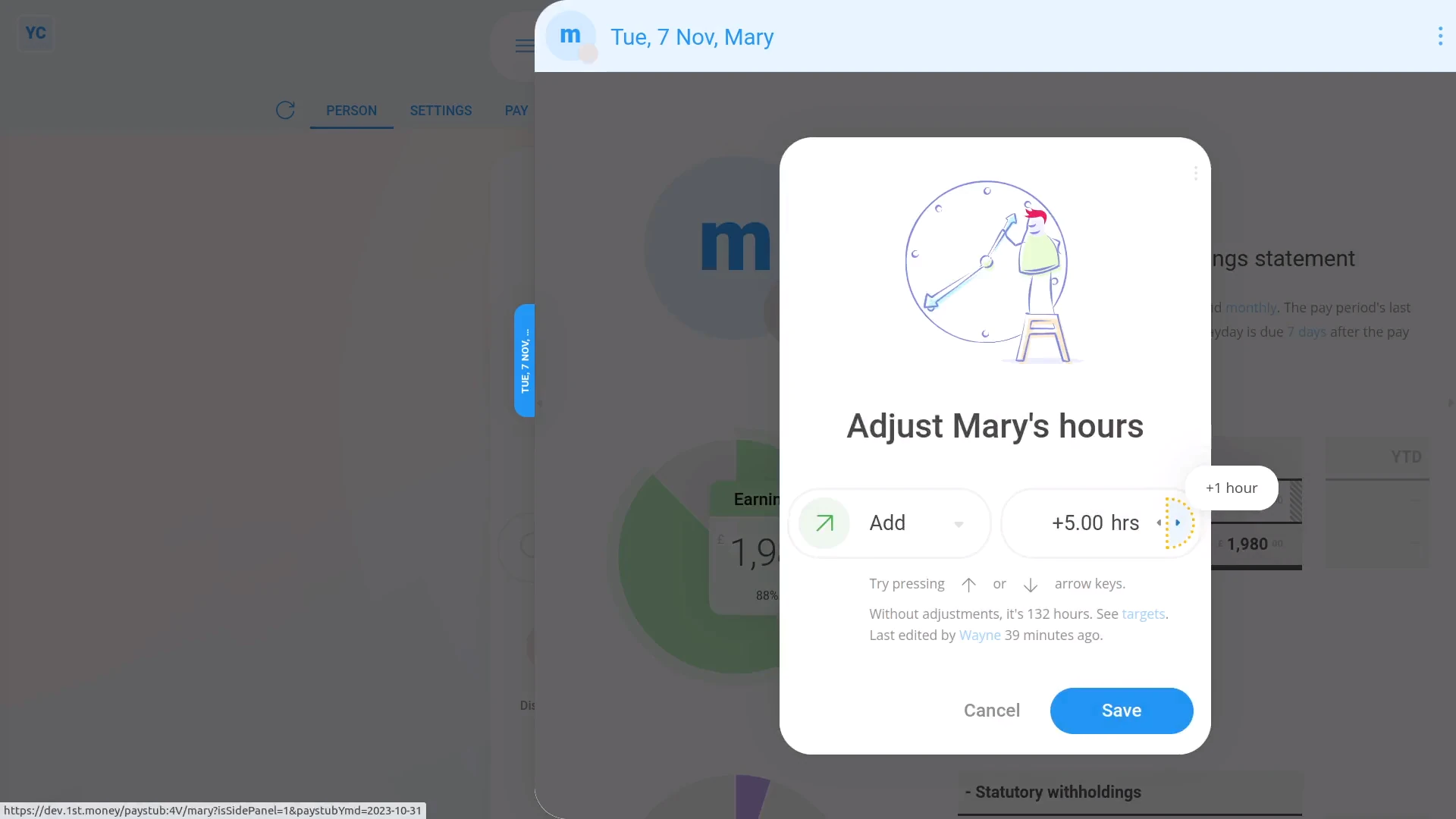
To make a one-off manual adjustment to a person's hours, that doesn't apply to future payslips:
- First, select the person on: "Menu", then "People"
- Then tap: "Pay", then "Payslip"
- And tap the "adj. hrs" link on their "Earnings" row.
- Next, press the add or remove buttons to change the adjustment hours.
- Then tap: Save
- Now that it's saved, when you mouse over the "Earnings" number, you'll see that both the hours and the earnings calculation have changed.
- And finally, with one-off manual adjustments, the "Per hour ... fixed targets" gives you the flexibility of paying by the hour, without doing timesheets.

You may also notice:
- That a one-off manual adjustment to a person's hours applies only to that one payslip.
- It won't affect any future payslips.
And that's it! That's everything you need to know about making a one-off manual adjustment to a person's hours!
How do I get a printable PDF of filed payslipsHow do I pay a higher hourly rate to people who work overtime hours
www.1st.money/help/Payroll/How_do_I_make_a_one-off_manual_adjustment_to_a_person's_hours