How do I set my doc signature?
 1:58
1:58
"How do I set my doc signature?"
Setting your doc signature makes it easier to sign documents, like employment agreements and tax forms.
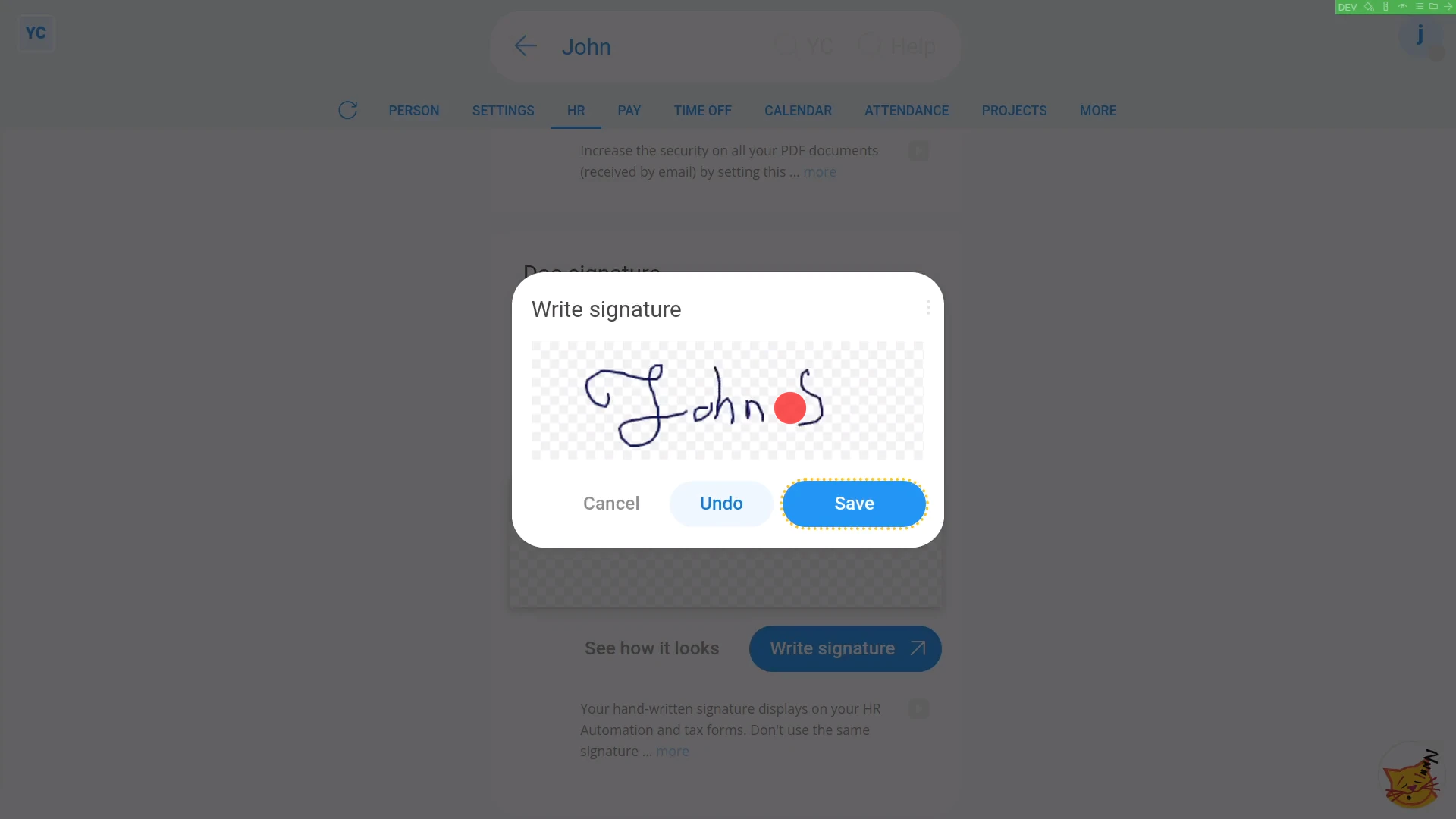
To set your doc signature:
- First, open yourself on: "Menu", then "Me"
- Then tap: "Docs", then "Doc PIN & doc sig."
- Then scroll down and tap: Write signature
- In the box that pops up, draw your signature.
- You'll find it easier if you login on your phone, and do it there.
- If you're not happy with your first attempt, tap: Undo
- And finally, once you're happy with your signature, tap: Save
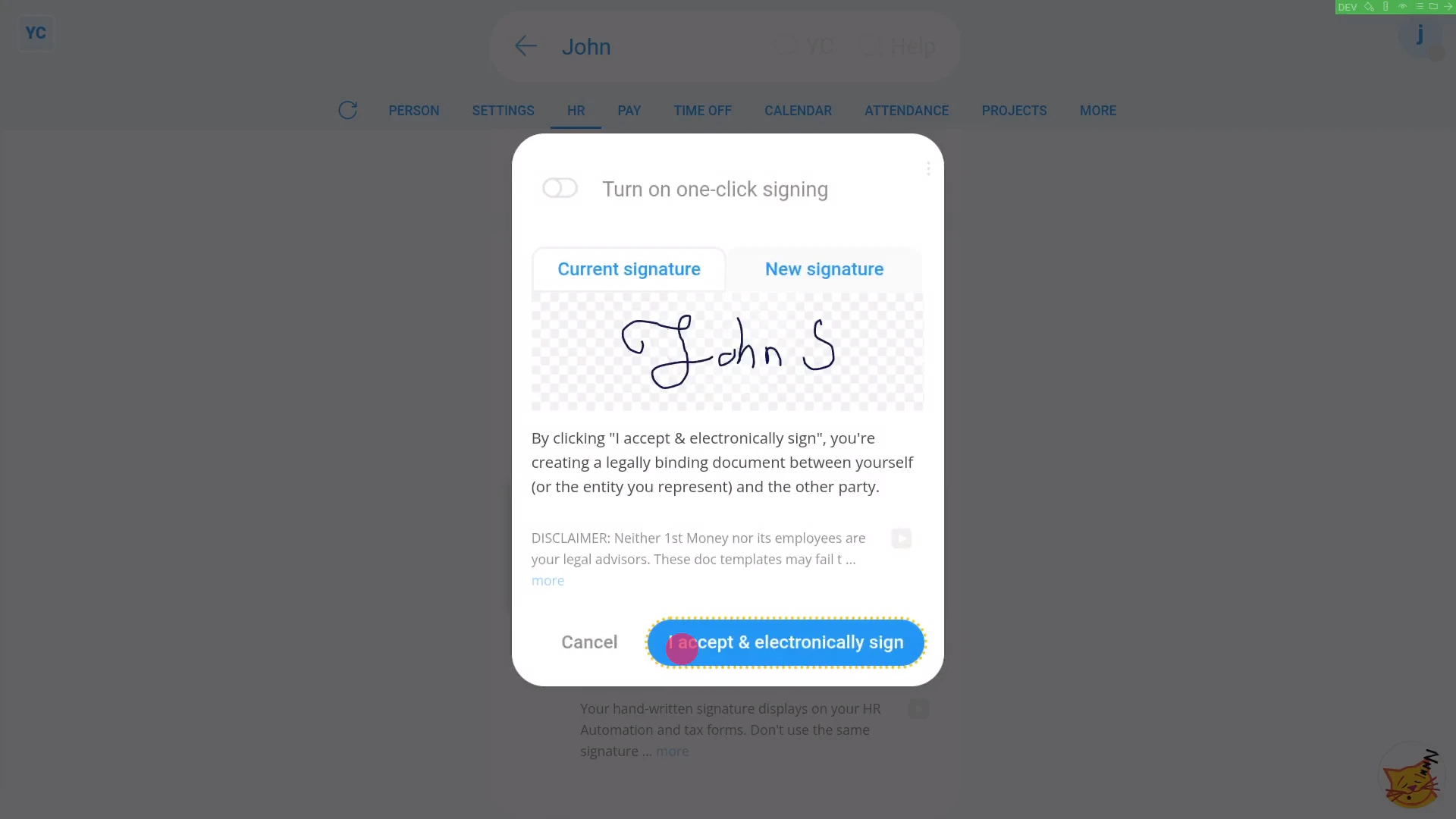
To see how it now looks when signing a document:
- First, tap: See how it looks
- Then tap: I accept & electronically sign
- And finally, the signing is confirmed.
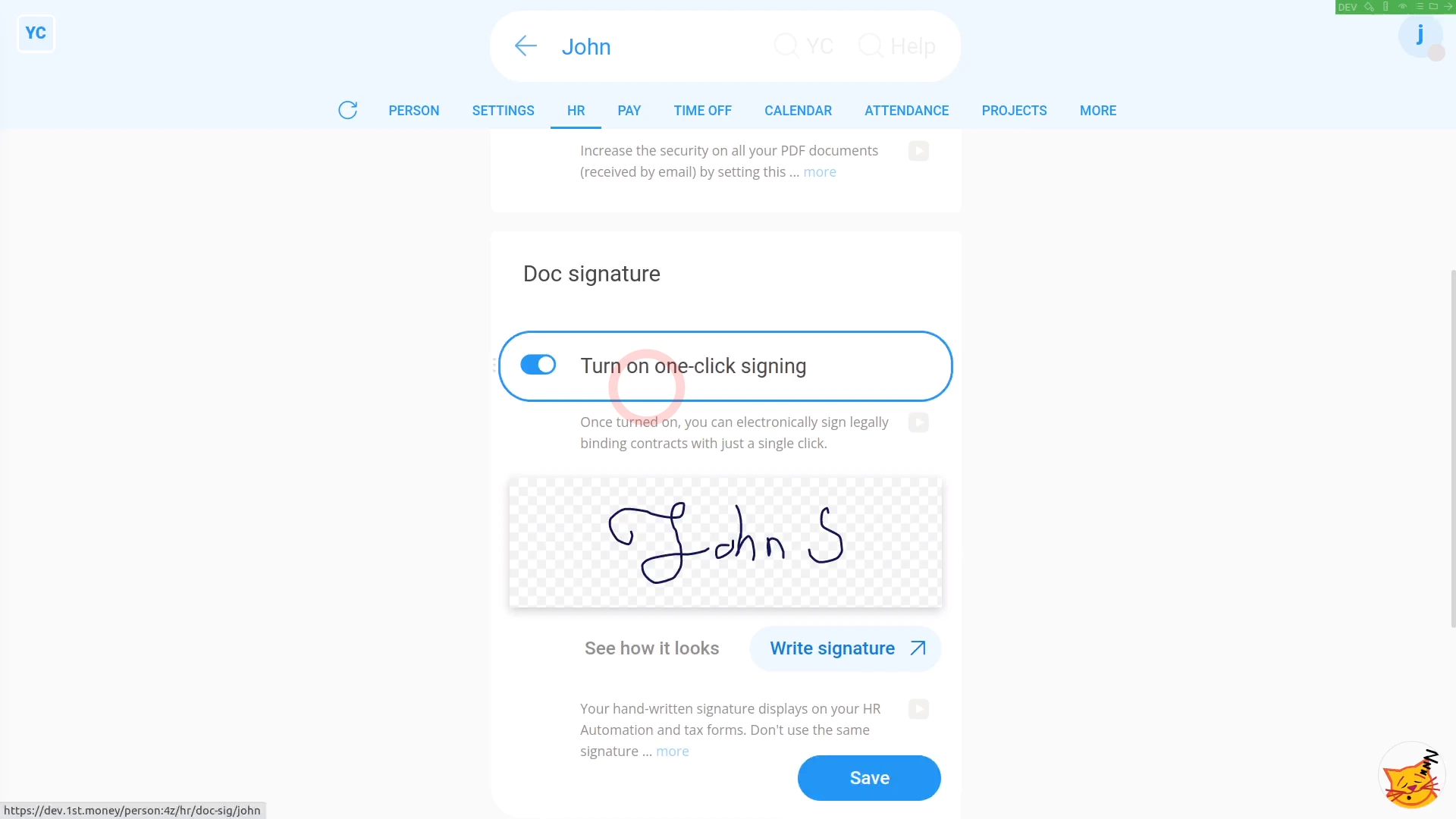
To turn on one-tap signing:
- First, tap: "Turn on ... one-tap signing"
- Then tap: Save
- And finally, when you tap See how it looks, you'll get the signing confirmation with only one-tap.

You may notice:
- Saving your signature also makes the HR Doc PDFs that you create look more authentic, with a real signature (at the bottom).
If a feature's not showing:
- If the "Docs" menu isn't showing, it means your org hasn't turned on the docs feature yet.
- To turn on the docs feature, watch the video on: Turning on HR Docs
 Turning on HR Docs
And that's it! That's everything you need to know about setting your doc signature, and turning on one-tap signing!
How do I send corrections or errors that I spot in a docWhat are inserts, and how do I use them in my doc
www.1st.money/uk/help/HR_Docs/How_do_I_set_my_doc_signature