How do I change which day each week starts on?

 1:30
1:30
"How do I change which day each week starts on?"
Some people, or cultures, prefer that their week starts on a Sunday, Monday, or some other day of the week.
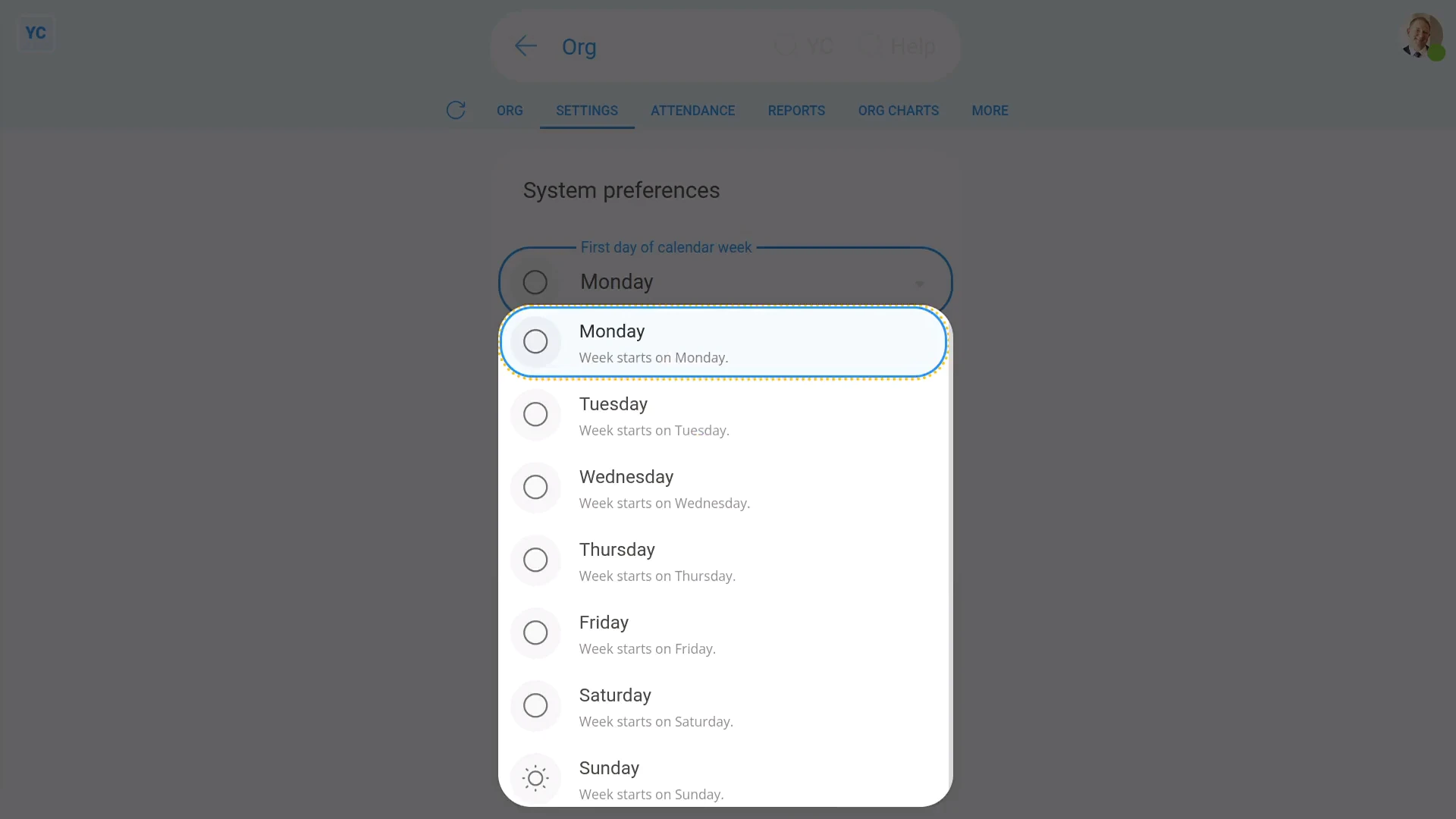
To set which day appears as your org's first week day:
- First, go to your org on: "Menu", then "Orgs"
- Then tap: "Settings", "System preferences", then "Calendar week's first day"
- Select which day you'd like each week to start on.
- And finally, tap: Save
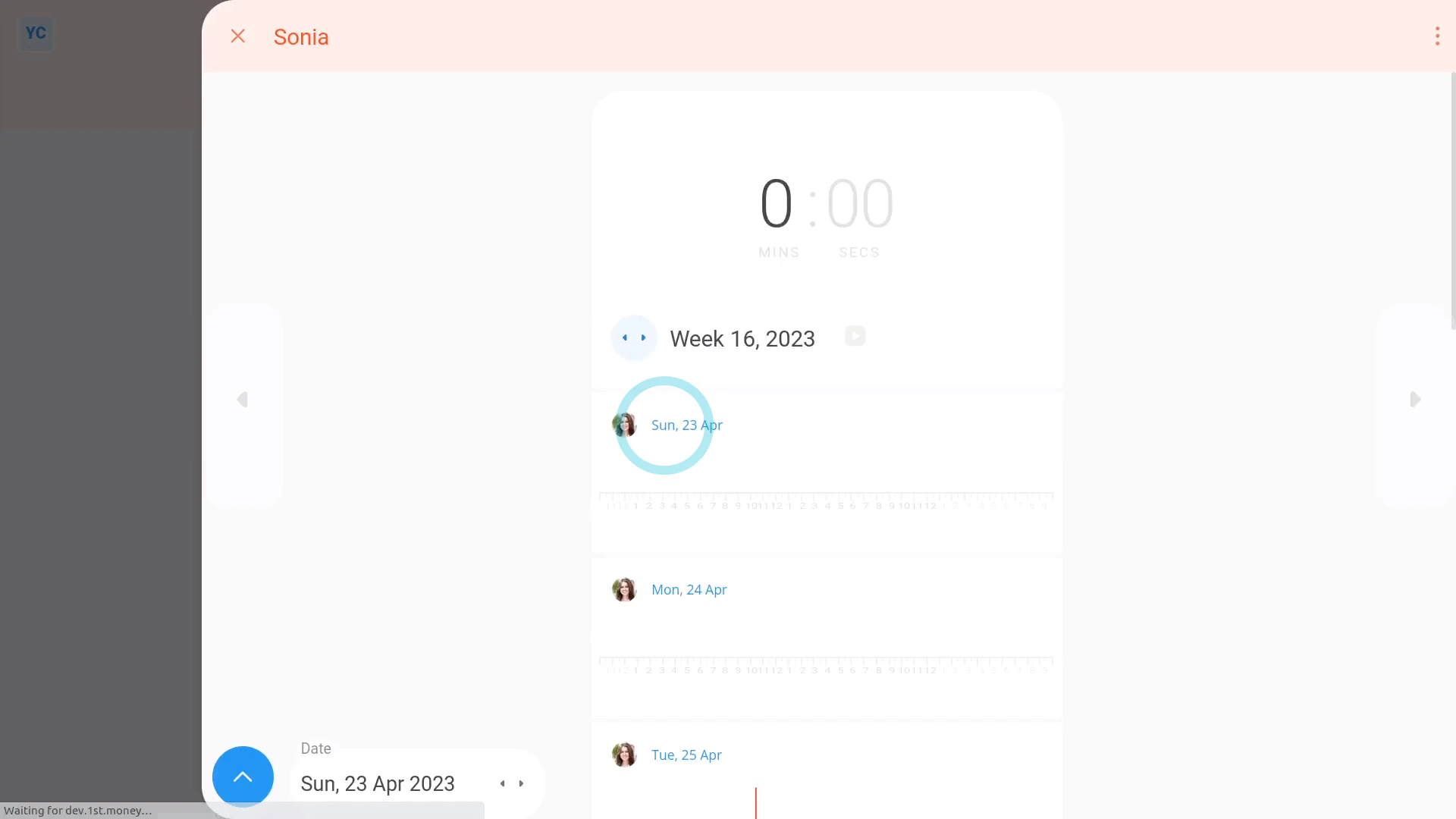
To see how setting a week's starting day looks:
- First, as you visit each of the following, you'll notice that everything now starts on your selected day of the week.
- Including all calendars.
- All "Timelines ... weekly" reports.
- All "Hours weekly" reports.
- And finally, even all target hours per week.

Keep in mind that:
- The "day each week starts on" setting applies equally to every person in your org.
- It can't be set differently for each person.
- Also, the "day each week starts on" setting is purely visual and doesn't affect paydays or pay, in any way.
And that's it! That's everything you need to know about changing which day each week starts on!
www.1st.money/uk/help/Org/How_do_I_change_which_day_each_week_starts_on