How do I use assessment metrics?
 3:02
3:02
"How do I use assessment metrics?"
Assessment metrics are a way to rate your org's people with scores ranging from 0 to 100%.
Each person can see, but not change, their own scores. However, org admins can both see, and also change everyone's scores.
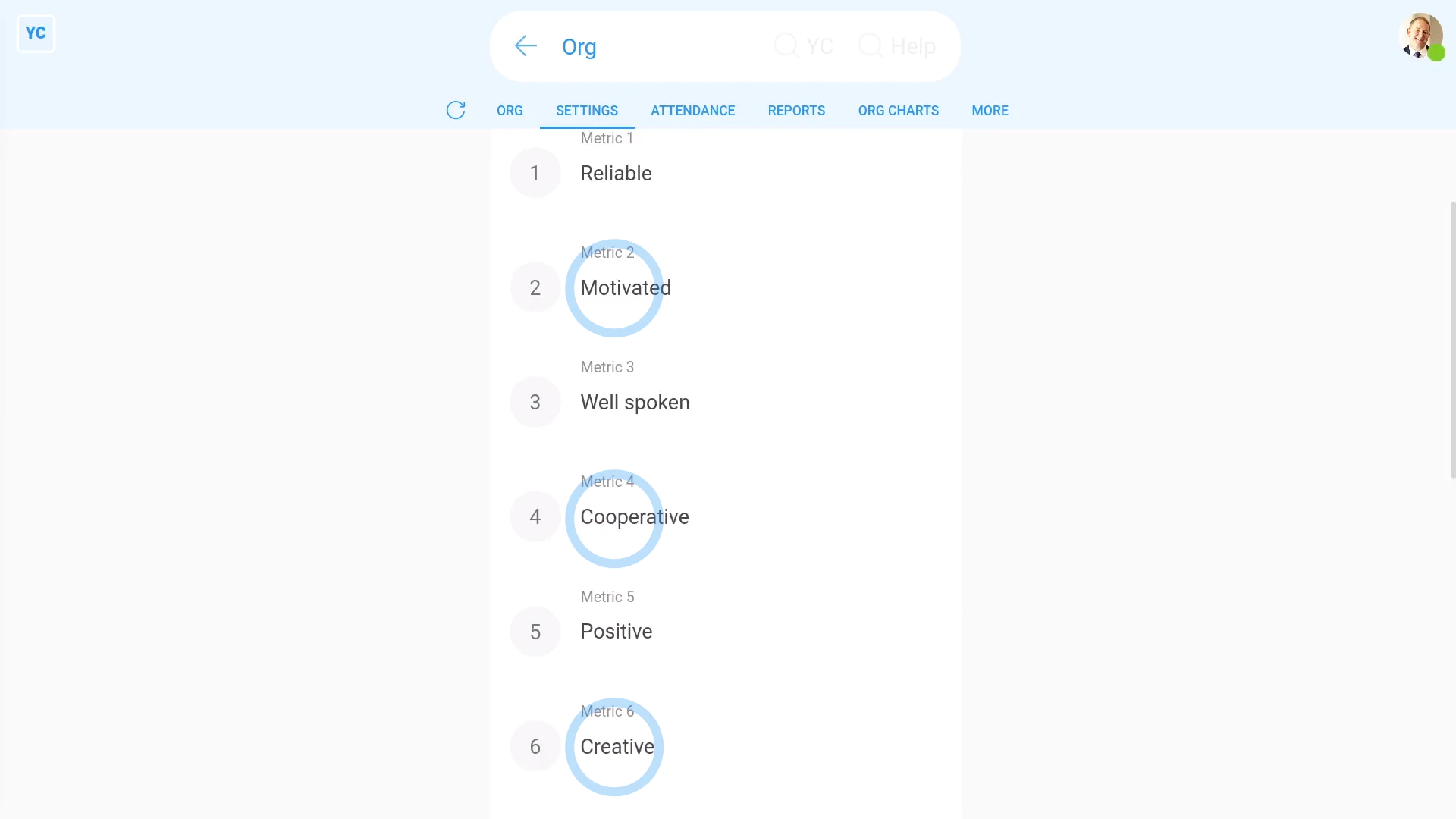
To change your org's existing assessment metrics:
- First, go to your org on: "Menu", then "Orgs"
- Then tap: "HR", then "Assessment metrics"
- You'll now see all the existing assessment metrics.
- You're welcome to change the assessment metrics names to match the needs of your org.
- Then tap: Save
- And finally, you can always come back later to add more.

Keep in mind that:
- Changing the name of an assessment metric is going to change the name for everyone in your org.
- However, the percentages that had previously been saved is going to remain the same.
To add a new assessment metric:
- First, go to your org on: "Menu", then "Orgs"
- Then tap: "HR", then "Assessment metrics"
- Scroll down and find an empty assessment metric slot.
- And type in the name of your new assessment metric.
- Then tap: Save
- And finally, to see your new assessment metric, scroll to the top and tap See yours, and then tap: Suggest
Also remember that:
- Even if you've got "Full org admin" permissions, you still can't change your own assessment metrics.
- Ask another org admin to change it for you.
To see and update assessment metrics on your org's "People" report:
- First, to open your org's "People" report, first tap: "HR", then "People"
- Once it's open, you'll see a list of people.
- You may prefer to tap the tick boxes (at the start of any row).
- With the highlight turned on, it's easier to keep track of rows as you scroll across.
- When you scroll across, you'll see a grid of scores for each person and each metric.
- You'll notice that any recent assessment metric changes have already shown up.
- You can now tap the empty assessment metric for each person, and set a percentage value, one-by-one.
- And finally, once you tap Save, the assessment metric instantly updates.
You may notice:
- Assessment metrics are an optional feature.
- Assessment metrics have no effect on people's pay, permissions, or anything else.
And that's it! That's everything you need to know about using assessment metrics!
www.1st.money/uk/help/Org/How_do_I_use_assessment_metrics