What does the 'Show pay as' setting do?

 1:35
1:35
"What does the "Show pay as" setting do?"
The "Show pay as" setting allows you to show pay estimates, like each person's salary, as either a yearly or monthly amount.
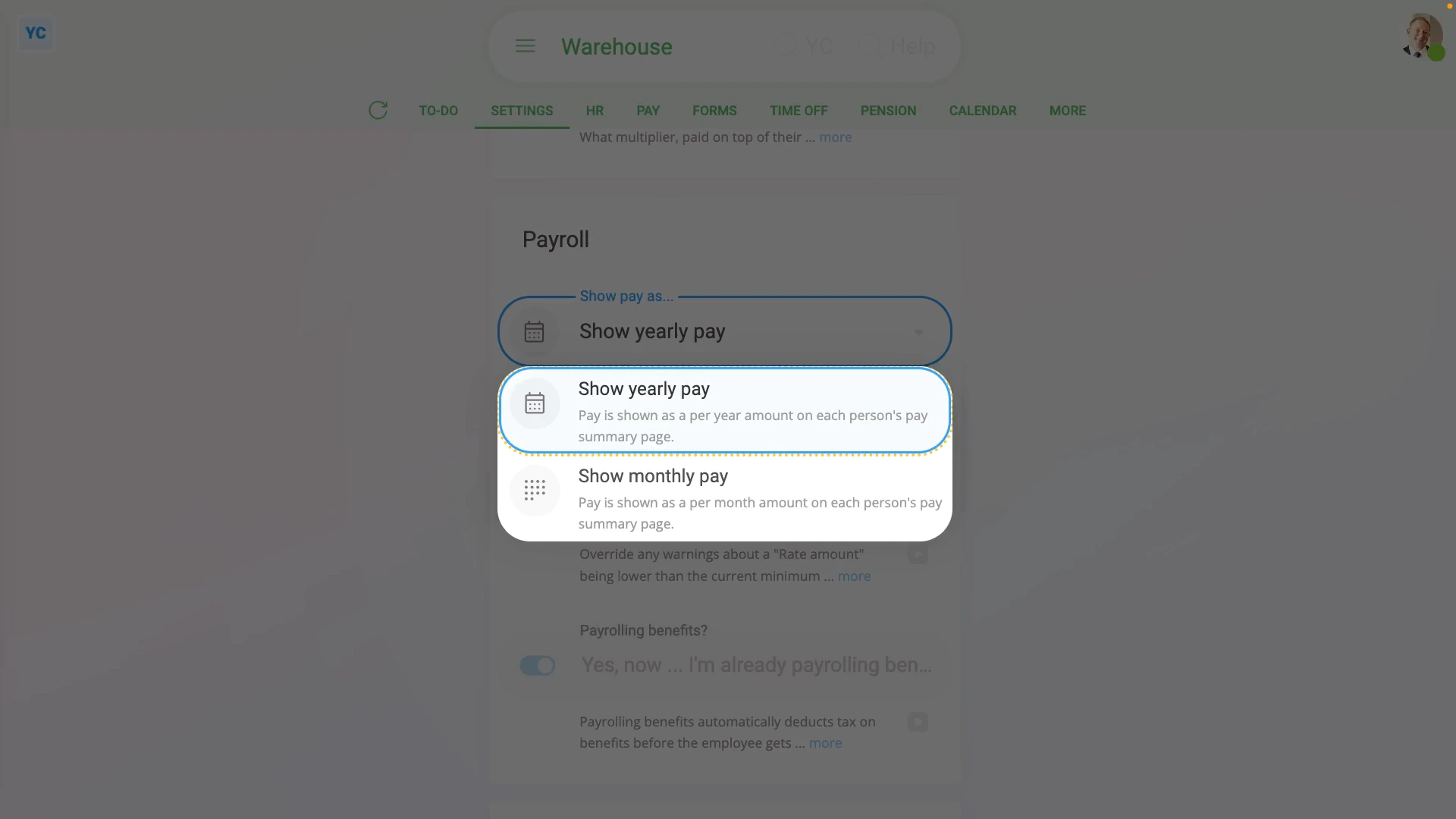
To set "Show pay as" to either a yearly or monthly amount for all people in a payroll group:
- First, select the payroll group on: "Menu", then "Payroll groups"
- Then tap: "Settings", then "Advanced"
- Then scroll down to the "Payroll" heading.
- And tap: "Show pay as..."
- And change it to yearly or monthly, depending on what you want all the payroll group's people to see on their pay estimates.
- Then tap: Save
- To see how a "Show pay as" change looks, open a person who's in the payroll group.
- And go to their: "Pay", then "Pay summary"
- And you'll see that the person's pay is now shown as yearly or monthly, depending on what you set.
- And finally, to change it again, tap the "per month" or "per year" link.

Keep in mind that:
- The "Show pay as" setting can be changed whenever you like, and has no effect on payday, taxes, or other calculations.
- However, any change to "Show pay as" does apply to every person in the payroll group.
And that's it! That's everything you need to know about a payroll group's "Show pay as" setting!
www.1st.money/uk/help/Payroll/What_does_the_'Show_pay_as'_setting_do