5. How do I add observers to a project?
 2:32
2:32
"How do I add observers to a project?"
Adding a person as a project observer allows them to see all the "Attendance" reports on a single project.
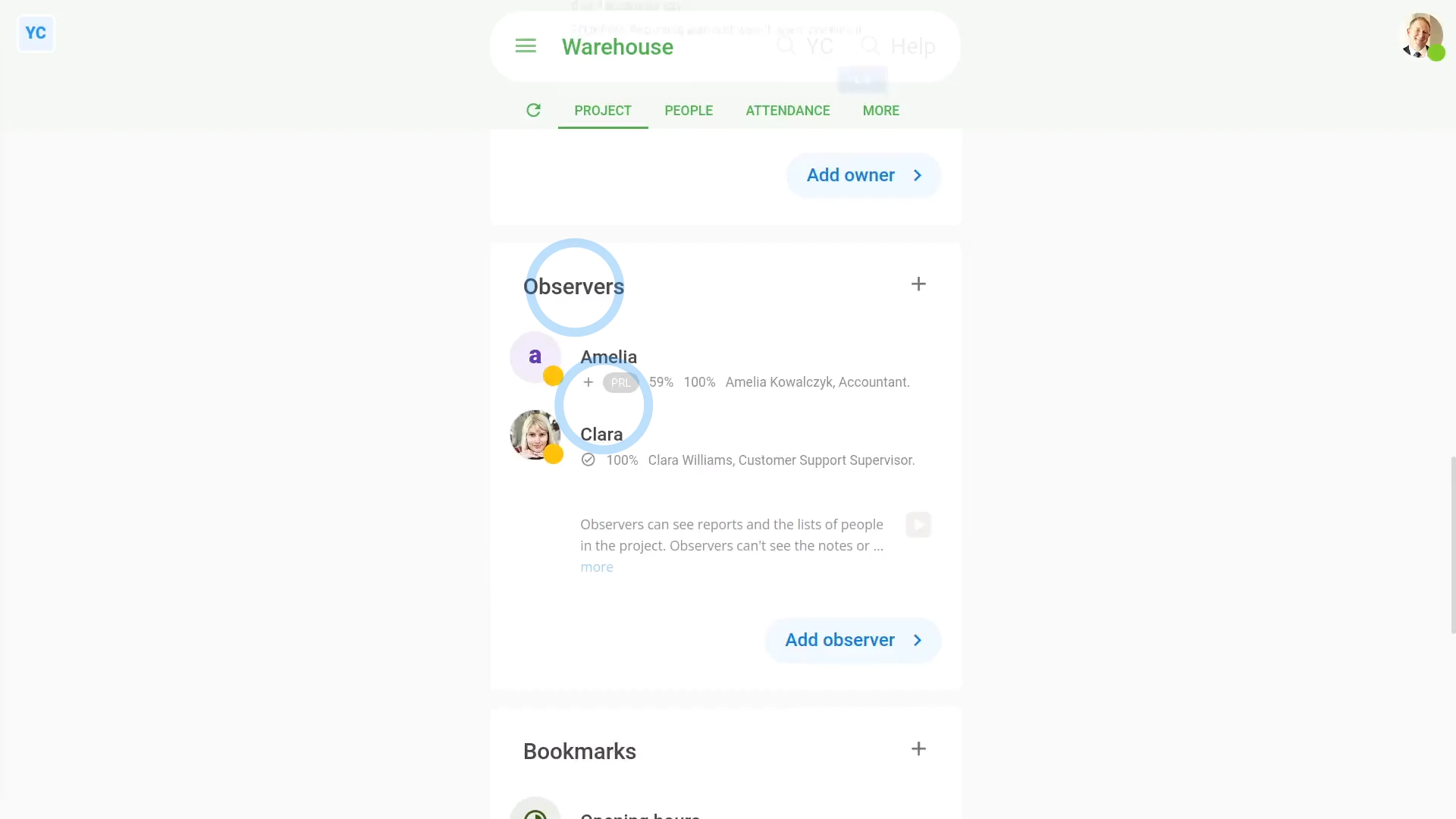
To add observers to a project:
- First, select the project on: "Menu", then "Projects"
- Once it's open, scroll down and tap: Add observer
- Once it slides out on the right, tap each person you want to add as an observer.
- You can add as many observers as you'd like to any project.
- Then tap: Save
- And finally, you'll now see them all added to the project, in the "Observers" list.

Keep in mind that:
- Only owners and people who've got "Full org admin" permissions can add observers to projects.
- Anyone can be an observer. Observers don't have to already be an org admin.
- The main reason to add a person as a project observer is to allow an outsider to see "Attendance" reports on a single project. Rest assured, observers can't see anything else in your org.
Now, switching person. You're now logged in as an observer.
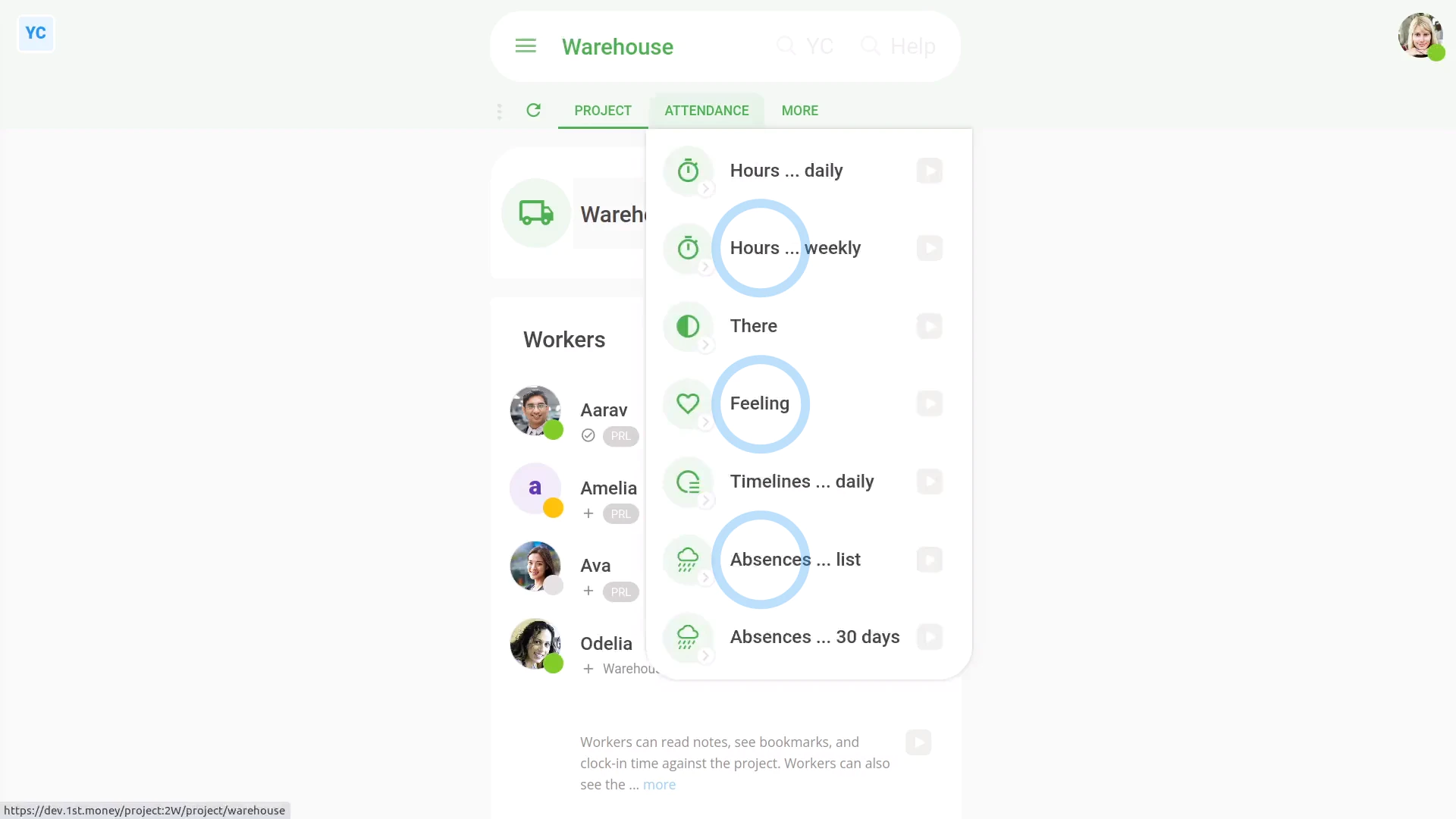
To understand what observers can see and do:
- Observers can see all of the project's "Attendance" reports.
- Observers can see the project's workers, owners, and observers.
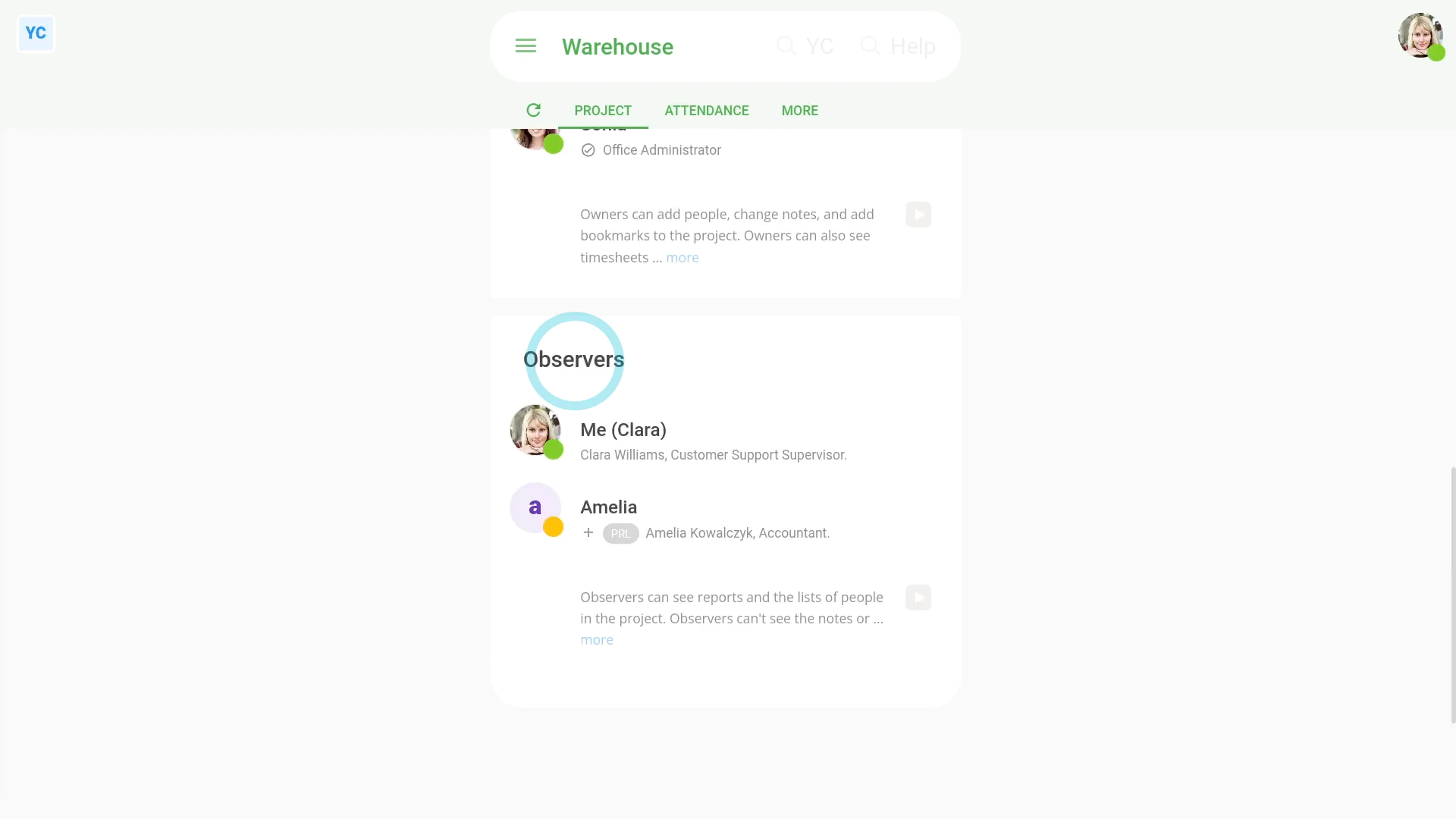
To understand what observers can't do:
- Observers still don't get access to anything else in your whole org.
- Observers can't see the project's notes.
- Observers can't change things like people's job titles or other employment info. Only org admins can do such changes.
- Observers can't see people's pay info. Only payroll admins can see pay info.
- Observers can't clock-in timesheet time for the project. If you need clocked-in timesheet time, add them as a worker as well.
- Observers can't add new projects, change the name of the project, or delete the project. Only org admins can do such changes.
If a feature's not showing:
- If "Projects" isn't showing in the menu, it means your org hasn't turned on the timesheets feature yet.
- To turn on the timesheets feature, watch the video on: Turning on timesheets
 Turning on timesheets
And that's it! That's everything you need to know about adding observers to a project!
www.1st.money/uk/help/Projects/5._How_do_I_add_observers_to_a_project