How do I delete or un-delete a TimeSpot?

 2:32
2:32
"How do I delete or un-delete a TimeSpot?"
If you no longer need a TimeSpot, you're welcome to delete it whenever you like.
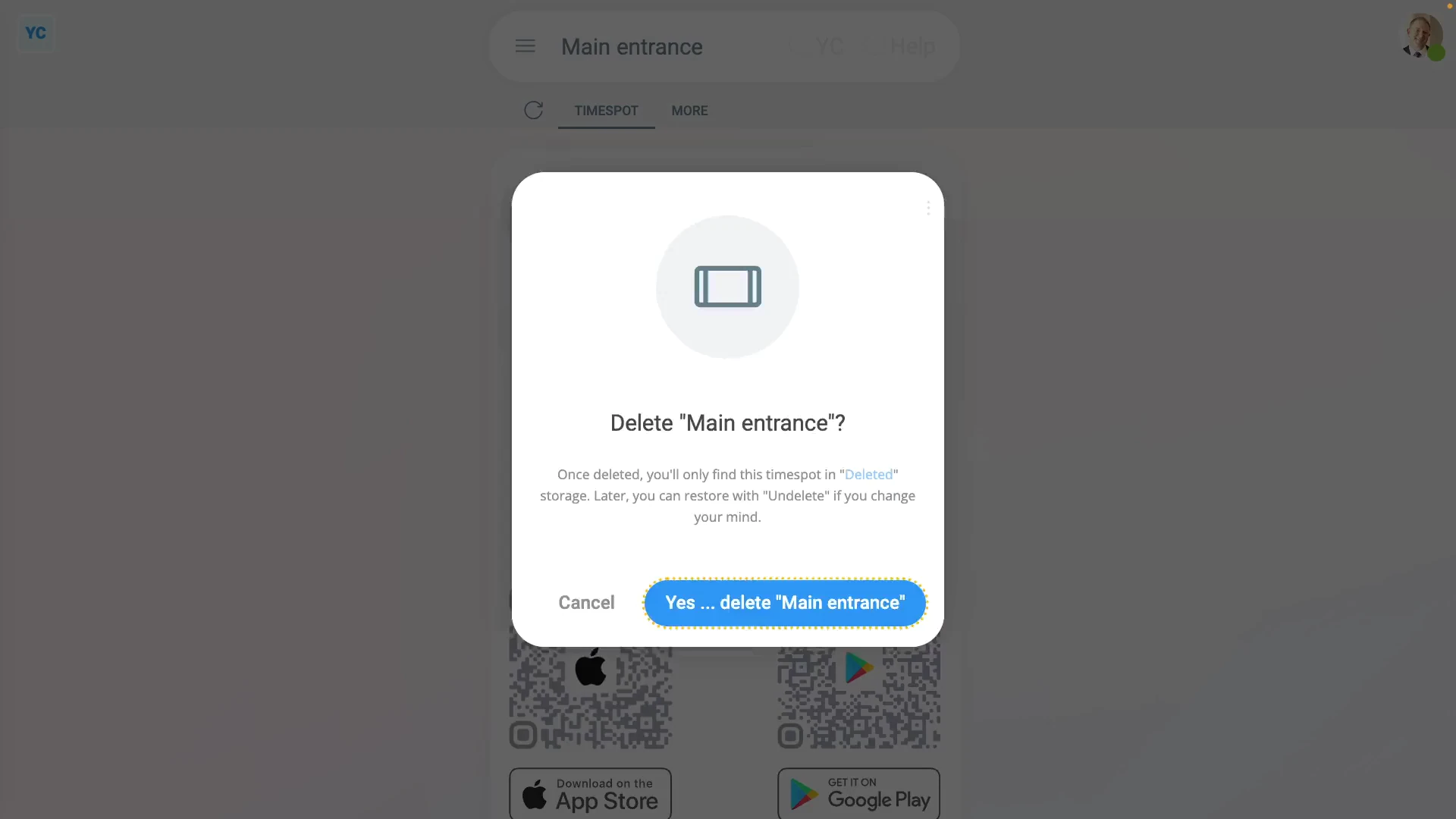
To delete a TimeSpot:
- First, go to the TimeSpot's location, and select the TimeSpot on: "More", then "TimeSpots"
- Once it slides out on the right, to open it in a new tab, tap the three dots: (in the top-right corner)
- Then tap: Open in new tab
- Next, tap: More
- Then: Delete
- Then: Yes ... delete
- Now, the TimeSpot's deleted.
- The deleted TimeSpot's also locked, so it can't be changed anymore.
- Also, next time anyone tries to clock-in a timesheet time through the deleted TimeSpot, the clock-in won't be saved.
- And finally, if you change your mind and want the TimeSpot back again, tap Un-delete, and it's immediately un-deleted.
If it's been a while since you deleted a TimeSpot, and you want to un-delete it, you'll first need to find it in the: "deleted bin"
To un-delete a TimeSpot from your "deleted bin":
- First, tap: "Menu", then "Deleted bin"
- Next, you'll see a category for most of the kinds of items that can be deleted. Tap: TimeSpots
- And then tap the TimeSpot you'd like to un-delete.
- Next, tap: Un-delete (at the bottom)
- And finally, the previously deleted TimeSpot is immediately un-deleted.

Keep in mind that:
- Only people who've got "Full org admin" permissions can delete or un-delete TimeSpots.
- And remember that all deletes and un-deletes are always permanently recorded in: "History"
- That means any admin can always look back in time, and see who did any delete, and when the delete was done.
If a feature's not showing:
- If the location or TimeSpot features aren't showing, it means your org hasn't turned on the timesheets feature yet.
- To turn on the timesheets feature, watch the video on: Turning on timesheets
 Turning on timesheets
And that's it! That's everything you need to know about deleting or un-deleting a TimeSpot!
How do I add people from different locations to a single TimeSpotHow do I restrict some people to only clock-in through a TimeSpot
www.1st.money/uk/help/TimeSpot/How_do_I_delete_or_un-delete_a_TimeSpot