How do I send you transaction receipts?
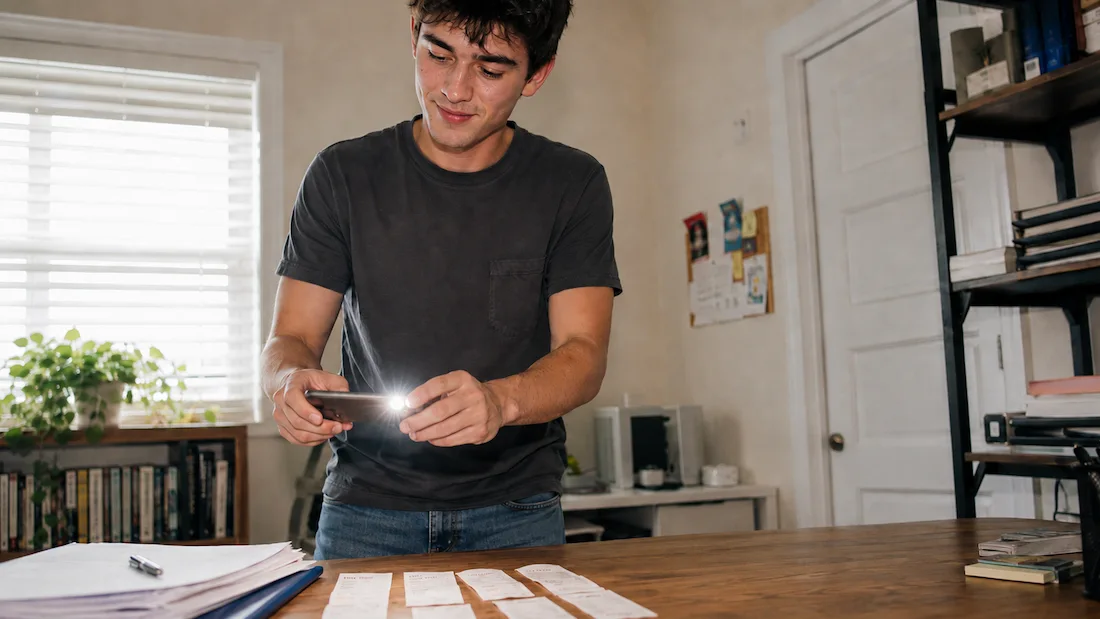
Once you've signed up, we'll issue you a dedicated email to forward your receipts to that'll look something like:
"receipts.apexplumbing.56901@1st.money"
Assuming your business name was: "Apex Plumbing"
We generate it when you sign up.
Forward any receipt or photo to that email and you're done.
Matching: We'll read the details from each email, and pass them to your dedicated bookkeeper, who'll match each one to the right transaction. You don't sort, label, or rename anything.
Secure: Your address is unique to you and isn't guessable from your company name. We only accept emails from the addresses you register, which keeps other people's documents out of your books.
Updated: Thu, 17 Sep 2026.How do I contact you, and what hours are you availableHow do I switch to your bookkeeping, and how long does onboarding take
www.1st.money/uk/help/Bookkeeping/How_do_I_send_you_transaction_receipts