How do I change my language setting in 1st Money?

 1:22
1:22
"How do I change my language setting in 1st Money?"
When you first log in, the default language option is set to: "Same as device"
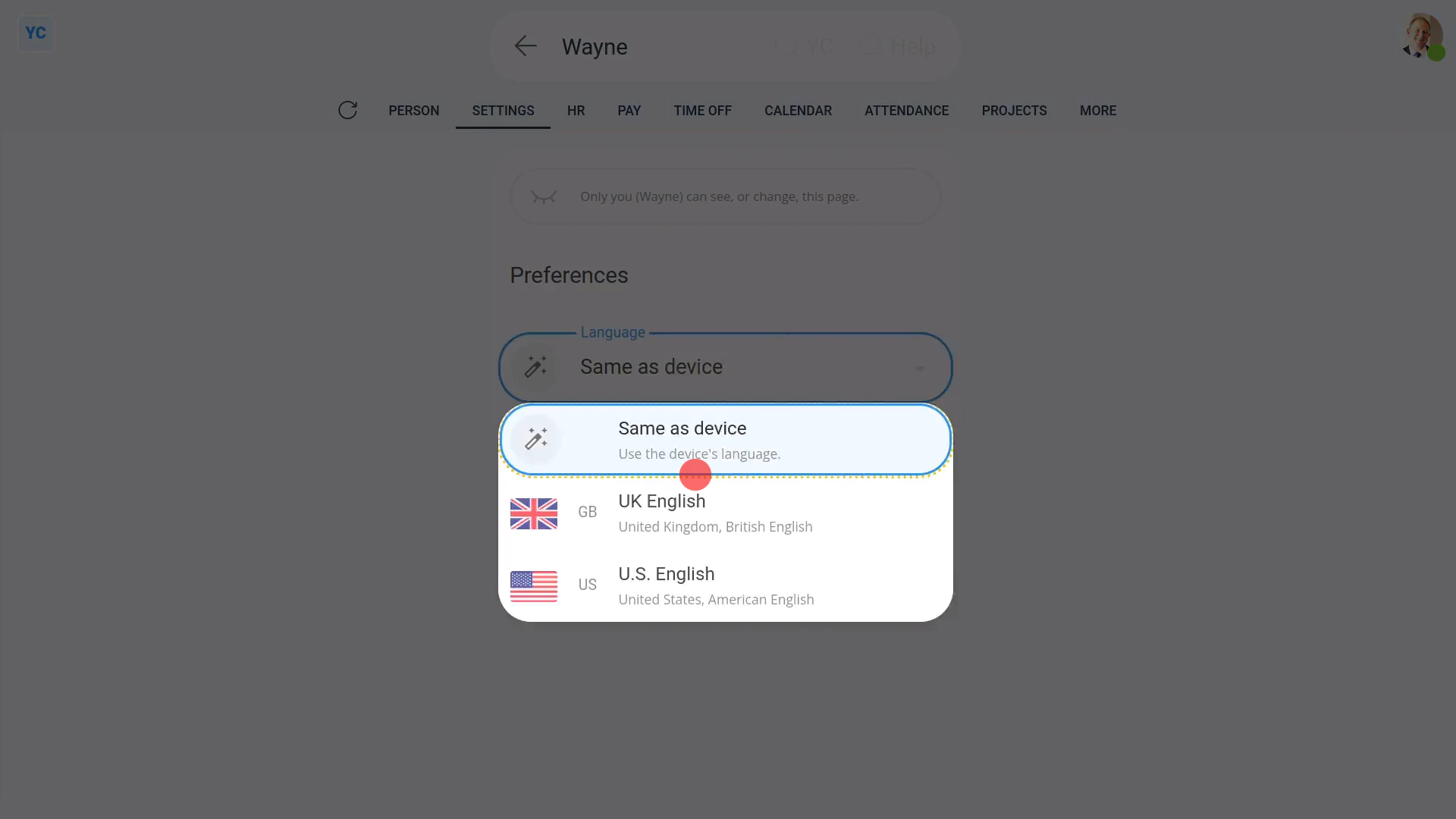
To change your language setting:
- First, open yourself on: "Menu", then "Me"
- Then tap: "More", then "Language"
- Then select a language.
- Then tap: Save
- And finally, once everything's automatically reloaded, it now all shows in your newly selected language.

Keep in mind that:
- There's also a shortcut to change your language near the bottom of the menu.
- And remember, changing your language setting doesn't affect your payroll in any way.
- A UK payroll group would still show in British Pounds, even when you, or any other person, sets their language to: "U.S. English"
You may notice:
- If you select "U.S. English", from then on, all dates now show in the American "month then day" date order.
- However, if you select "UK English", all the dates now instead show in the British "day then month" date order, as expected.
And that's it! That's everything you need to know about setting your language!
www.1st.money/uk/help/People/How_do_I_change_my_language_setting_in_1st_Money