How do I change my own email?

 2:40
2:40
"How do I change my own email?"
At any time, you can change your own email, including the email that you log in with. You don't have to be an admin to change your email.
To change your own email:
- First, open yourself on: "Menu", then "Me"
- Then tap: "Settings", then "Person settings"
- Then scroll down to the "Contact details" heading.
- And type in your new email.
- And tap: Save
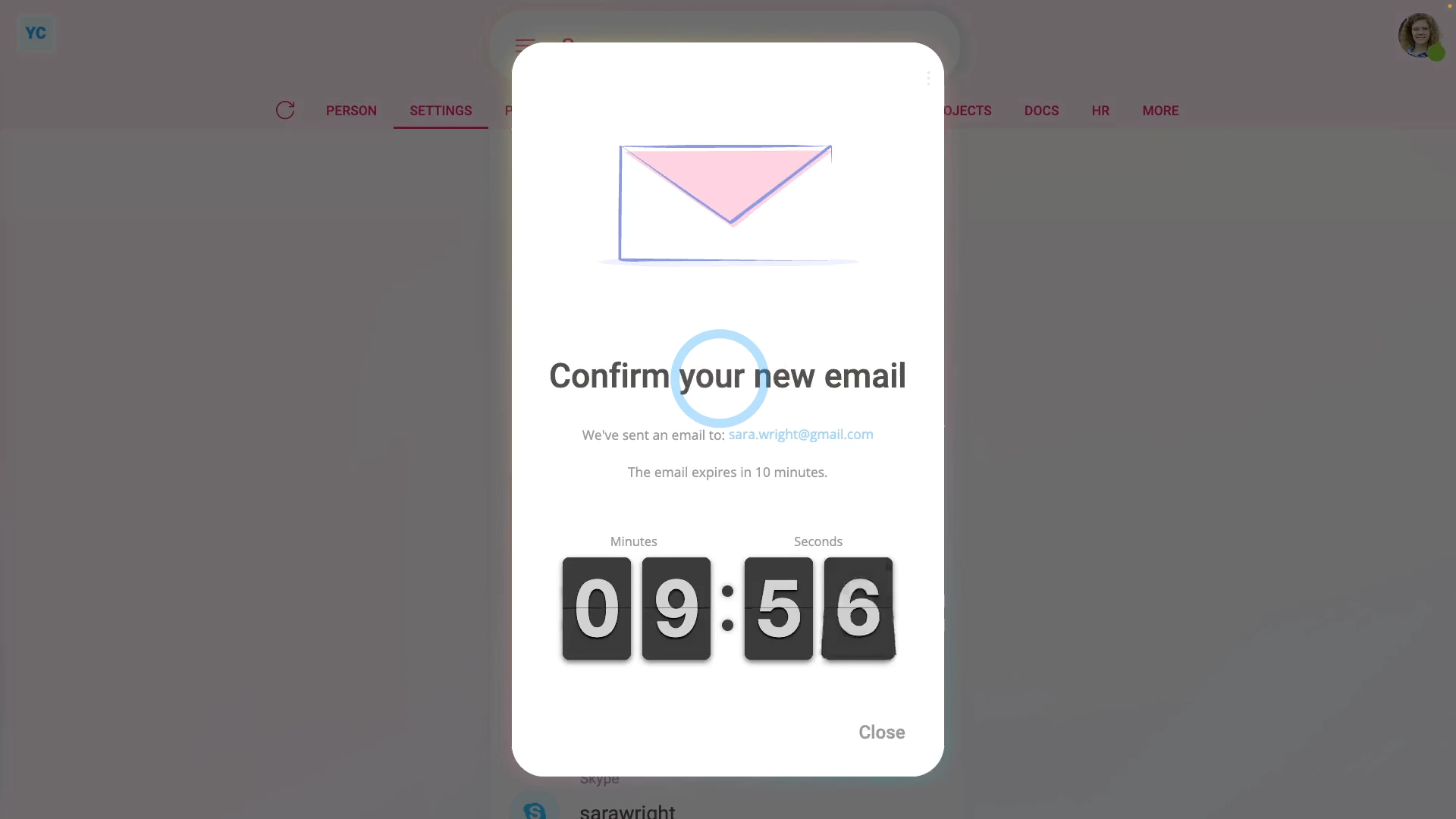
- You'll now see a reminder that you need to go to your new email inbox, and tap the Confirm email change button.
- For your security, the Confirm email change button expires in 10 minutes.
- If you close the message, and then reload the page, tap the "Reload tab" button: (at the top)
- You'll see that your email is back to the old value, as if nothing's changed.
- Again, for your security, your email won't be changed until you tap the Confirm email change button.
- Which also means, in the mean time, until it's confirmed, all your 1st Money emails continue to go to your old email.
- And if you needed to, you could still log in with your old email, as if nothing's changed.
- Now, in your new email inbox, you'll get an email with the Confirm email change button.
- The email also reminds you that the button expires in 10 minutes.
- It shows you what the email's currently set to.
- And what it's changing to.
- And a reminder that if you don't want your email to change, you can ignore the email.
- Then when you're ready, tap: Confirm email change
- And you'll see a confirmation that your email's now successfully changed.
- And finally, now, back in both your old and new email, you'll also get a confirmation that your email's changed.

Keep in mind that:
- Besides yourself, people with "Full org admin" permissions can also request a change to your email.
- But it still requires the owner of the new email inbox to tap the Confirm email change button.
Also remember that:
- If you need to log in to 1st Money, as part of confirming the email change, you'll need to log in with your old email.
- You'll need to log in with your old email because your new email won't yet be recognised as confirmed.
And that's it! That's everything you need to know about changing your own email!
www.1st.money/uk/help/People/How_do_I_change_my_own_email