How do I set my gender and name title?
 1:24
1:24
"How do I set my gender and name title?"
Setting your gender is sometimes required as part of establishing your tax identity.
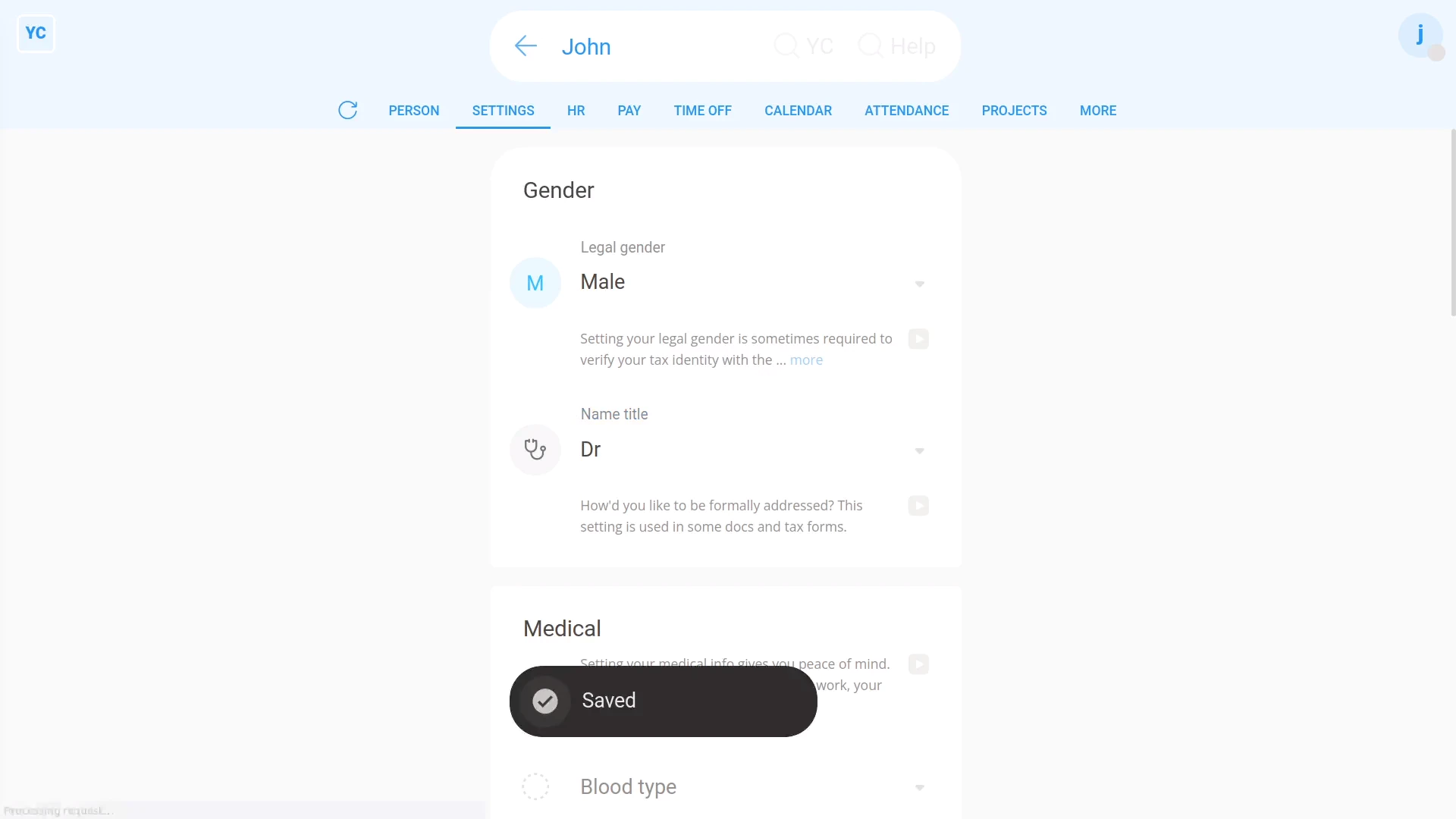
To set your gender and "Name title":
- First, open yourself on: "Menu", then "Me"
- Then tap: "Settings", then "Medical"
- Select your legal gender.
- Next, select your preferred name title.
- And finally, tap: Save

Keep in mind that:
- The "Name title" is requested because it's sometimes used in more formal docs and tax forms.
- Also, once you've selected "Legal gender", the "Name title" is automatically reset to a default.
- So if you've already set it, you'll need to look at "Name title" again, and again set it to the one you prefer.
- In addition, while the "Name title" setting can generally be updated by the person themself, it can also be updated by admins as well.
You may notice:
- In some countries, the tax authority doesn't recognise "Non-binary" gender options.
- When that's the case, while the "Non-binary" option may be disabled, there'll be a note explaining why.
And that's it! That's all you need to do to set your gender and name title!
www.1st.money/uk/help/People/How_do_I_set_my_gender_and_name_title