How do I switch between light and dark themes?
 1:10
1:10
"How do I switch between light and dark themes?"
1st Money supports both light and dark themes, so you can select the theme that you find most comfortable.
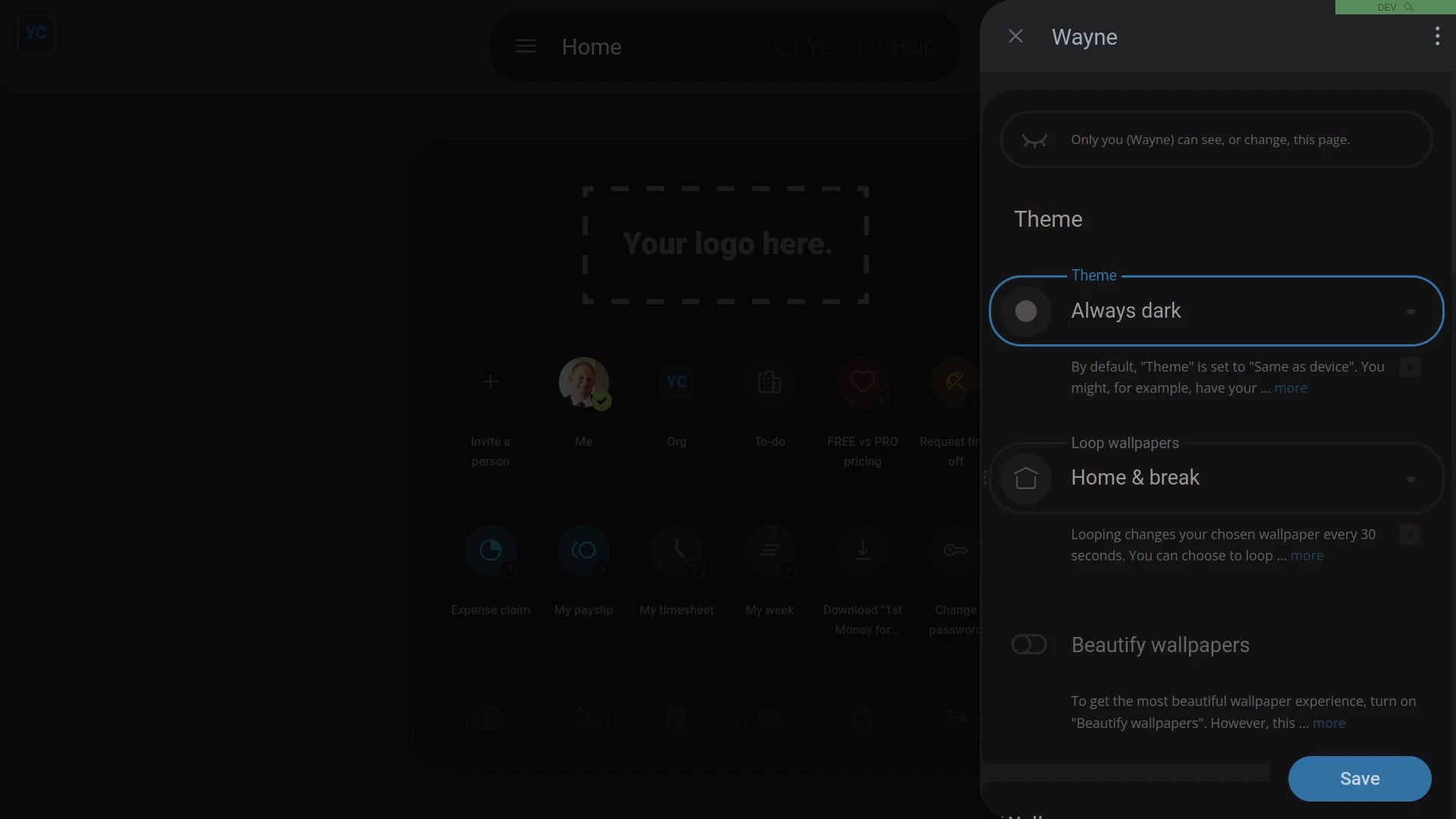
To set your theme:
- First, tap: Me, then tap: "Theme"
- Alternatively, you can instead tap: "Menu", then "Theme"
- Select the theme you want.
- And everything instantly switches to the light or dark theme that you chose.
- If you're happy with the change, tap: Save
- And finally, from now on, on every device, you'll now see 1st Money in your selected theme.

For advanced usage:
- Keeping your theme set to "Same as device" can sometimes be the best choice.
- You could set "Light" theme on your laptop, and "Dark" theme on your smartphone.
- In which case, 1st Money would then follow whatever theme you've set on each device.
And that's it! That's everything you need to know about switching between your light and dark themes!
www.1st.money/uk/help/People/How_do_I_switch_between_light_and_dark_themes