How do things look when a person's got no admin permissions?
 2:54
2:54
"How do things look when a person's got no admin permissions?"
When a person logs into 1st Money, some features may be hidden, depending on permissions.
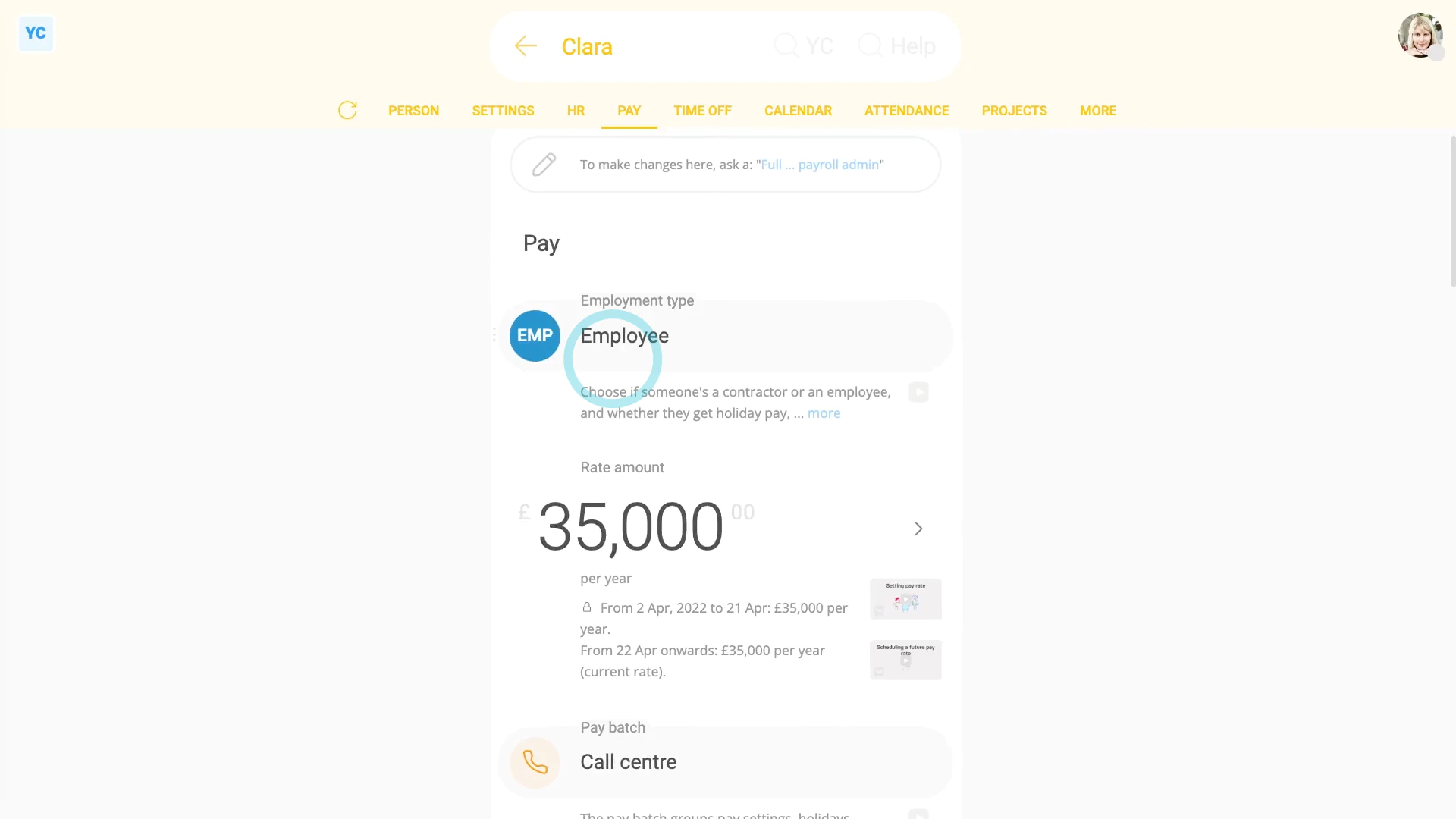
To understand what a typical employee, who doesn't have any admin permissions, can see and do:
- First, a typical employee...
- Can see their own payslip PDFs, at: "Person", "Pay", then "Paid payslips"
- And can submit their own expense claims, at: "Menu", then "Add expense claim"
- And can request time off, at: "Menu", then "Request time off"
- And can see their approved time-off, at: "Person", "Calendar", then "12-month calendar"
- And can see their upcoming shift times, at: "Work-time menu" (top-right)
- And can clock-in their own timesheet time, at: "Work-time menu", then "Start"
- And can update their contact details, at: "Person", "Settings", then "Person settings"
- And can update their home address, at: "Person", "Settings", then "Personal"
- And can see their pay settings (but can't change them), at: "Person", "Pay", then "Pay settings"
- And can see their tax settings (but can't change them), at: "Person", "Tax", then "Tax settings"
- But can't see other people's contact info (except for people directly managed by them, etc.).
- And can't see any locations or projects (except those that the person's been added to).
- And finally, a typical employee can't see anyone else's pay info (except their own).

For advanced usage:
- A typical employee can install 1st Money on their phone or laptop, at: "Menu"
- And a typical employee can see the "Management" org chart (but it's limited to first names and job titles only), at: "Menu", "Org", "Org charts", then "Management"
Keep in mind that:
- You can set a person's permissions at: "Person", "Settings", then "Permissions"
- And as an org admin, you can always block or delete a person's 1st Money login at any time.
- The person still gets paid, and still gets their payslips by email. But the person can't log in anymore.
To learn more:
- About how to block a person from logging in, watch the video on: Temporarily blocking access
 Temporarily blocking access
And that's it! That's everything you need to know about how things look to a person who's got no admin permissions!
www.1st.money/uk/help/People/How_do_things_look_when_a_person's_got_no_admin_permissions