How do I set an email reminder to check back on something later?

 1:13
"How do I set an email reminder to check back on something later?"
Setting up an email reminder is a convenient way to remind you to come back and check on something later.
To turn on an email reminder:
- First, tap: Remind me to check this
- Then pick the date you'd like to be emailed the reminder.
- Then tap: Save
- And now, the email reminder's all set up.
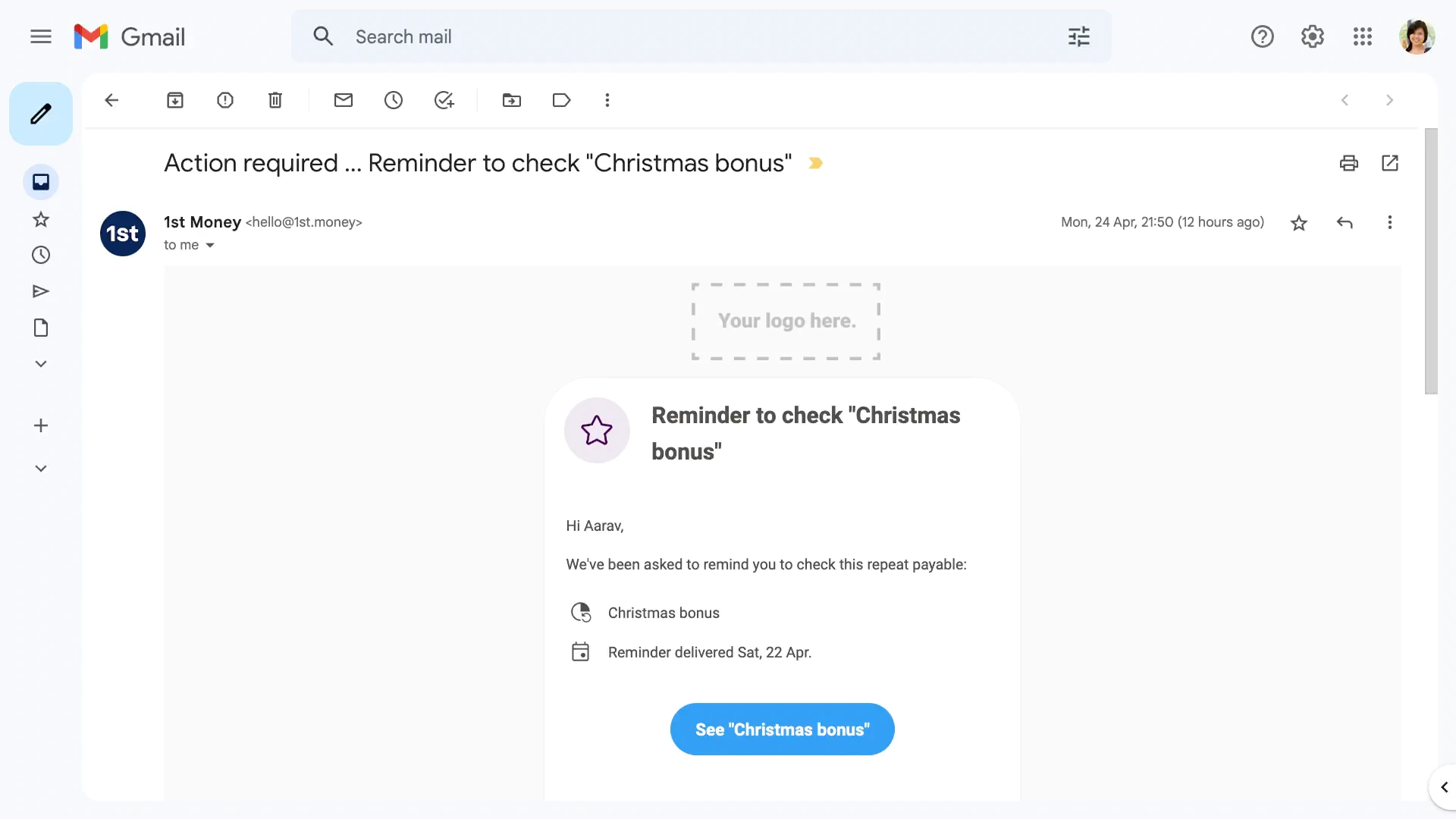
- Later, on the date that you chose, you'll be emailed a reminder.
- Open the reminder email, and tap the button.
- And finally, you'll be taken right back to the field that you asked to be reminded about.

You may notice:
- Once you return back, that the reminder's now been automatically turned off. It's turned off because the reminder's already been sent.
- Once set, reminders are only ever sent once, and always sent to the email of the person who turned it on.
- If you need another reminder, you can always turn on the reminder again.
And that's it! That's all you need to do to set up an email reminder!
www.1st.money/help/General/How_do_I_set_an_email_reminder_to_check_back_on_something_later